18 How to adjust your monitor
Hot key mode
The monitor keys perform as hotkeys to provide direct access to particular functions whenever the
menu isn't currently displaying on-screen.
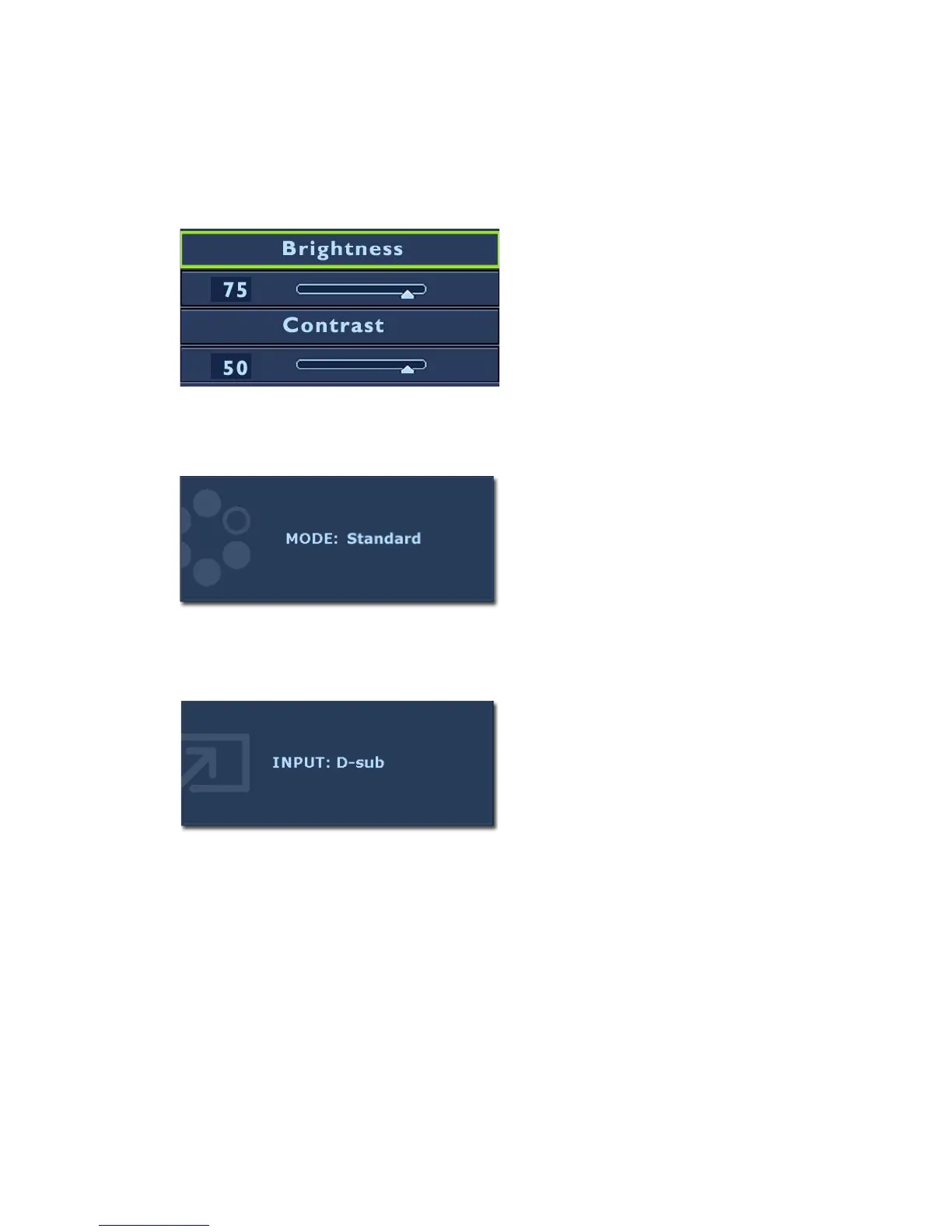
Brightness and Contrast hot keys
Mode hot key
Input hot key
Press the t key to display the Brightness
and Contrast indicators. Further press the
the t or u keys, then the ENTER key to
select Brightness or Contrast. The t key
will increase the level, while the u key will
decrease the level.
To exit, press the MENU key.
Press the
ukey continually to switch
between the 6 modes for the main window,
including Standard, Movie, Dynamics,
Photo, Action Game, and Racing Game. The
setting will take effect immediately.
See also
Picture Mode on page 24.
Press the ENTER key to toggle between
different PC video signal inputs that may be
connected to your monitor.
The setting will take effect immediately.
See also Input on page 26.



 To Next Page