32 How to adjust your monitor
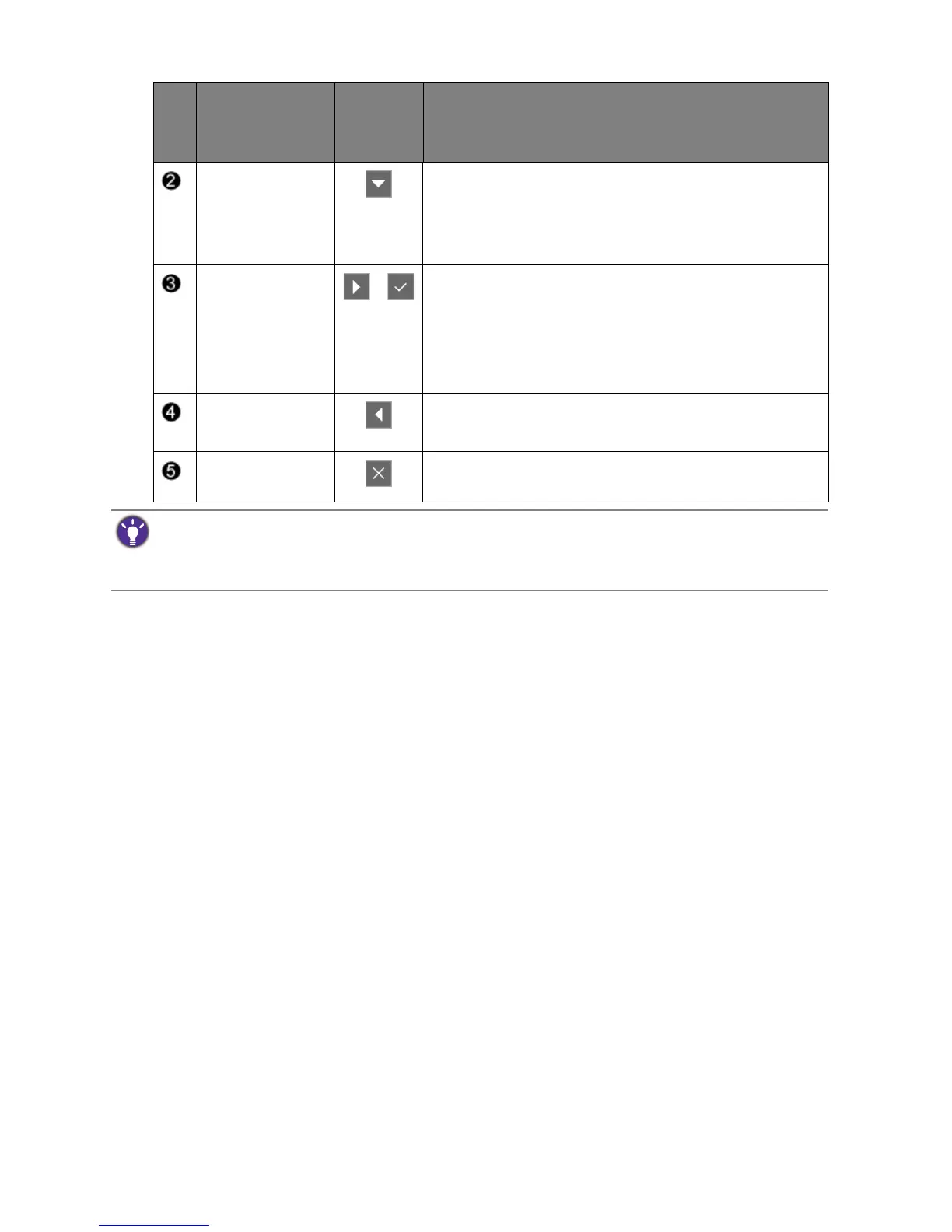
Custom Key 2 • By default, the key is the hot key for Picture Mode.
To change the default settings, see Customizing the
hot keys on page 35.
• For Down/Decrease adjustment.
Custom Key 3
/
• By default, the key is the hot key for Display Mode.
To change the default settings, see Customizing the
hot keys on page 35.
• Enters sub menus.
• Selects menu items.
Menu • Activates the main menu.
• Returns to the previous menu.
Exit Exits OSD menu.
No.
OSD in hot key
menu
OSD icon
in main
menu
Function
• OSD = On Screen Display.
The hot keys only operate while the main menu is not currently displaying. Hot key displays will disappear after
a few seconds of no key activity.
• To unlock the OSD controls, press and hold any key for 10 seconds.



 To Next Page
 Loading...