BV200 Plasma Viscometer Mk2/3 Customer User
Manual
Issue 9
th
Sep 2020 - Rev 1.8 Page 21 of 53
If the second check is not validated the viscometer will either STOP or automatically 9.
RECALIBRATE, depending on the choice of configuration. The „STOP‟ (manual
calibration) option is recommended, since it allows the operator to investigate and carry
out possible local maintenance if required. To carry out a manual calibration insert the
following charged calibration tubes in the next available carriages:-
Red carriage for HIGH CALIBRATOR with cap OFF
Blue carriage for LOW CALIBRATOR with cap OFF
Green carriage for CHECK CALIBRATOR with cap OFF (Check cap off for
calibration only).
To initiate a manual calibration press „manual calibration‟ in the „maintenance menu‟
After testing the liquid, sample tubes should be removed from the conveyor. 10.
Remove any „empty‟ HIGH, LOW, and CHECK tubes. These can be identified by 11.
looking at the schematic display showing the distribution of all tubes that have been
tested. Empty tubes will have their symbol (e.g. C) flashing. In the barcode column on
the screen there is a number showing the number of dips taken from each calibration
tube (12 dips per tube for CHECK and 6 dips per tube for HIGH and LOW).
Reposition the CHECK tubes (12 dips per tube) to green holders on the left of the tube 12.
conveyor as the viscometer is loaded with patient samples.
Insert an empty HIGH tube in the red holder. This will update the viscometer tube 13.
location software as to the position of the red holder no 199 in the stage. The
viscometer can count and record the tube carrier numbers as the conveyor advances.
On completion of work select a „closedown clean‟ or insert a „stop flag‟. This will initiate 14.
a closedown clean which will drain the wash water from the valves and the fluid system.
5.3. To print a results report
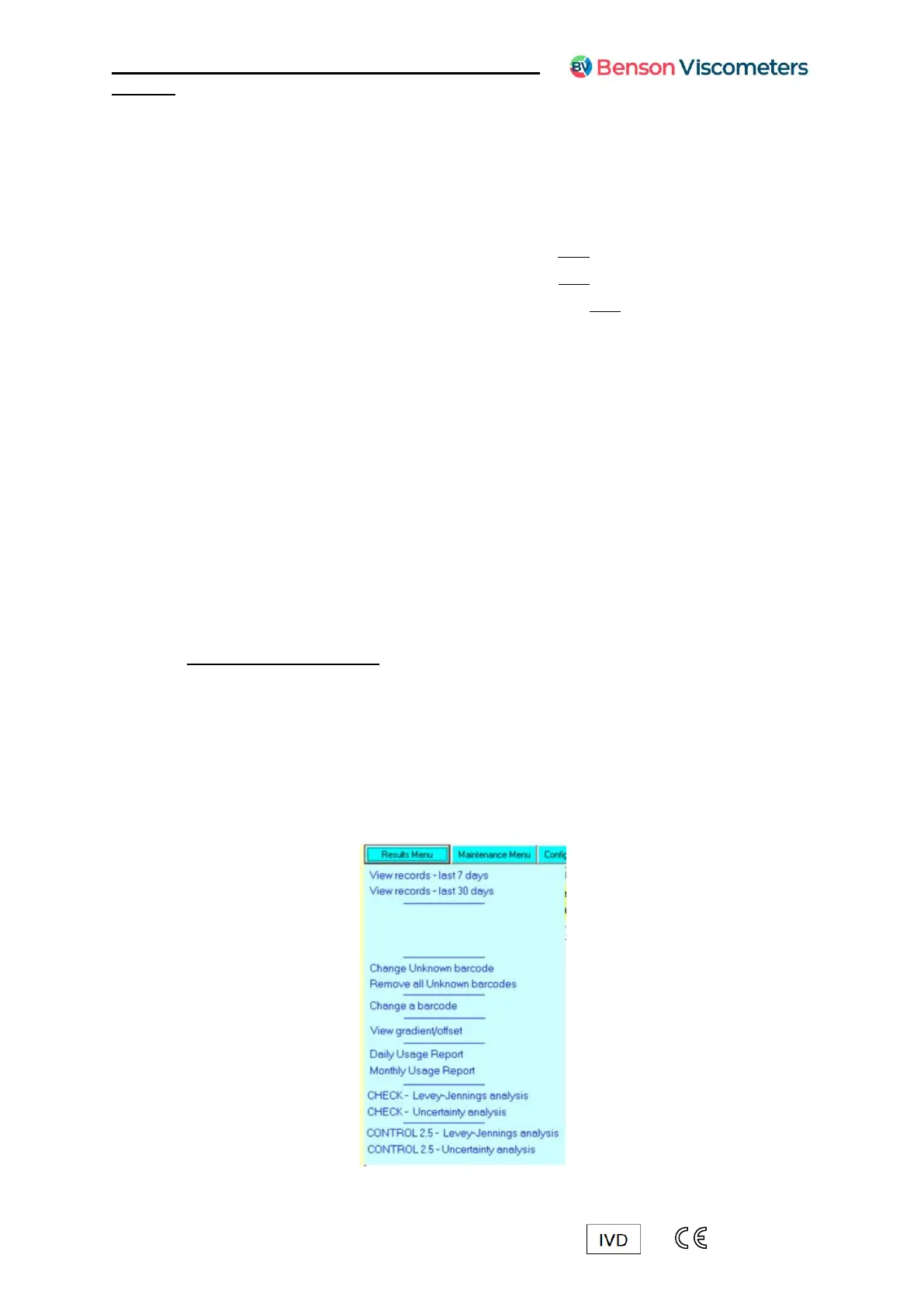
There are a number of reports available within the software such as; 1.
Results reports
Useage reports
Levey-Jennings analysis of CHECKS/CONTROLS
Uncertainty analysis of CHECKS/CONTROLS
These are found in the results menu of the software 2.



 To Next Page