10
operating instructions TC75
(A)
www.superwise.eu
SuperWise App by bentrup
Holen Sie sich mit der SuperWise App den Ofen auf
Ihr Smartphone und überwachen Sie den Brennvorgang
von überall! SuperWise gibt Ihnen vollen Einblick – per
App, mit dem Tablet oder dem PC. Während die App die
wichtigsten Funktionen übersichtlich präsentiert, können
über den Browser auf alle Details zugegriffen werden
– essentiell z. B. für Service und Wartung. E-Mail- oder
WhatsApp-Benachrichtigungen sind ebenso möglich, wie
ein Programmstopp aus der Ferne.
Und so funktioniert es:
1. Verbinden Sie Ihren TC75 per WiFi mit dem Internet:
a.) Falls Ihr Router WPS unterstützt (z. B. Fritzbox),
schalten Sie die TC75 bei gedrückter Programmtas-
te [P] ein. Zuerst werden technische Informationen
angezeigt, Sie können die Programmtaste loslassen.
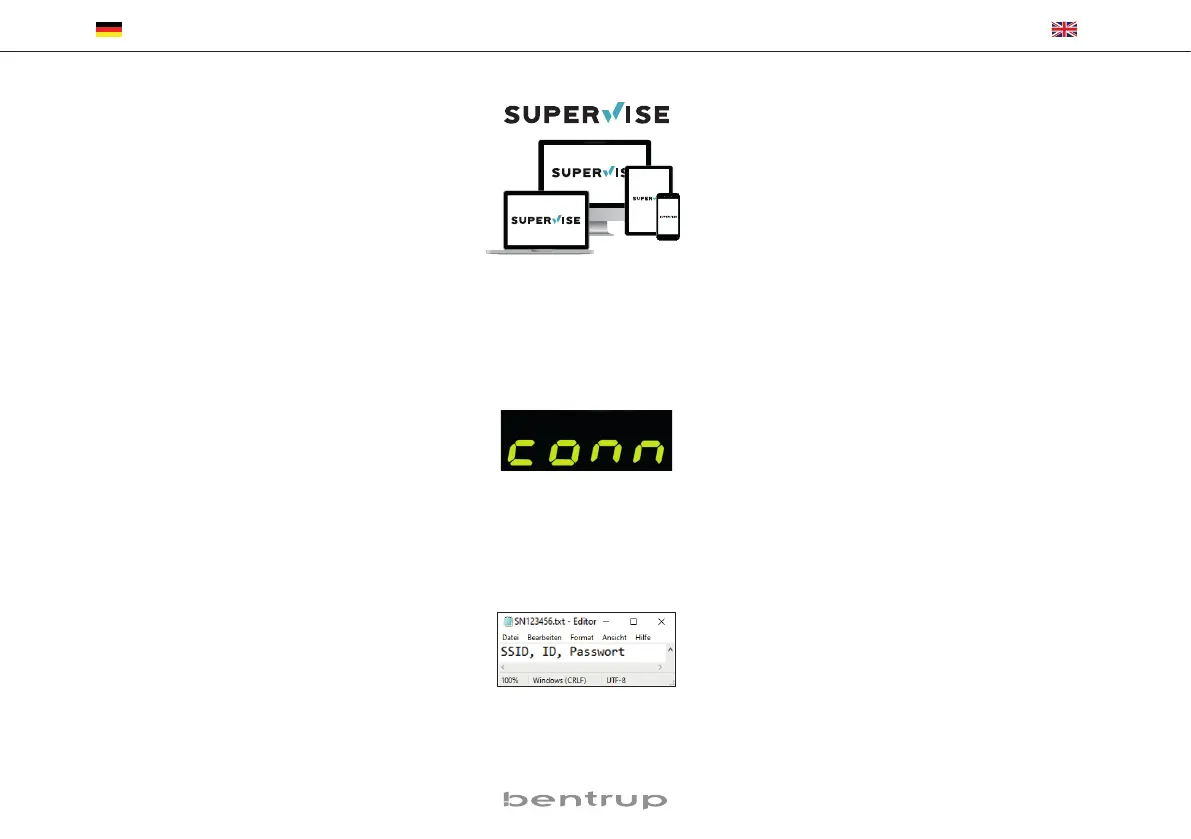
Schließlich blinkt der TC75 „conn“, drücken Sie dann
die WPS-Taste an Ihrem Router/WAP. Bei erfolgreicher
Verbindung erlischt „conn“.
b.) Falls ihr Router kein WPS unterstützt, erstellen Sie
auf Ihrem Computer eine Textdatei mit dem Namen
„SNxxxxxx.txt“, wobei xxxxxx die Seriennummer
des Reglers ist (siehe Typenschild auf der Rückseite).
Die Textdatei selbst enthält
den Netzwerknamen (SSID)
und Ihr Passwort getrennt durch ein Komma (Bild A):
• für WPA / WPA2: SSID, Passwort
• für WPA Enterprise: SSID, ID, Passwort
SuperWise App by bentrup
Get the kiln on your smartphone with SuperWise App
and monitor the firing process from anywhere! Super-
Wise provides full access via app, tablet or PC. While the
App presents all essential details in a compact manner
SuperWise Desktop allows in depth view including even
maintenance parameters bringing customer support on
a new level. Setup E-mail or WhatsApp notification and
even terminate the firing process from remote.
And this is how it works:
1. Connect your TC75 to the internet via WiFi:
a.) If your router supports WPS (e.g. Fritzbox), switch
on the TC75 while holding down the programme key
[P]. First, technical information is displayed, you can
release the programme key. Finally, the TC75 flashes
„conn“, then press the WPS button on your router/
WAP. If the connection is successful, „conn“ vanis-
hes.
b.) If your router does not support WPS, create a text
file on your computer „SNxxxxxx.txt“, where xxxxxx
is the serial number of the controller (see the type
label on the back). The text file itself contains the
network name (SSID) and your password separated
by a comma (picture A):
• for WPA / WPA2: SSID, password
• for WPA Enterprise: SSID, ID, password



 To Next Page
 Loading...