> Tuning in
12
Video tape recorder and TV stations
When you store the TV stations on
program numbers in your BeoVision
Avant, their program numbers are also
automatically stored in the video tape
recorder.
The TV program numbers in the video
tape recorder are used, for example,
for recording.
Under very special circumstances you
may find it necessary to enter special
information for such a TV program
number with a view to recording. E.g.
information regarding a particular
colour system, which tuner to use for a
recording, etc… Such information must
be entered into the special V.Tape
tuning menu as described on these
pages.
Each item in the V.Tape tuning menu is
described in detail on the following
page…
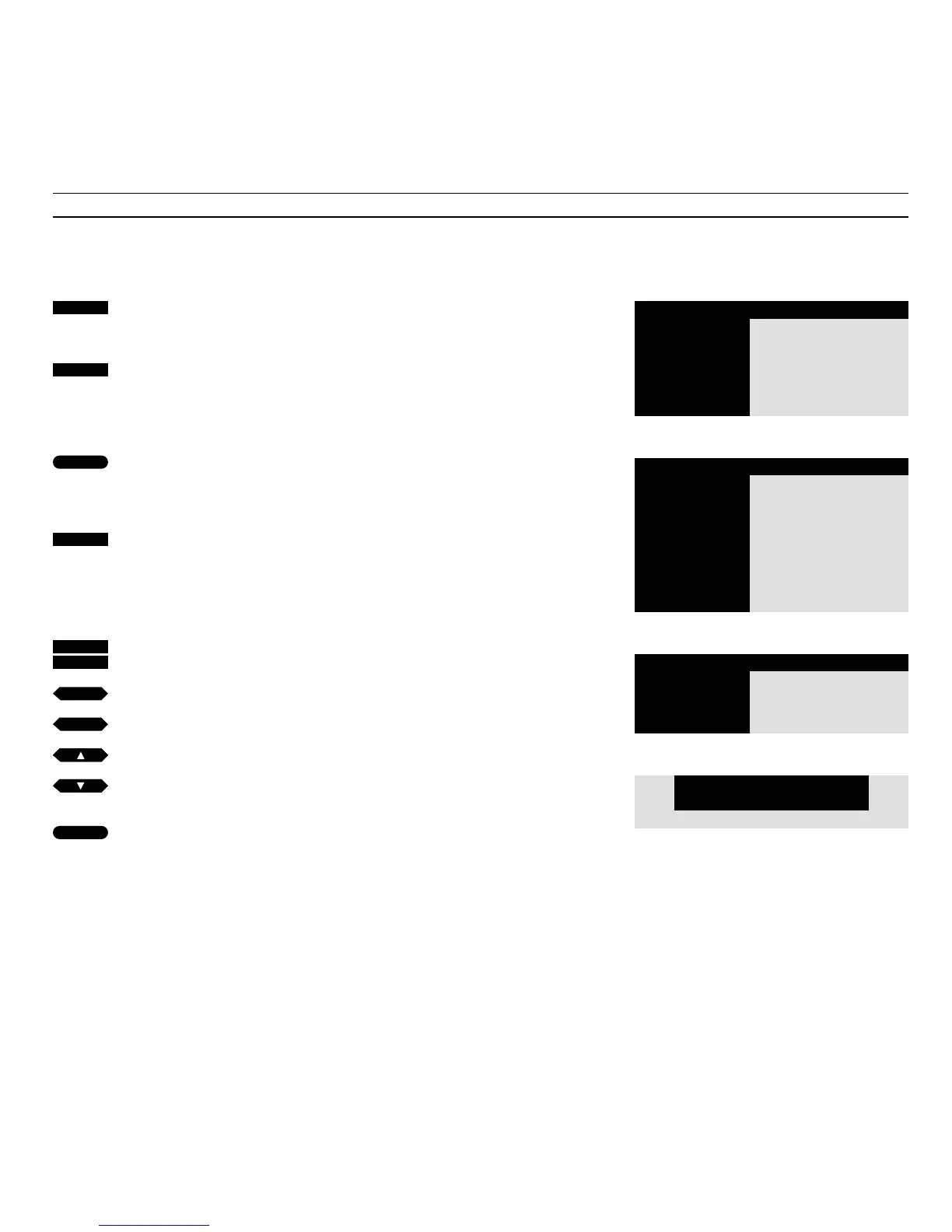
Press to call up the main menu
The main menu appears…
Press to call up the Setup menu, if
Sat is available Setup will be item 5
instead
The Setup menu appears…
Press to select the first item, Tuning
The Tuning access menu
appears...
Press to select V.Tape, if Sat is
available V.Tape will be item 3
instead
The V.Tape tuning menu
appears...
Key in the TV program number you
want, for example program 12
Press to move the cursor to the other
items in the menu
Press to fine tune as required; or to
reveal other options for the items in
the menu
Press to store the information you
entered
MENU
4
2
1
2
or
then
tt
ss
or
then
then
GO
GO
Menu
1 Timer record
2 Timer play
3 TV list
4 Setup
Tuning
1 TV
2 V.Tape
Setup
1 Tuning
2 Sound
3 Picture
4 Stand
5 Source
6 Menu
7 Clock
8 V.Tape
The V.Tape tuning menu
Pr Fine Source Colour Sys
12 +2 V.Tape tuner AUTO
Main menu
The Setup menu
The Tuning access menu



 To Next Page