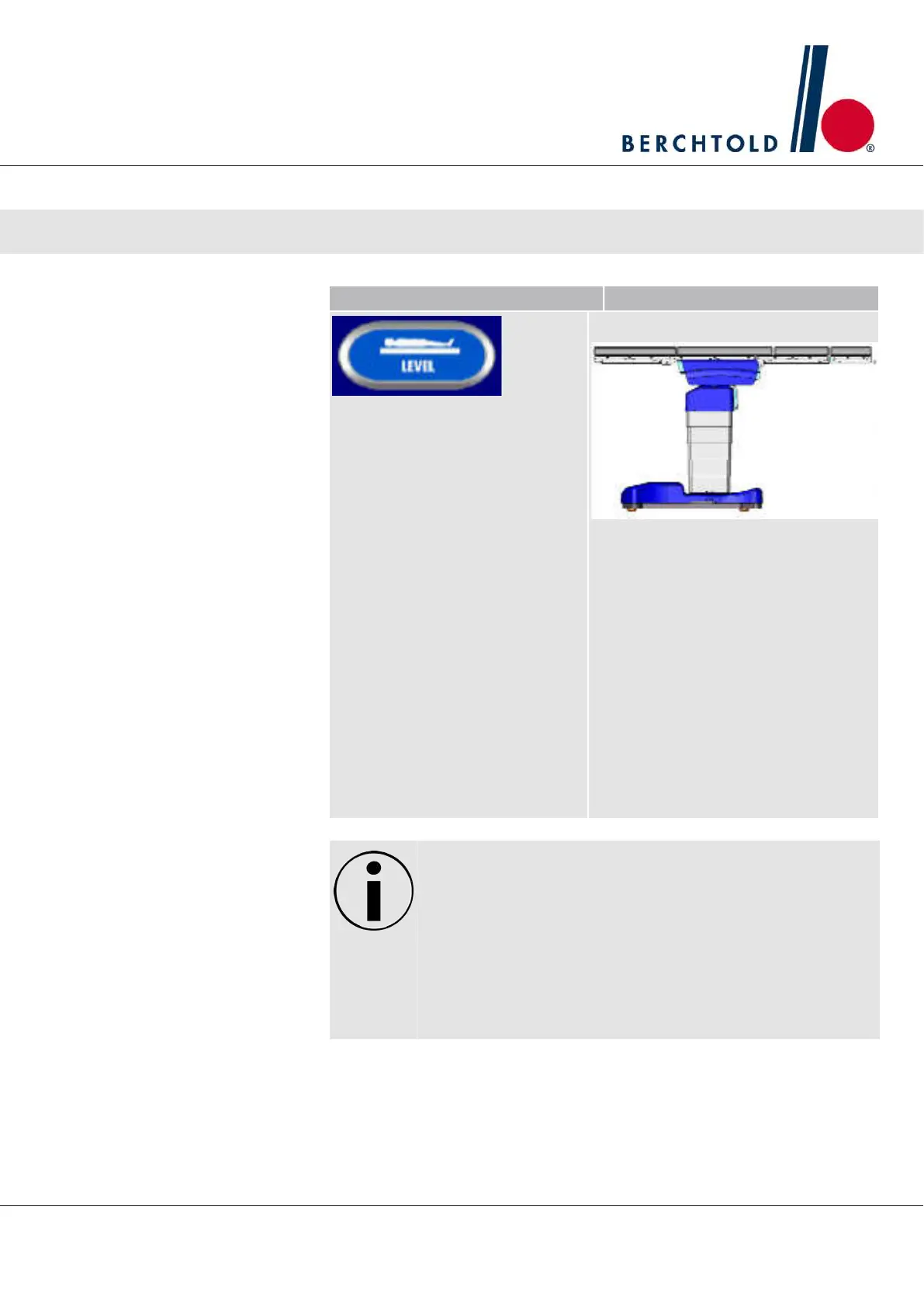
Button Result
NOTE: Tables with software ver-
sions prior to 8.040 do not center
the slide when pressing level.
(see page 6)
. The LEVEL function returns all sec-
tions of the OPERON® Table to the
zero point position by adjusting the
seat section, leg sections, kidney ele-
vator (optional), back section and
slide.
If present and extended, the Kidney
Elevator will retract first. Tilt is brought
to horizontal next. The seat section
(Trend), leg sections, and back sec-
tions are then returned to their zero
positions in preset, 10° increments. Fi-
nally, the slide is centered over the
table’s column.
NOTICE
BEFORE leveling the OPERON® Table, ensure that there is suffi‐
cient clearing at the head and foot sections, allowing it to return to
its center point. Pay special attention to wires or tubes connected
to the patient as well as any other surgical equipment located in
close proximity to the table.
1. Press and hold LEVEL to return the OPERON® Table to the starting po-
sition. The process is complete once the slide has reached center po-
sition and stopped..
Operator Manual Surgical Mobile Operating Table Models D860, D850, D 830, D820, D770, D760
Operation
43








 To Next Page