HYDRONIC UNIT
15
being restored. Once the default val-
ues have been successfully restored,
the factory values will be reset.
Modifying periods
Once you have set the temperature val-
ues for home ( ), away ( ) and night (
), you can program the period during
the day in which you want these par-
ticular temperature values.
The thermostat has up to six time in-
tervals referred to as periods. They are
identified on the display as P1, P2, P3,
P4, P5 and P6.
The thermostat has six default periods
(see below) which can be changed to
adapt to your particular lifestyle.
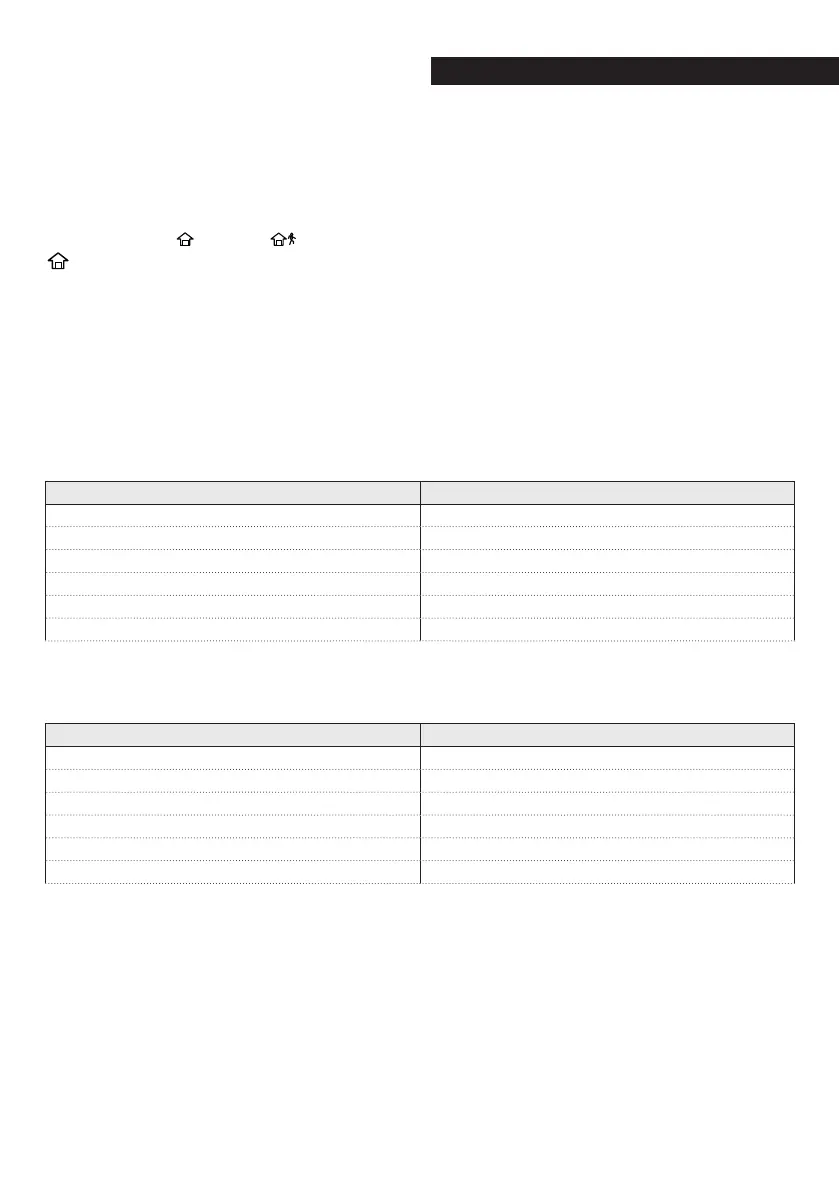
Period Default-start time
P1 6:00 AM
P2 8:00 AM
P3 17:00 PM
P4 22:00 PM
P5 23:00 PM
P6 00:00 AM
Please note your periods below and re-
fer to them when making changes to
the thermostat.
Period Default-start time
P1
P2
P3
P4
P5
P6



 To Next Page