32
33
ENEN
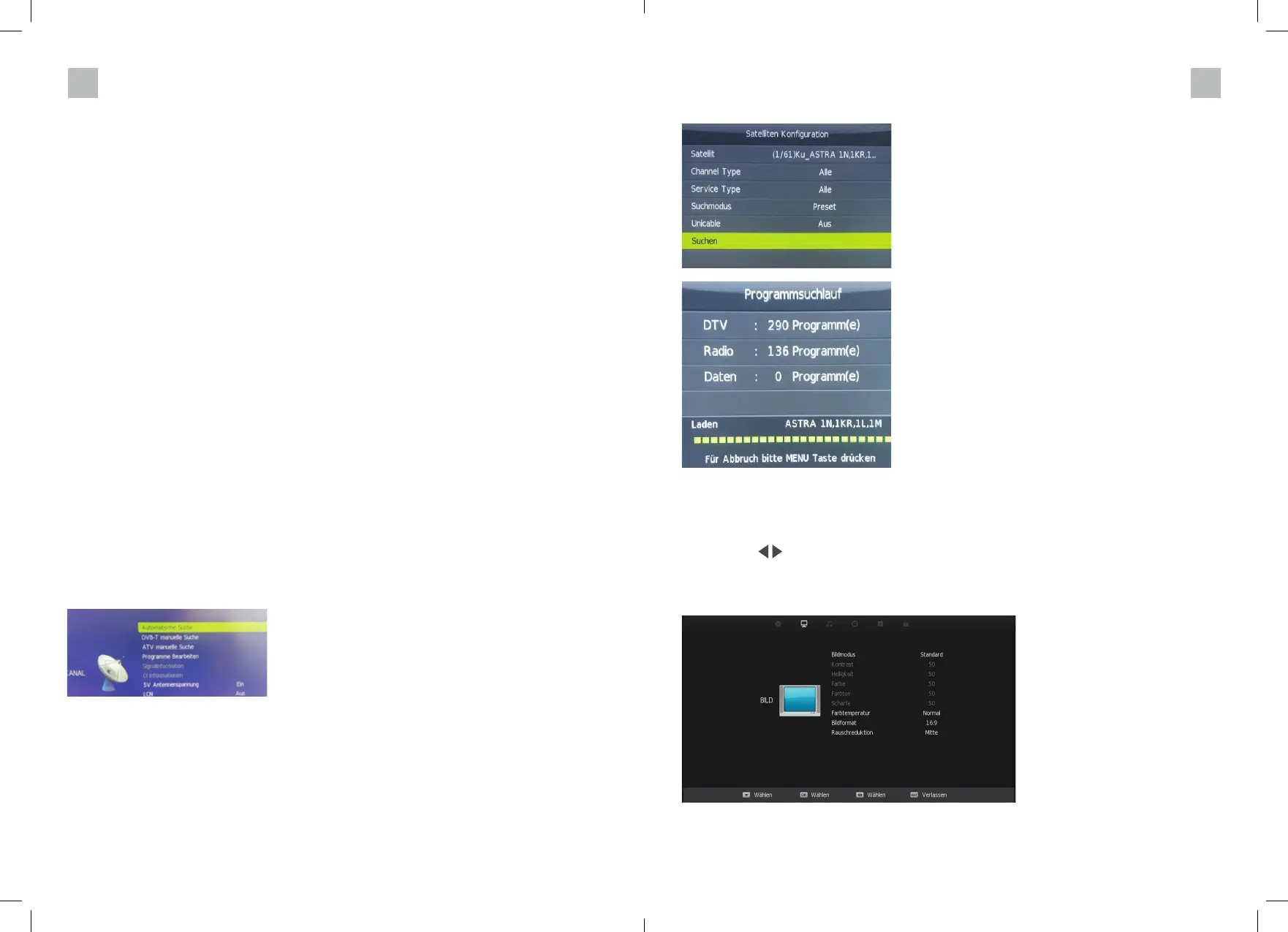
Confi rm with Enter and select the line „Search“ in the following picture and confi rm.
PICTURE MENU
Press the MENU key to display the main menu.
Then use the arrow keys to select „Picture“ in the main menu.
You can choose from four different picture modes. Please note that only the „Personal“ mode
can be changed.
Selecting the input source
Press the Source key on the TV or your remote control, select the desired input source and con-
fi rm with „Enter“.
AUTOMATIC STATION SEARCH WITH INITIAL INSTALLATION
In the „Options“ menu, select the line Initial installation and confi rm with Enter.
Confi rm this menu again with Enter.



 To Next Page