34
35
ENEN
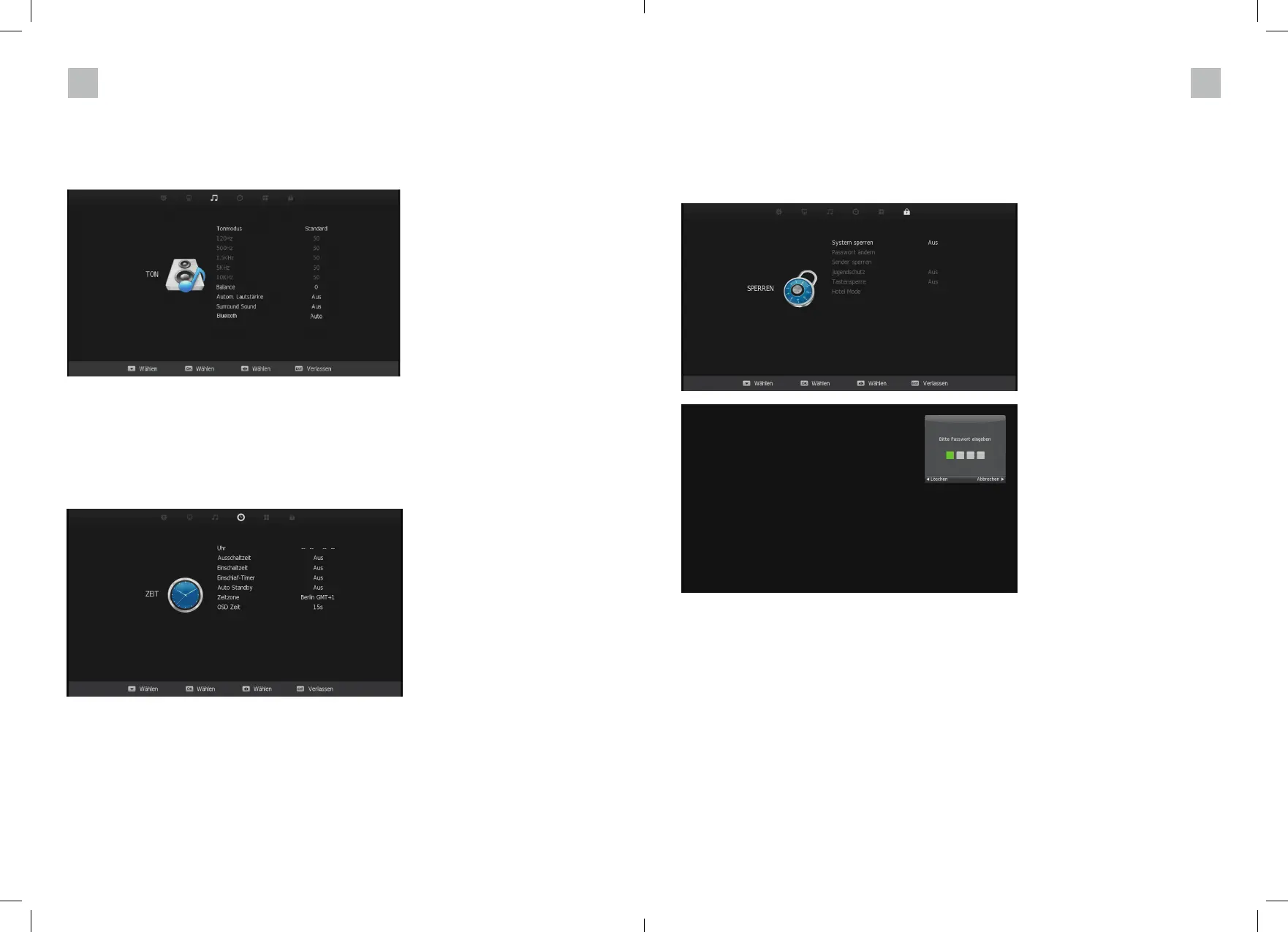
PROTECTION MENU
In this menu you can activate the protection for minors. After selecting the menu with the down
arrow key, you will be asked for the factory-set password. Enter the default password: 0000.
To change this, select the menu item Set password. Now you can enter a new password (use
numeric keypad) and confi rm it in the 2nd line.
SOUND MENU
You can choose from fi ve different sound modes here. Please note that only the „Personal“
mode can be changed.
You can also activate or deactivate the Bluetooth function here.
TIME MENU
The TIME submenu displays the following menu items: CLOCK, TIME ZONE, POWER ON and
OSD TIMER.
Here you can set the automatic switch-off and switch-on time. You can also set the sleep timer
and the display duration of the OSD menu.



 To Next Page