GB
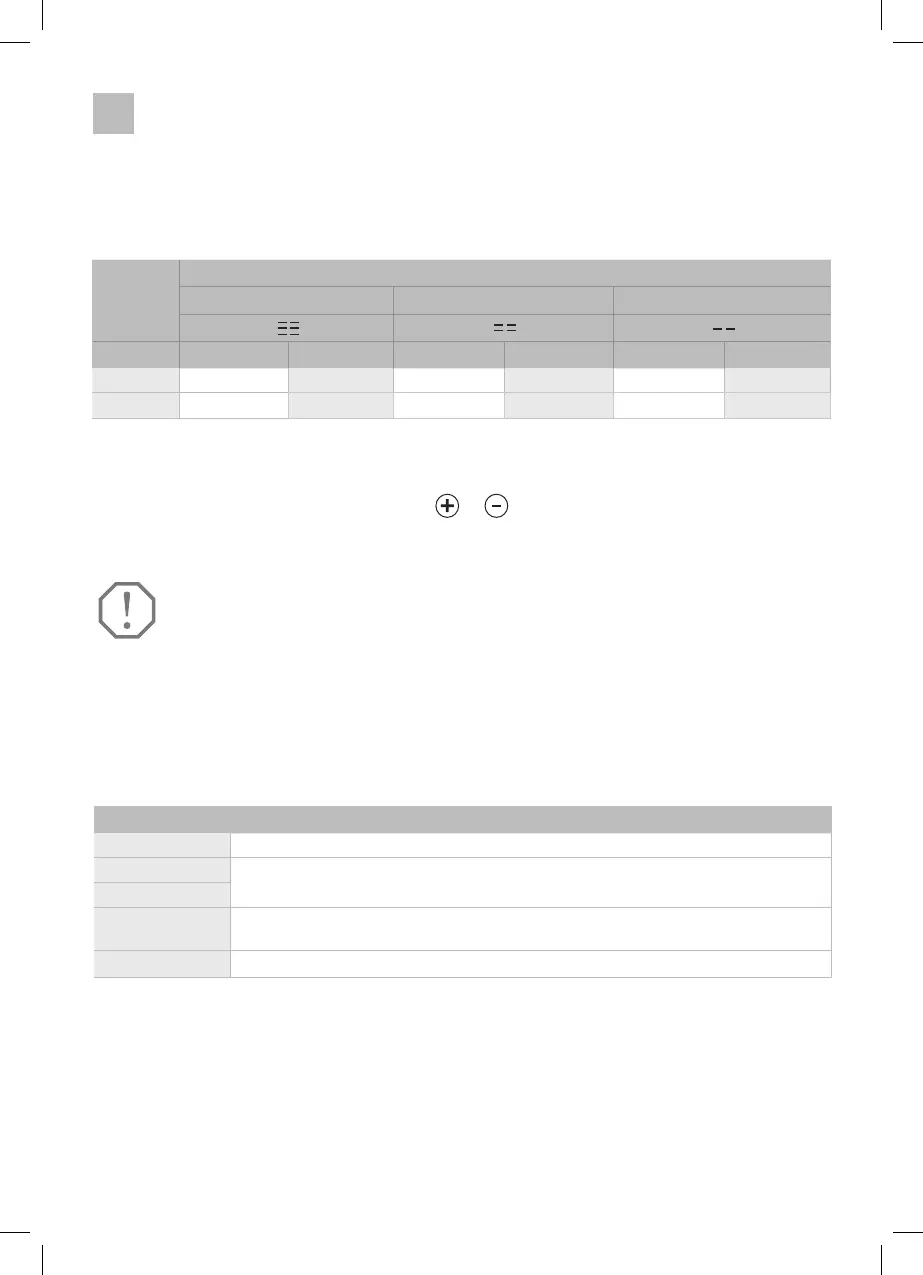
Switch on Switch off Switch on Switch off Switch on Switch off
12 V 12,4 V 11, 1 V 11,7 V 10,4 V 10,9 V 9,6 V
24 V 25,7 V 24,3 V 24,2 V 22,8 V 22,7 V 21,3 V
Power saving tips:
1� Use in a well ventilated and shaded area�
2� Allow hot food to cool before placing it in the refrigerator�
3� Do not open the lid frequently or leave it open when not in use�
4� Defrost the refrigerator regularly so that it operates at maximum efficiency�
5� Adjust the temperature as needed to achieve maximum efficiency�
high middle
low
Medium level is the default setting
Display
4.2. Switch between °C and °F
• When „C/F“ appears on the display, press
or
(right zone) to switch between C (Celsius)
and F (Fahrenheit)�
IMPORTANT
Each time the partition is removed or replaced, the target temperature is
reset to the default value and must be reset.
5. Removable partition wall
• If the partition wall is removed from the cool box, it functions as a single-zone cool box and
therefore only one temperature setting is available�
Error message discription
E1 Please check the battery protection and set it to the lowest level if necessary�
E2
E3
E4 The cool box cannot reach the selected target temperature�
Please see E2/E3�
E5 The model is overloaded/overheated
If there is an error in the refrigerator, the following error codes are displayed:
The appliance may have overheated� Place the appliance in the shade
and allow the cool box to cool down�
26



 To Next Page