Mastering
Your
BERNINA
®
BERNINA
®
Embroidery Module/Machine
MASTERING YOUR BERNINA
®
EMBROIDERY MODULE/MACHINE 2/06
40
Notes
©2006 BERNINA
®
of America, Inc. Permission to copy granted only to Authorized BERNINA
®
Dealers
Using Embroidery Cards
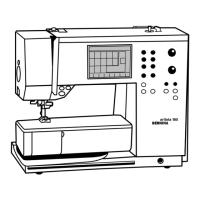
aurora 430E & 440QEE
Embroidery collections on cards
may be accessed using the Mini
Magic Box Plus or Magic Box Plus
and sent directly to the machine
using EC on PC.
Stitch, trim, and mount sample.
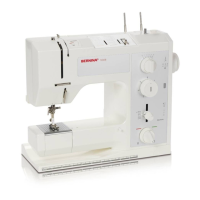
deco 330
Insert desired embroidery card
into slot on right side of embroi-
dery machine. Select Design
Card tab. Scroll through desings
and select desired motif.
Embroider and trim sample.
Press the carriage return key
after finishing the last section to
return the carriage to the stored
position.
Trim and mount sample.
artista 630E & 640E
Embroidery collections on cards
may be accessed using the Mini
Magic Box Plus or Magic Box
Plus and sent directly to the
machine for stitching, or written
to a BERNINA
®
Personal Design
Stick for use in the machine.
Stitch, trim, and mount sample.
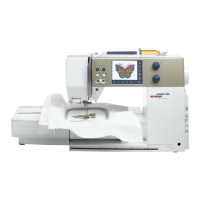
artista 730E
Insert desired embroidery card
into slot on right side of sewing
machine.
Touch embroidery card icon
(teddy bear) motif. Select desired
motif.
Stitch, trim, and mount sample.
Embroidery Motif
deco 330
any card design
(sample: Studio BERNINA
®
Fun with Bears by Mary Ann
June Collection)
aurora 430E & 440QEE
any card design
(sample: Studio BERNINA
®
Dena’s Closet Crafter’s
Collection)
artista 630E & 640E
any card design
(sample: Studio BERNINA
®
Floral Inspirations by Debbie
Mumm Collection)
artista 730E
any card design
(sample: Studio BERNINA
®
Fuzzytails by Lisa McCue
Collection)











 To Next Page