Operating instructions22
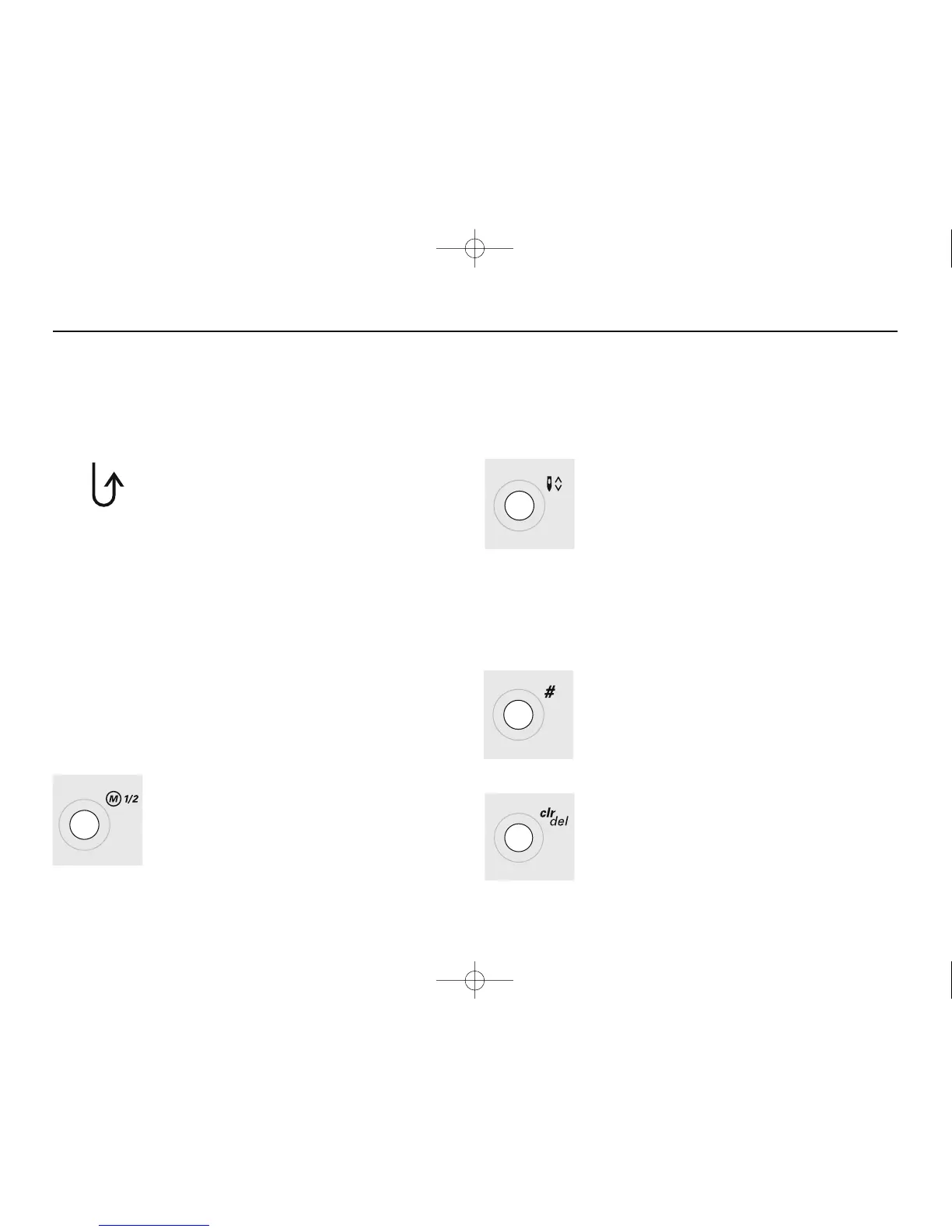
Reverse sewing
quick reverse:
•
press button
•
Sewing computer sews reverse until button
is released (max. stitch length 3 mm)
Applications:
•
programming buttonholes
•
programming darning program
•
switch to straight stitch securing program
(stitch no. 5)
•
manual securing (seam begin and end)
continous reverse:
•
press button quickly twice
•
the sewing computer sews the chosen stitch
in reverse
•
press button once again to cancel
1/2 speed
•
press the button and the sewing speed will be
halved
•
press the button again to revert to full speed
Functions
Needle stop
•
basic setting needle stop up
•
press button
•
arrow points down = sewing computer stops
with needle down
•
press button again
•
arrow points up = sewing computer stops
with needle up
Note: Press key a bit longer = the needle will go
automatically up or down.
#-button
Stitch selection button (see p. 21)
clr/del (clear/delete)
•
press button = reverts to basic settings
•
other selected functions are cleared
Exceptions:
•
needle stop down
•
1/2 speed
Functions are ...
activated when the symbol appears on the screen.
deactivated when the symbols no longer appear on the screen.




 To Next Page