EasyManua.ls Logo

Bernina 765 SPECIAL EDITION - User Manual

Bernina 765 SPECIAL EDITION
200 pages
Print Icon
To Next Page IconTo Next Page
Loading...
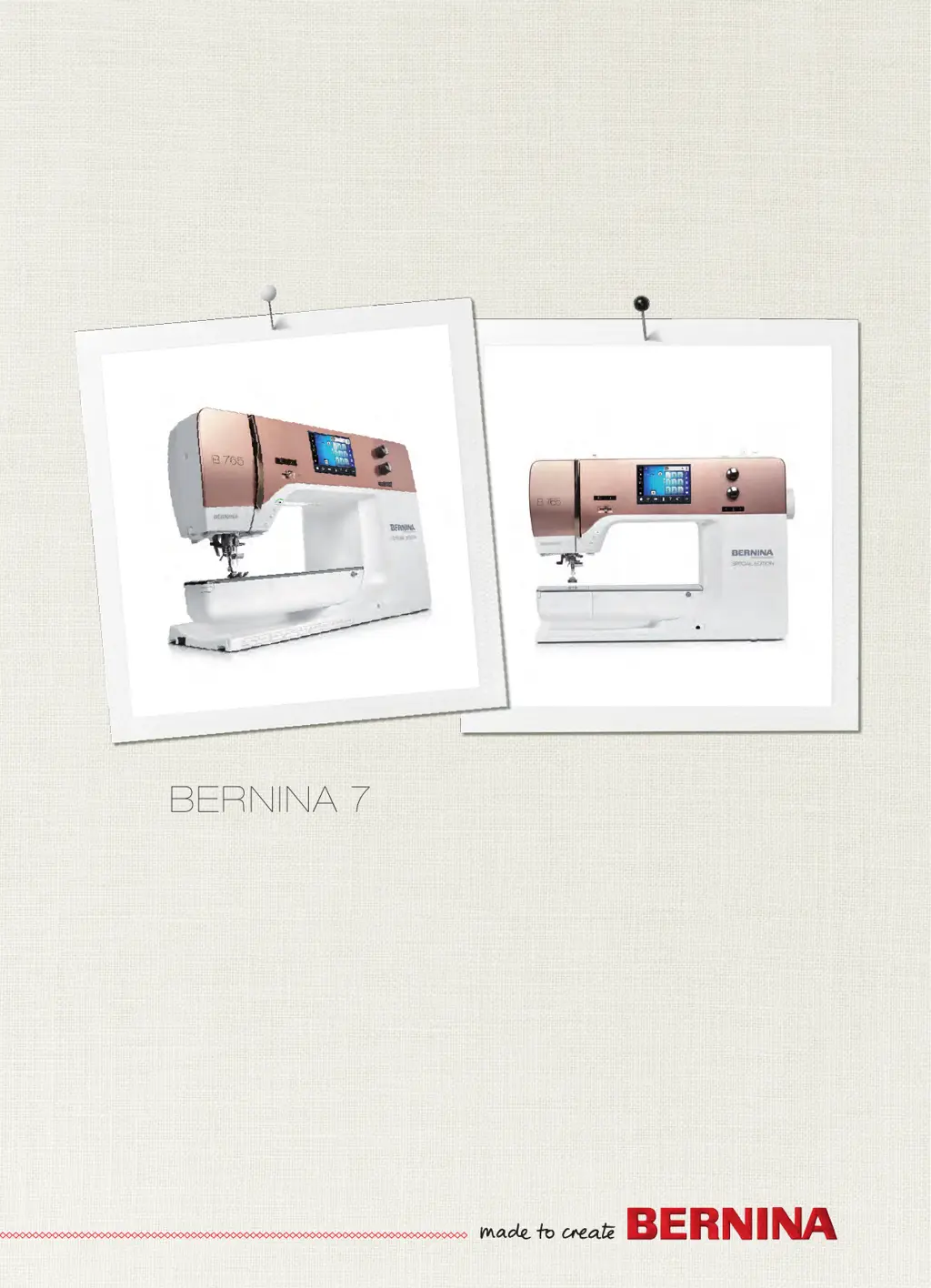
BERNINA 765 SPECIAL EDITION

Table of Contents

Questions and Answers

  • T
    Todd OrtegaAug 19, 2025
    Why does my Bernina Sewing Machine keep skipping stitches?
    • D
      Daniel StewartAug 19, 2025
      Skipped stitches may occur if you're using the incorrect needle; use needle system 130/705H. A blunt or bent needle can also cause this, so replace the needle. Ensure you are using a new, quality BERNINA needle, and that it's correctly inserted with the flat side to the back, pushed as far up as it will go into the needle holder, and the screw is tightened. Also, match the needle point to the material's texture.
  • L
    Laura DrakeAug 21, 2025
    What to do if the upper thread of my Bernina 765 SPECIAL EDITION Sewing Machine breaks?
    • E
      Eric RobinsonAug 21, 2025
      If the upper thread breaks, make sure you match the needle with the thread size and reduce the upper thread tension. Rethread the machine and use quality thread. If the stitch plate or hook tip is damaged, contact the nearest specialized BERNINA dealer for repairs. Also, check if the thread is caught in the area of the thread take-up lever; if so, remove the screw on the headframe with the angular Torx wrench, pull the headframe slightly forward, flip it upwards a bit, and remove it to clear any thread remnants. Then, reattach the headframe and tighten the screw.
  • S
    shelby70Aug 23, 2025
    What causes faulty stitching on my Bernina 765 SPECIAL EDITION and how to resolve it?
    • S
      Stephanie PotterAug 23, 2025
      Faulty stitching can result from thread remnants between the thread tension discs. To resolve this, fold a piece of thin material and slide the folded edge between the thread tension discs. Also, ensure the machine is correctly threaded by rethreading it. Finally, check for and remove any thread remnants below the bobbin case spring.
  • K
    Kelly MirandaAug 26, 2025
    What to do if the needle breaks on my Bernina 765 SPECIAL EDITION Sewing Machine?
    • S
      Sean FoxAug 26, 2025
      Needle breakage can occur if the needle is incorrectly inserted; ensure it's inserted with the flat side to the back, as far up as possible into the needle holder, and that the screw is tightened. Avoid pulling the fabric and try to feed the fabric evenly. If you are sewing thick fabric that has been pushed, use the appropriate presser foot, such as Jeans foot No. 8. Finally, make sure you are using quality thread to avoid knotted thread.
  • K
    Kevin JensenAug 28, 2025
    Why does the lower thread break on my Bernina Sewing Machine?
    • S
      Susan GrahamAug 28, 2025
      Lower thread breakage can be due to a damaged bobbin case; replace it if necessary. Also, a damaged stitch hole in the stitch plate may cause this, in which case you should contact a specialized BERNINA dealer for repairs. Finally, check if the needle is blunt or bent and replace it if needed.
  • M
    matthew26Aug 30, 2025
    What to do if my Bernina Sewing Machine doesn't start?
    • J
      Joseph GonzalesAug 30, 2025
      If the machine doesn't start, it could be due to an unfavorable room temperature. Place the machine in a warm room one hour before use, then connect the machine and switch it on. If this doesn't work, the machine may be damaged, and you should contact a specialized BERNINA dealer.
  • D
    danielnielsenSep 1, 2025
    What to do if there is an error during software update of my Bernina 765 SPECIAL EDITION Sewing Machine?
    • D
      Dylan RileySep 1, 2025
      If you encounter an error during a software update, it might be because the USB stick is not recognized; use a BERNINA USB stick. If the update process is blocked and the hourglass on the display is inactive, remove the USB stick, switch the machine off, then switch it back on, and follow the instructions on the display. If the date of the software update cannot be found, unzip the update data and save the software update data directly onto the data medium, not in a file on the USB stick.
  • D
    David CarneySep 3, 2025
    What to do if stitch width is not adjustable on Bernina 765 SPECIAL EDITION?
    • C
      cainlauraSep 3, 2025
      If the stitch width is not adjustable, it could be because the selected needle and stitch plate are not compatible. Replace the needle and/or the stitch plate.
  • A
    Adrian WilliamsSep 5, 2025
    What to do if the display of my Bernina Sewing Machine is inactive?
    • J
      Jeffery RossSep 5, 2025
      If the display is inactive, it could be due to incorrect calibrating data. To fix this, switch the machine off, then switch it back on while simultaneously pushing and holding the «Needle left/right» button. Then, calibrate the display again. Alternatively, the eco-function might be active; touch the «eco» icon again to deactivate it.
  • M
    Mark MoonSep 7, 2025
    Why is my Bernina 765 SPECIAL EDITION sewing speed too low?
    • J
      jason31Sep 7, 2025
      If the sewing speed is too low, it could be due to an unfavorable room temperature. Place the machine in a warm room one hour before use. Alternatively, check the settings in the Setup Program and adjust the sewing speed and slide accordingly.

Bernina 765 SPECIAL EDITION Specifications

General IconGeneral
Sewing Speed1000 stitches per minute
Embroidery speed1000 stitches per minute
Stitch width9 mm
Stitch length6 mm
Needle positions11
DisplayColor Touch Screen
USB portYes
Automatic Thread CutterYes
Free ArmYes
Embroidery area400 x 210 mm
Bobbin winding while sewing/embroideringYes
On-screen helpYes
Creative consultantYes
Memory (short-term / altered stitches)Yes
Memory (long-term / altered stitches)Yes
BSR compatibilityYes
Presser feet included8
TypeSewing and Embroidery Machine
Embroidery designs70
Bobbin systemBernina Bobbin System
Warranty20 years on mechanical parts, 5 years on electrical parts, 2 years labor

Related product manuals