EasyManua.ls Logo

Bernina 790 PLUS - User Manual

Bernina 790 PLUS
254 pages
Print Icon
To Next Page IconTo Next Page
Loading...
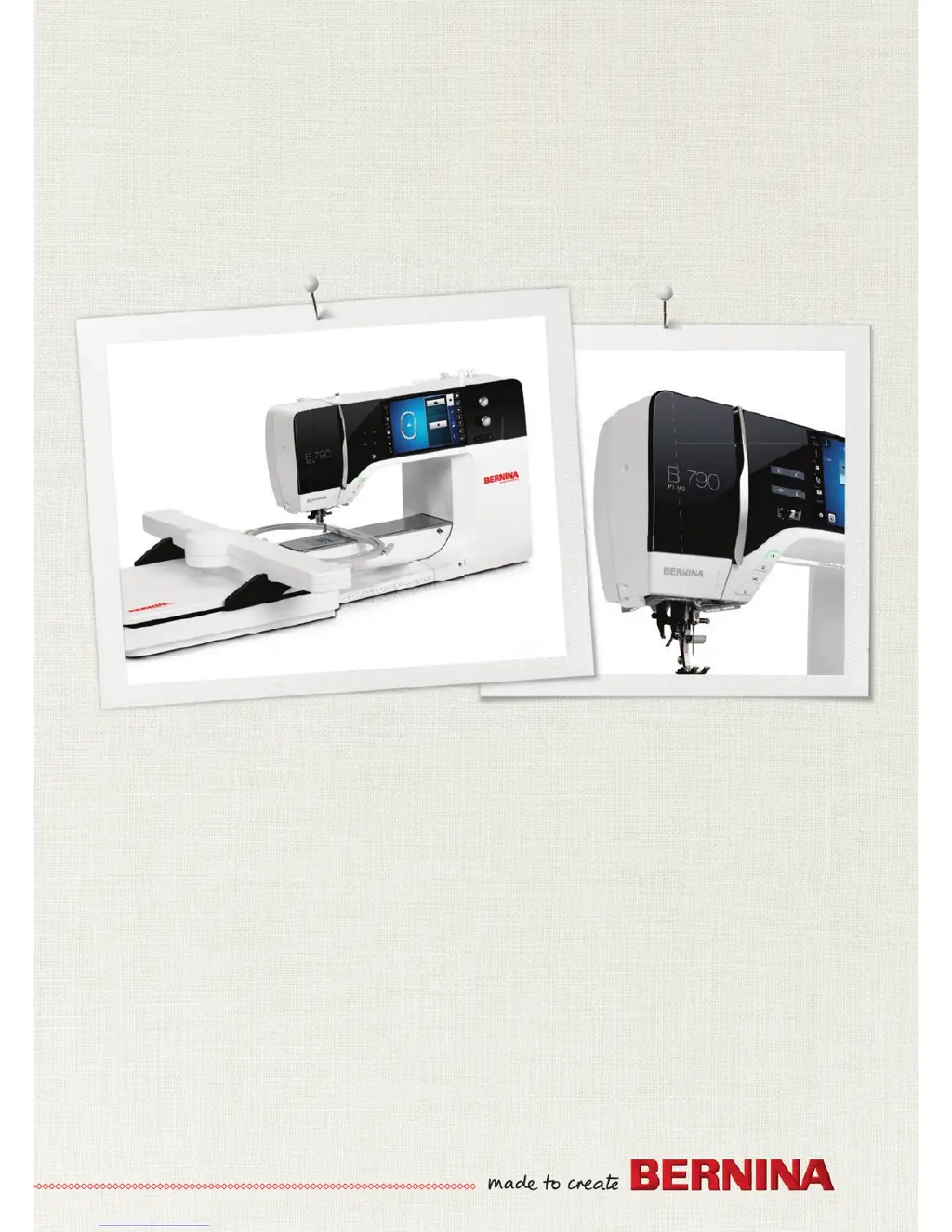
BERNINA 790 PLUS
B790PLUS_UG_213mm.indd 1 07.03.2017 06:51:48

Table of Contents

Other manuals for Bernina 790 PLUS

Questions and Answers

  • L
    Lindsey WhitneySep 10, 2025
    Why aren't the sewing light and free arm light working on my Bernina 790 PLUS Sewing Machine?
    • J
      jgarciaSep 10, 2025
      If neither the sewing light nor the light on the free arm is lighting up, check the settings in the Setup Program and activate it there.
  • T
    Tracy DavisAug 22, 2025
    What to do if there is an error during a software update on my Bernina 790 PLUS Sewing Machine?
    • D
      Diane ShawAug 23, 2025
      If you encounter an error during a software update, first ensure you're using a BERNINA USB stick. If the update process is blocked and the hourglass on the display is inactive, remove the USB stick. Also, verify that you have unzipped the update data.
  • M
    Michael NicholsAug 25, 2025
    How to fix uneven stitches on my Bernina 790 PLUS?
    • D
      David LeonardAug 25, 2025
      Uneven stitch formation can occur for several reasons. You might need to adjust the upper thread tension. Other potential causes include a blunt or bent needle (replace it with a new BERNINA quality needle), a poor-quality needle (use a new BERNINA quality needle), or poor-quality thread (use quality thread). Also, check if you're using the correct needle/thread combination and rethread the machine. Ensure you feed the fabric evenly and that you're using the bobbin case marked with the triangle.
  • B
    bridgettannerAug 26, 2025
    Why is my Bernina 790 PLUS Sewing Machine needle breaking?
    • D
      Donna AndersonAug 26, 2025
      A broken needle can be due to several reasons. Make sure the needle is correctly inserted with the flat side to the back, pushed fully into the needle holder, and the screw is tightened. Avoid pulling the fabric; instead, feed it evenly. If you're sewing thick fabric, use an appropriate presser foot like Jeans foot No. 8. Also, using quality thread can prevent knotted thread from causing the needle to break.
  • S
    Sandra GuerreroAug 27, 2025
    What causes the lower thread to break on my Bernina 790 PLUS Sewing Machine?
    • K
      Kelly PaceAug 28, 2025
      If the lower thread is breaking, the bobbin case might be damaged, in which case you should replace it. Another potential cause is damage to the stitch hole in the stitch plate. Also, a blunt or bent needle can cause the lower thread to break; replace the needle if this is the case.
  • J
    Jessica MillerAug 29, 2025
    What to do if the upper thread indicator doesn't react on my Bernina Sewing Machine?
    • M
      monroejasonAug 29, 2025
      If the upper thread indicator isn't reacting, check the settings in the Setup Program and activate it there.
  • J
    Jessica RileySep 18, 2025
    What should I do if my Bernina 790 PLUS Sewing Machine displays 'The needle is not at its top end'?
    • J
      Joe PriceSep 18, 2025
      Adjust the needle position via the handwheel.
  • J
    John JohnsonSep 12, 2025
    What does it mean when my Bernina Sewing Machine displays 'Stitch number unknown'?
    • V
      Vanessa SmithSep 12, 2025
      Check the entry and enter the new number.
  • B
    Brian ThompsonSep 8, 2025
    What to do if the display is inactive on my Bernina 790 PLUS?
    • M
      Mark GutierrezSep 8, 2025
      If the display is inactive, try switching the machine off. Also, check if the eco-function is active and touch the «eco» icon again.
  • J
    jnguyenSep 5, 2025
    What should I do if my Bernina Sewing Machine displays 'The bobbin thread is used up'?
    • J
      Joseph GomezSep 5, 2025
      Rethread.

Summary

IMPORTANT SAFETY INSTRUCTIONS

DANGER!

Alerts users to high-risk hazards that can lead to death or severe injury if not avoided.

WARNING

Notifies users of medium-risk hazards that can lead to death or severe injury if not avoided.

Appropriate use

Defines the intended private household use of the machine and disclaims liability for inappropriate usage.

1 My BERNINA

1.3 Key to signs

Explains the meaning of various warning signs and icons used throughout the manual for user safety and guidance.

1.4 Overview Machine

Provides detailed diagrams and labels for the machine's front, sideways, and back components and controls.

1.5 Supplied accessories

Lists and describes the standard accessories included with the machine for various sewing functions.

1.6 Overview User Interface

Details the machine's display, including functions, visual information, system settings, menus, and icons.

2 Sewing preparation

2.2 Connection and Switching on

Guides users through connecting the power, foot control, and switching the machine on for the first time.

2.3 Foot control

Explains how to use the foot control for regulating speed, raising/lowering the needle, and programming functions.

2.8 Presser foot

Covers adjusting presser foot position, changing the foot, and selecting it via the user interface.

2.10 Needle and stitch plate

Details changing the needle, selecting needle type/size, and changing the stitch plate.

3 Setup Program

3.1 Sewing settings

Covers adjusting upper thread tension, maximum sewing speed, and programming securing stitches.

3.2 Embroidery settings

Details adjusting embroidery speed, calibrating the hoop, and entering fabric thickness for optimal results.

3.6 Machine settings

Explains how to select the machine language, adjust display brightness, and calibrate the display.

4 System settings

4.1 Calling up the Tutorial

Provides access to informational tutorials covering sewing, embroidering, and stitch details.

4.2 Calling up the Creative Consultant

Offers decision support for sewing projects based on fabric and desired project type.

4.3 Calling up the Embroidery Consultant

Provides decision support for embroidery projects based on fabric and desired motif.

5 Creative sewing

5.2 BERNINA Dual Feed

Explains the function and application of the Dual Feed for even fabric feeding and matching patterns.

5.5 Editing stitch patterns

Covers changing stitch width, length, correcting balance, and programming pattern repeats.

5.8 Stitch Designer

Guides users on creating and editing custom stitch patterns using the Stitch Designer tool.

6 Practical stitches

6.2 Sewing straight stitch

Details how to sew a straight stitch, including matching stitch length to fabric and thread.

6.5 Sewing both sides of the zipper from bottom to top

Provides instructions for sewing zippers from bottom to top, suitable for fabrics with nap.

6.18 Sewing blind hems

Explains the technique for creating invisible hems on medium to heavy-weight cotton, wool, and blends.

7 Decorative stitches

7.1 Overview Decorative Stitches

Presents a catalog of decorative stitches categorized by complexity and suitability for different materials.

7.4 Tapering

Describes the tapering technique for stitch patterns, including altering points and length manually.

7.6 Pintucks

Explains the pintuck technique for creating narrow stitched folds for embellishment or heirloom effects.

8 Alphabets and Monograms

8.1 Overview Alphabets

Lists available alphabets, monograms, and their sizes, including lower case and Cyrillic options.

8.2 Creating lettering

Guides users on creating custom text, selecting fonts, and using upper/lower case letters, numbers, and symbols.

8.4 Altering size of monogram

Details how to reduce or scale up the size of monograms and lettering for specific design needs.

9 Buttonholes

9.1 Overview Buttonholes

Presents a collection of buttonhole types available on the machine for various purposes and garments.

9.5 Cord

Explains how to use cord with buttonhole feet for reinforcing and enhancing buttonholes.

9.10 Sewing a buttonhole automatically

Guides users on automatically sewing buttonholes of consistent length and look using a special foot.

9.12 Sewing the manual 7-step buttonhole

Details the manual process for sewing buttonholes, covering individual steps for beads and bartacks.

10 Quilting

10.1 Overview Quilt Stitches

Catalog of stitches specifically designed for quilting, including securing and decorative patterns.

10.4 Guiding the quilt work freely

Provides techniques for free-motion quilting and darning, emphasizing fabric guidance and movement.

11 BERNINA Stitch Regulator (BSR)

11.5 Sewing preparations for quilting

Instructions on attaching the BSR presser foot and changing the presser foot sole for quilting.

11.6 Using the BSR mode

Explains how to control the BERNINA Stitch Regulator via foot control or Start/Stop button in BSR1 and BSR2 modes.

12 My BERNINA Embroidery

12.1 Overview Embroidery module

Identifies the main components of the BERNINA embroidery module and its connections.

12.3 Overview User Interface

Details the embroidery machine's display, including functions, visual information, and system settings.

12.4 Important Embroidery information

Provides essential guidance on upper and bobbin threads, file formats, and embroidery tests.

13 Embroidering preparation

13.1 Attaching the Module

Step-by-step instructions for safely attaching the embroidery module to the sewing machine.

13.2 Preparing the machine

Covers lowering the feed dog and selecting the embroidery motif from various sources.

13.4 Needle and stitch plate

Guides on inserting the embroidery needle and selecting the appropriate stitch plate via the user interface.

13.5 Embroidery hoop

Explains how to select the correct embroidery hoop based on motif size and attach it properly.

14 Setup Program

14.1 Adjusting the embroidery settings in the Setup Program

Details how to adjust various embroidery settings within the machine's Setup Program for optimal results.

15 Creative embroidering

15.1 Overview embroidering

Provides an overview of the embroidery interface, including motif size, scaling, and area selection.

15.5 Editing the embroidery motif

Covers extensive editing options like scaling, moving, rotating, mirroring, and bending motifs.

15.6 Pinpoint placement

Explains how to precisely position embroidery motifs on fabric using grid points or free point placement.

15.7 Combining embroidery motifs

Guides users on combining multiple embroidery motifs and managing them within the machine.

16 Embroidery

16.1 Embroidering via the button Start;Stop

Instructions on starting and controlling the embroidery process using the Start/Stop button.

16.2 Increasing the embroidery speed

Explains how to adjust embroidery speed between optimal and maximum settings for quality results.

16.3 Adjusting the upper thread tension

Covers adjusting upper thread tension for optimal embroidery quality based on thread and fabric.

17 Attachment

17.1 Maintencance and cleaning

Provides detailed instructions for cleaning the machine's display, feed dog, and hook area.

17.2 Troubleshooting

Offers solutions for common sewing faults like uneven stitches, skipped stitches, and faulty stitching.

17.3 Error messages

Lists and explains common error messages displayed by the machine and their corresponding repair actions.

18 Overview motifs

18.1 Overview Stitch patterns

Catalog of practical, buttonhole, decorative, quilt, and tapering stitches with their respective numbers.

18.2 Overview Embroidery motifs

A comprehensive list of available embroidery motifs, categorized for easy selection and reference.

Embellishment

Showcases a collection of decorative embroidery motifs for embellishing projects, with dimensions and colors.

Quilt motifs

Presents a selection of embroidery motifs specifically designed for quilting projects.

Bernina 790 PLUS Specifications

General IconGeneral
Stitch Width9 mm
Sewing Speed1000 stitches per minute
Embroidery Area400 x 210 mm
Color Touch ScreenYes
USB InterfaceYes
Automatic Thread CutterYes
Stitch Length6 mm
Needle Positions11
Bobbin Winding While SewingYes
LED Sewing LightYes
Needle ThreaderYes
Start/Stop ButtonYes
Slide Speed ControlYes
Foot Pressure AdjustmentYes
Memory (Short-Term / Altered Settings)Yes
Memory (Long-Term / Save Settings)Yes
BSR CompatibilityYes
Dual FeedYes
LCD ScreenYes
Built-in MemoryYes
Total Number of Stitch Patterns1352
Stitches1352

Related product manuals