Setup Program
69
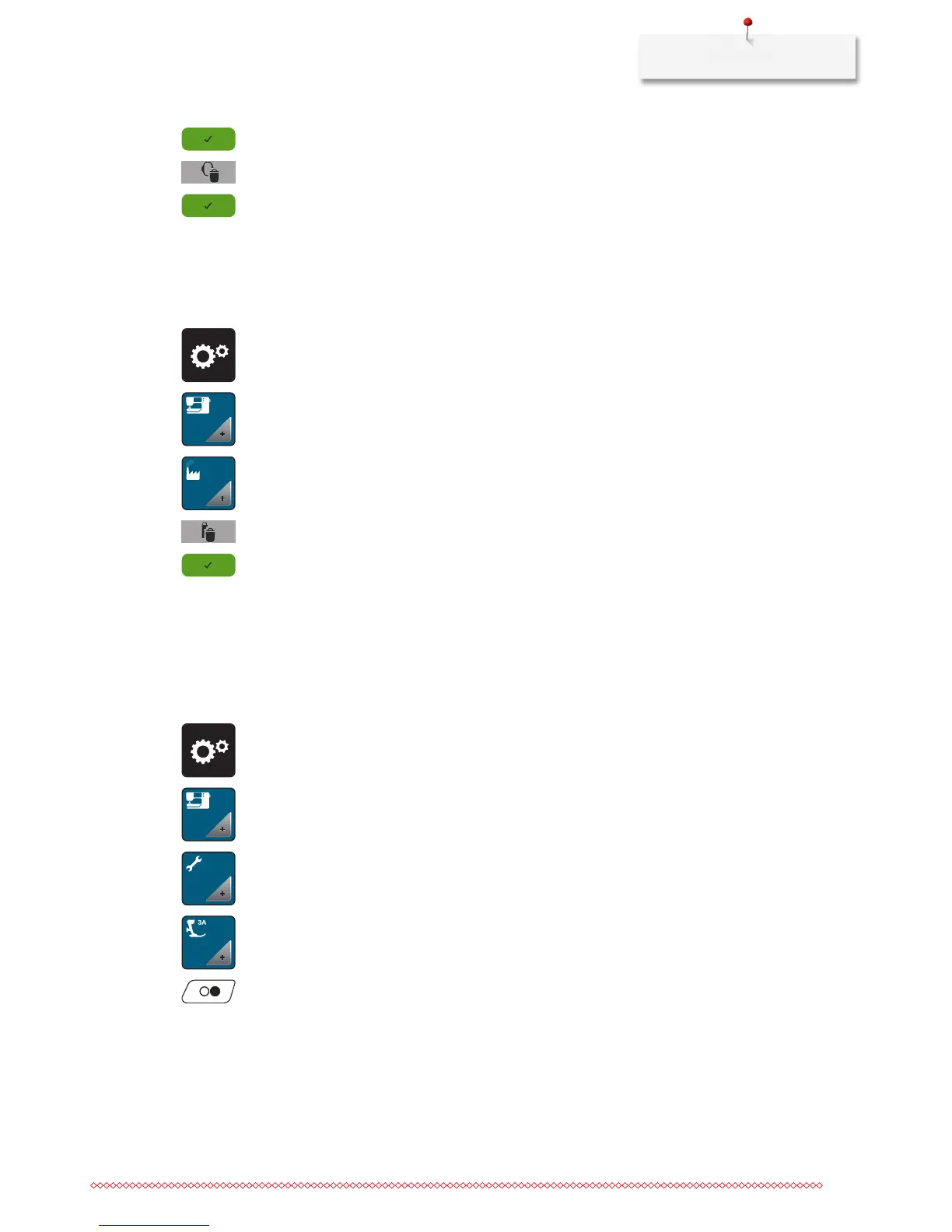
> Touch the icon «Confirm» to delete all data from the personal memory.
> Touch the icon «Delete personal embroidery motifs».
> Touch the icon «Confirm» to delete all embroidery motifs from the personal memory.
Deleting motifs on the BERNINA USB Stick
Whenmotifswhichwon'tbeneededanymorearesavedontheBERNINAUSBStick(Optionalaccessory),the
stick can be connected to the machine and the data can be deleted.
> Insert the BERNINA USB Stick (Optional accessory) into the den USB port of the machine.
> Touch the icon «Setup Program».
> Touch the icon «Machine settings».
> Touch the icon «Basic settings».
> Touch the icon «Delete data from USB Stick».
> Touch the icon «Confirm» to delete all data on the BERNINA USB Stick (Optional accessory).
Calibrating the Buttonhole foot No. 3A
The Buttonhole foot No. 3A is calibrated to this machine and they should only be used both together.
Prerequisite:
• TheButtonholefootNo.3Aisattached.
• Theneedleisnotthreaded.
> Touch the icon «Setup Program».
> Touch the icon «Machine settings».
> Touch the icon «Maintenance/Update».
> Touch the icon «Calibrate the Buttonhole foot with slide No. 3A».
> Touch the button «Start/Stop» to start the calibration.



 To Next Page