Creative sewing
84
> Touch the yellow-framed icon to reset the alteration to default setting.
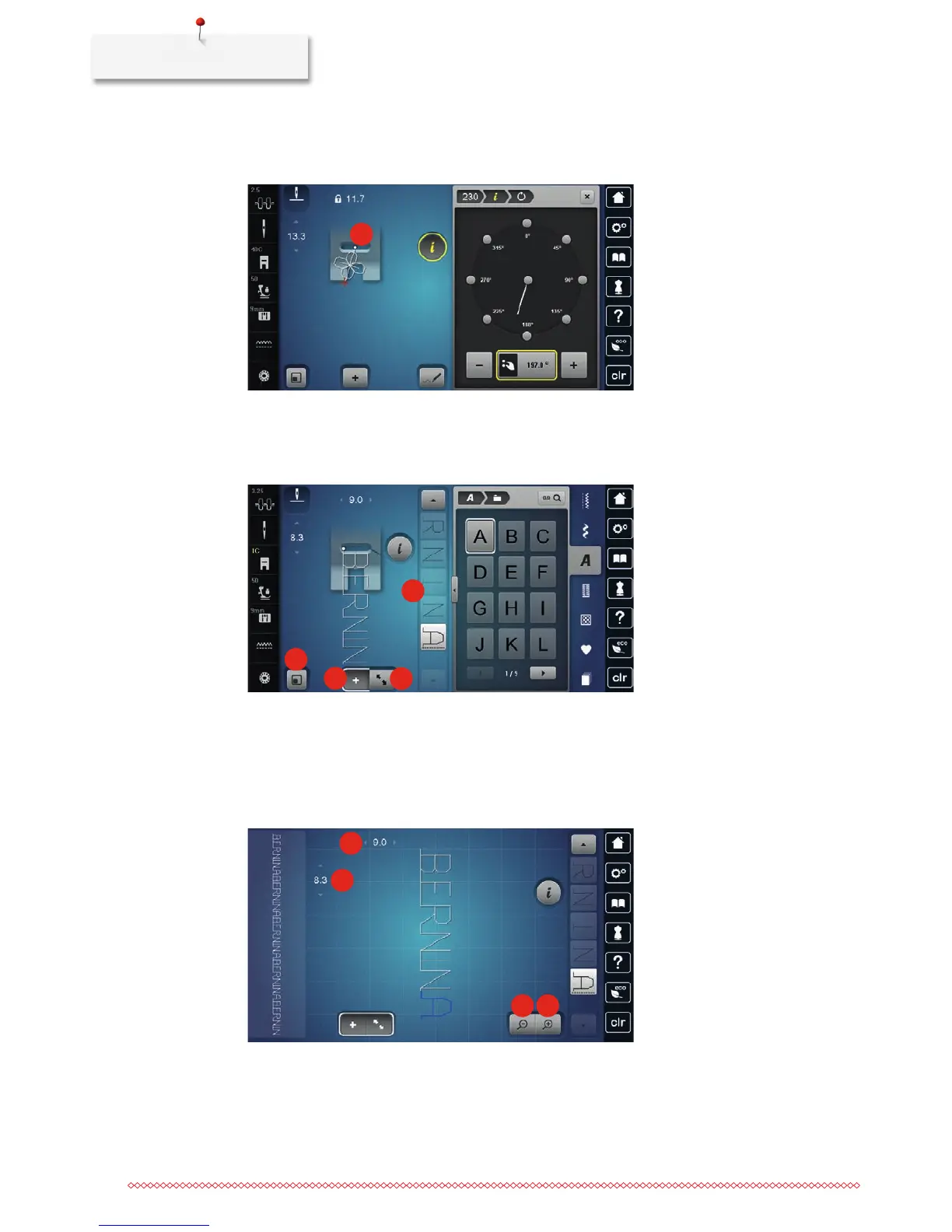
– In the left portion of the display the start of the stitch pattern is marked with a white dot (2) and the
end with a red cross.
2
5.6 Combining stitch patterns
Overview Combi mode
1
2
3
4
1 Matching the stitch pattern size with the display 3 Edit mode/Extended edit mode
2 Combi mode/Single mode 4 Individual stitch pattern within a combination
Overview Combi mode extended
1
2
3
4
1 Stitch width of the active stitch pattern 3 Zoom out
2 Stitch length of the active stitch pattern 4 Zoom in



 To Next Page