Practical stitches
109
> Sew another loose row.
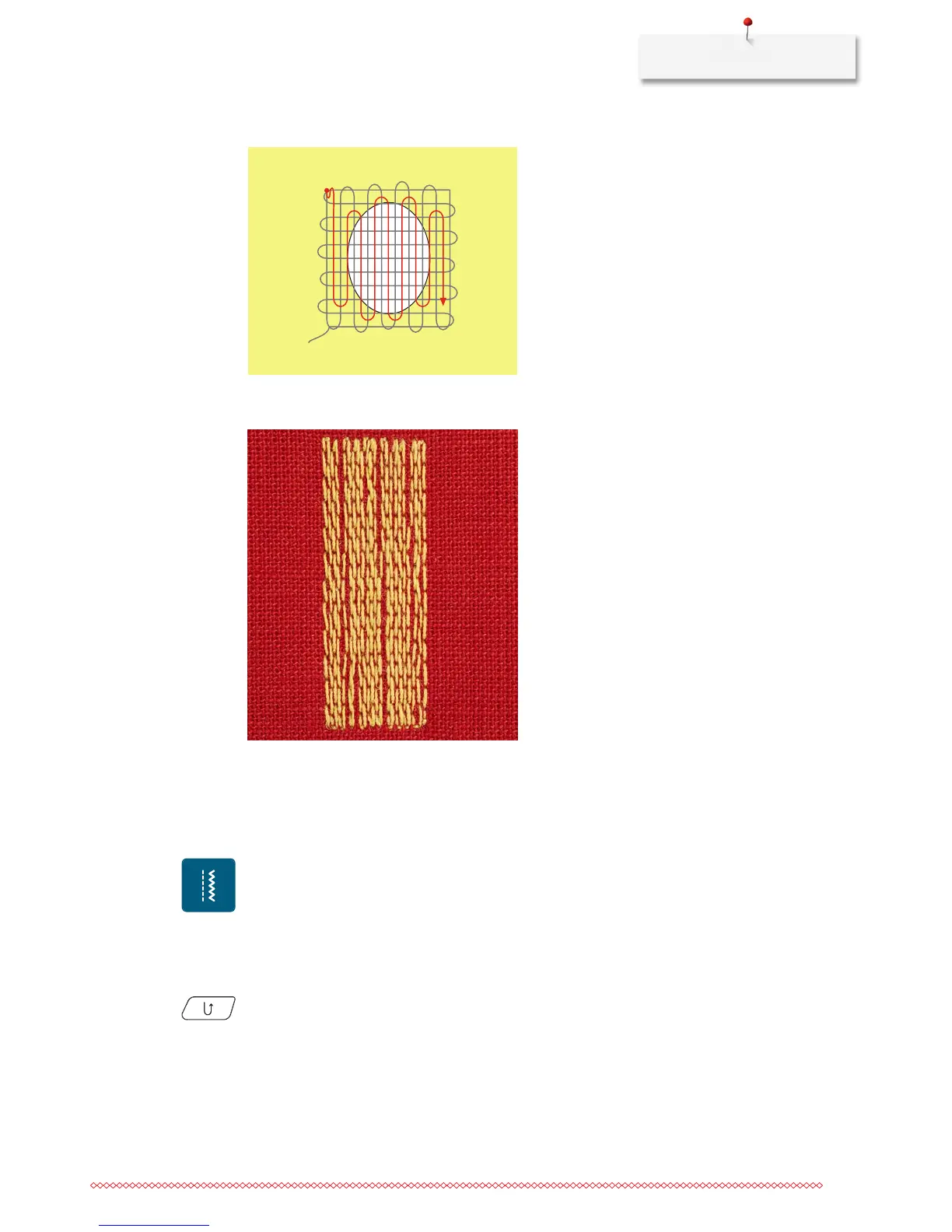
6.9 Automatic darning
The simple Darning Program No. 22 is especially suitable for quick darning of worn or damaged areas. It is
recommended to use fine material as a backing for the worn and damaged areas or to stick an adhesive
interlining. The simple Darning Program No. 22 replaces threads along the lengthwise grain in all materials. If
the darning area becomes distorted, correct with the balance.
> Attach the Reverse pattern foot No. 1C or the Buttonhole foot No. 3A.
> Touch the icon «Practical stitches».
> Select the simple Darning Program No. 22.
> Hoop light-weight materials in the round embroidery hoop (optional accessory).
– The darning area stays evenly taut and cannot be distorted.
> Start sewing top left.
> Sew the first row.
> Stop the machine.
> Push the button «Quick reverse».
– The length is programmed.
> Finish sewing the Darning Program.
– The machine stops automatically.



 To Next Page