Creative sewing
96
Relocating the points
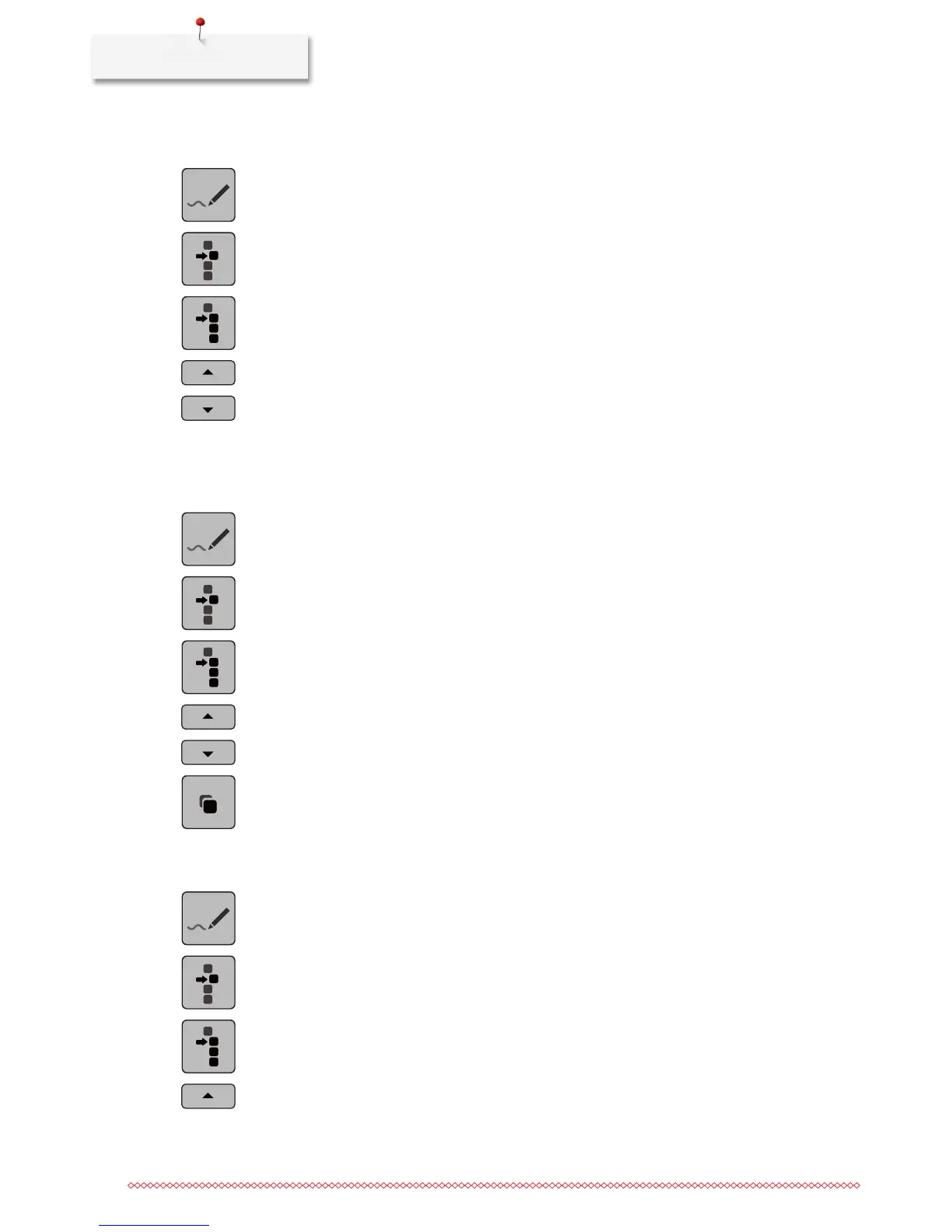
> Select a stitch pattern, alphabet or buttonhole.
> Touch the icon «Stitch Designer».
> Touch the icon «Single point is selected».
> Touch the icon «Select from a particular point».
> Touch the icon «Scroll up» to add the previous point to the selection.
> Touch the icon «Scroll down» to add the following point to the selection.
> Turn the «Upper Multifunctional knob» to move the selected points horizontally.
> Turn the «Lower Multifunctional knob» to move the selected points vertically.
Duplicating points
> Select a stitch pattern, alphabet or buttonhole.
> Touch the icon «Stitch Designer».
> Touch the icon «Single point is selected».
> Touch the icon «Select from a particular point».
> Touch the icon «Scroll up» to add the previous point to the selection.
> Touch the icon «Scroll down» to add the following point to the selection.
> Touch the icon «Duplicate».
Deleting points
> Select a stitch pattern, alphabet or buttonhole.
> Touch the icon «Stitch Designer».
> Touch the icon «Single point is selected».
> Touch the icon «Select from a particular point».
> Touch the icon «Scroll up» to add the previous point to the selection.



 To Next Page