Creative sewing
97
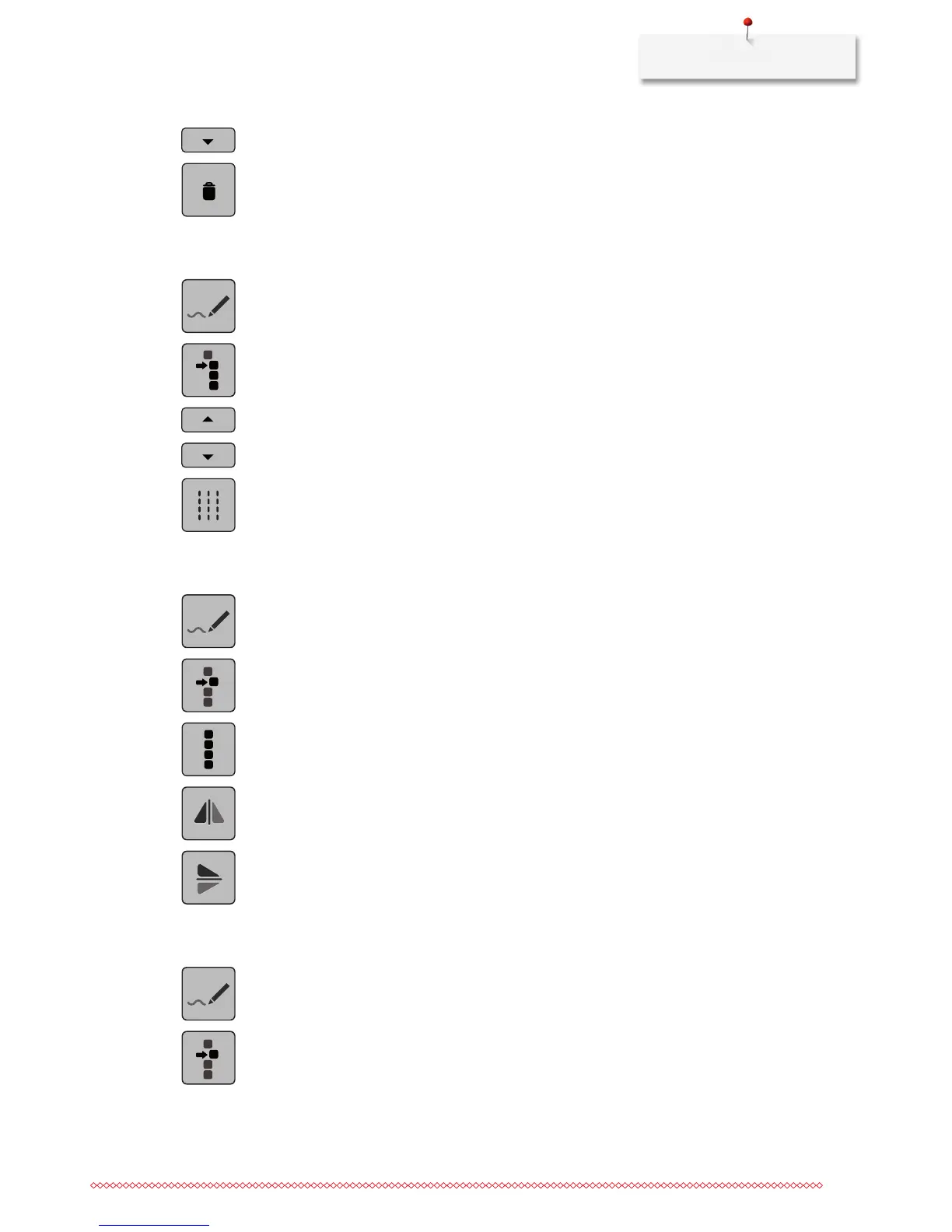
> Touch the icon «Scroll down» to add the following point to the selection.
> Touch the icon «Delete» to delete all the selected points of the stitch pattern.
Activating the triple stitch
> Select a stitch pattern, alphabet or buttonhole.
> Touch the icon «Stitch Designer».
> Touch the icon «Selecting from a particular point».
> Touch the icon «Scrolling up» to select the previous point.
> Touch the icon «Scrolling down» to select the following point.
> Touch the icon «Triple stitch» to activate the triple stitch for the selected points.
Mirror image of stitch patterns
> Select a stitch pattern, alphabet or buttonhole.
> Touch the icon «Stitch Designer».
> Touch the icon «Single point is selected».
> Touch the icon «Select all points».
> Touch the icon «Mirror image stitch pattern left/right» to mirror all the points horizontally.
> Touch the icon «Mirror image stitch pattern up/down» to mirror all the points vertically.
Reversing the stitch sequence
> Select a stitch pattern, alphabet or buttonhole.
> Touch the icon «Stitch Designer».
> Touch the icon «Single point is selected».



 To Next Page