Setup Program
59
Programming the button «Quick reverse»
It can be chosen either «Quick reverse permanent» or «Backstepping».
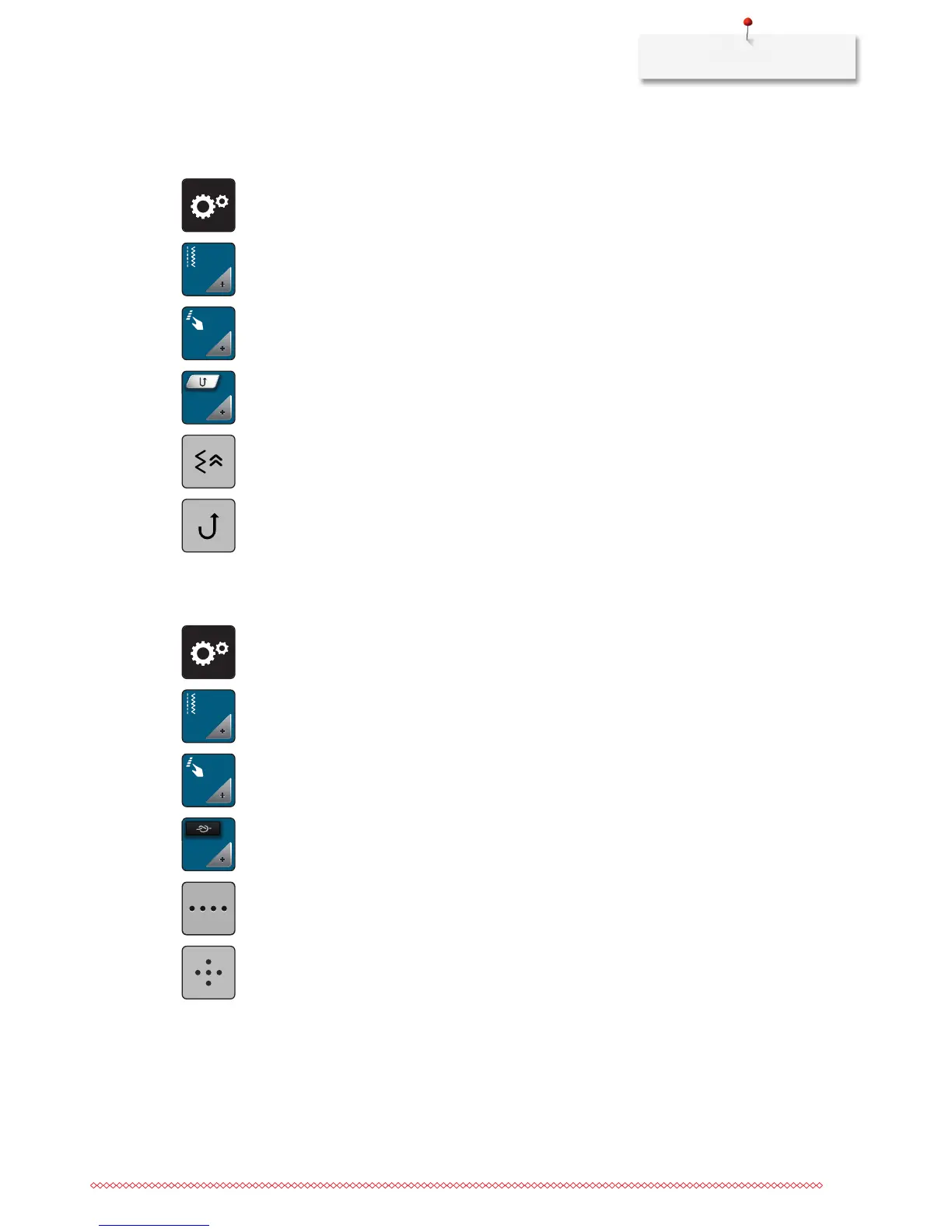
> Touch the icon «Setup Program».
> Touch the icon «Sewing settings».
> Touch the icon «Program buttons and icons».
> Touch the icon «Program Quick reverse».
> Touch the icon «Backstepping» to activate backstepping.
> Touch the icon «Quick reverse permanent» to activate the permanent reverse sewing.
Programming the button «Securing»
Number and type of securing stitches can be programmed.
> Touch the icon «Setup Program».
> Touch the icon «Sewing settings».
> Touch the icon «Program the buttons and icons».
> Touch the icon «Program the button Securing».
> Touch the icon «Alter the number of securing stitches» to program securing stitches in close succession.
> Touch the icons «-» or «+» to program the number of securing stitches.
> Touch the yellow-framed icon to reset the alteration to default setting.
> Touch the icon «Securing stitches in place» to program 4 securing stitches in place.



 To Next Page