Creative embroidering
177
> Touch the icon «Group».
– The embroidery motif above the selected embroidery motif is added to the embroidery motif
combination.
> Select an embroidery motif combination.
> Touch the icon «Ungroup».
– The combination is ungrouped.
or
> Create an embroidery motif combination.
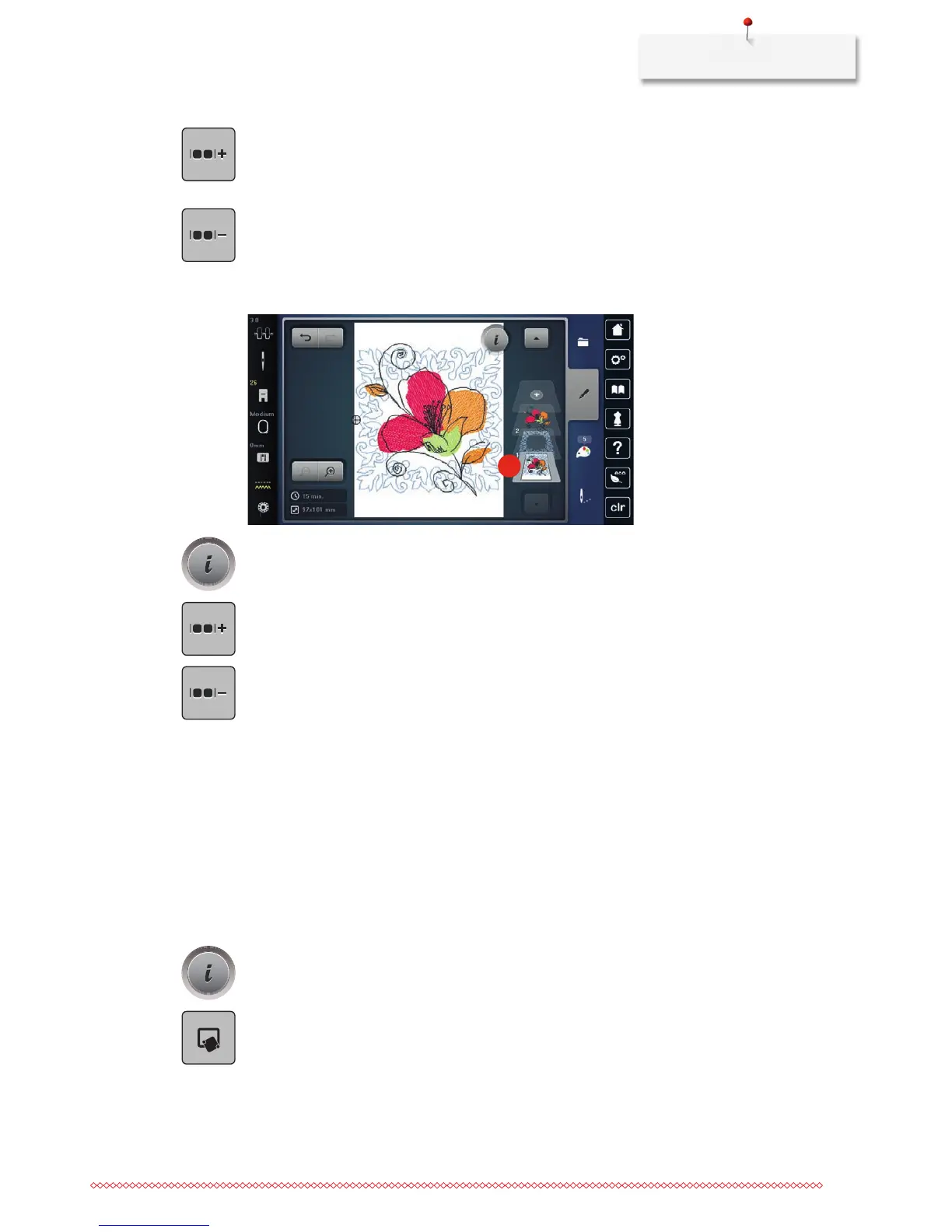
> Select all embroidery motifs (2).
2
> Touch the icon «i»-Dialog.
> Touch the icon «Group».
– All embroidery motifs are added to the embroidery motif combination.
> Select an embroidery motif combination.
> Touch the icon «Ungroup».
– The combination is ungrouped.
15.6 Pinpoint placement
Positioning of grid points
This function allows the exact positioning of the embroidery motif on the fabric in an easy way. The
positioning points can be placed in the grid.
Prerequisite:
• Anytwopointsoftheembroiderymotifaremarkedwithchalkorawater-solublepenonthefabric.The
place or the location where the embroidery motif is to be positioned is clearly visible.
> Select an embroidery motif.
> Touch the icon «i»-Dialog.
> Touch the icon «Pinpoint placement».



 To Next Page