EasyManua.ls Logo

Bernina 790 - User Manual

Bernina 790
219 pages
Print Icon
To Next Page IconTo Next Page
Loading...
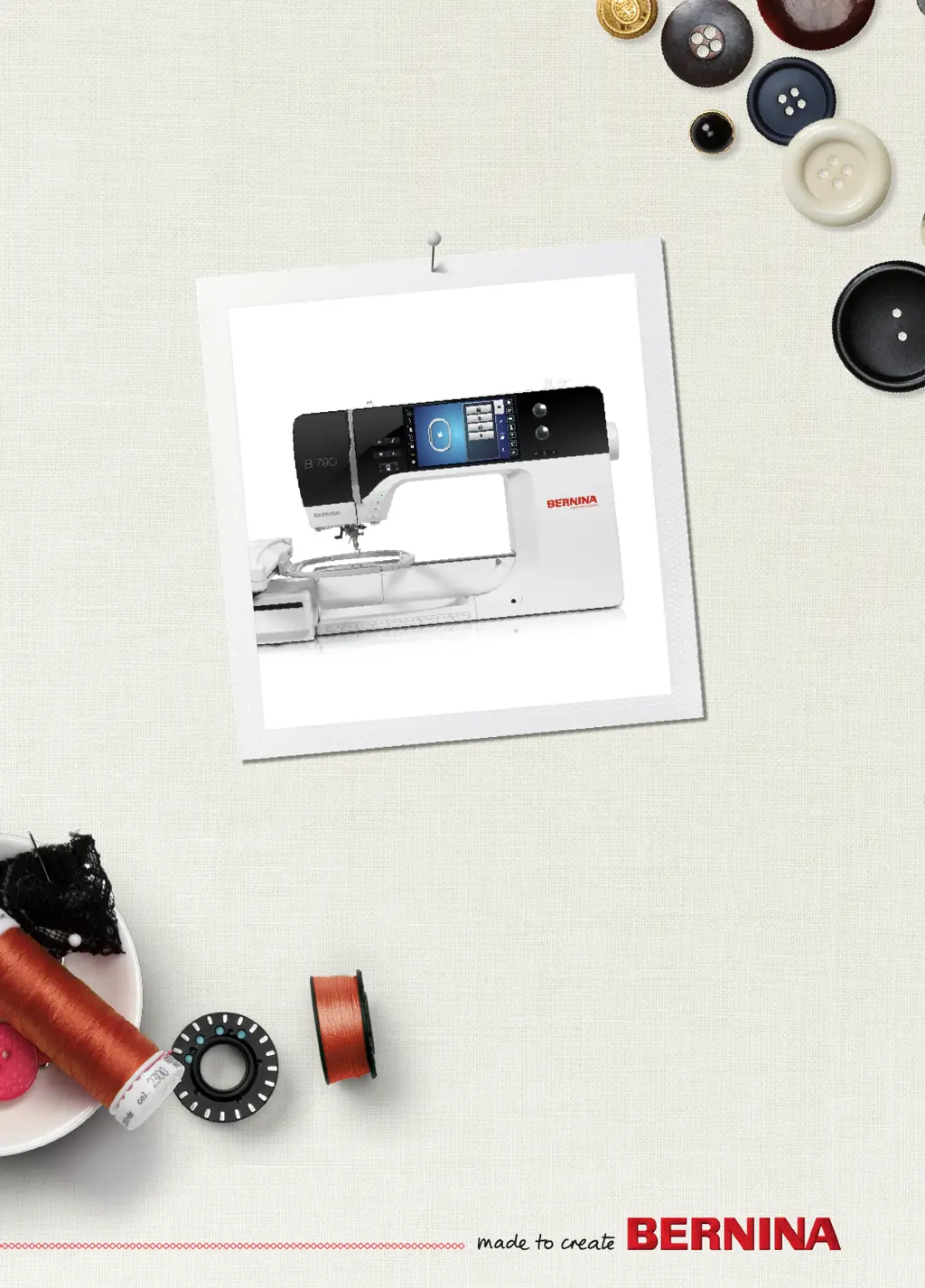
BERNINA 790
B790-720_UG_213mm_11.10.2011.indd 1 22.09.2014 14:27:44

Table of Contents

Questions and Answers

  • N
    Nicholas JohnsonAug 20, 2025
    What to do if my Bernina 790 Sewing Machine skips stitches?
    • E
      Edward GrayAug 20, 2025
      Skipped stitches may occur if you're using the incorrect needle; ensure you are using the needle system 130/705H. A blunt or bent needle can also cause this, so replace the needle. Using a new BERNINA quality needle is recommended. Verify that the needle is correctly inserted with the flat side to the back, as far up as it can go, and that the screw is tightened. The issue could also be due to an incorrect needle point; match the needle point to the texture of the material.
  • B
    Brittany MillerAug 22, 2025
    What to do if there is an error during software update on my Bernina 790?
    • E
      Emily GrahamAug 22, 2025
      If you encounter an error during a software update, it could be due to several reasons. If the USB stick is not recognized, use a BERNINA USB stick. If the update process is blocked and the hourglass on the display is inactive, remove the USB stick, switch the machine off, switch it back on, and follow the instructions on the display. If the date of the software update cannot be found, unzip the update data and save the data of the software update directly on the data medium, not in a file on the USB stick.
  • C
    Colton PetersonAug 25, 2025
    What to do if my Bernina 790 Sewing Machine doesn't start?
    • K
      kelsey86Aug 25, 2025
      If the machine doesn't start, it could be due to an unfavorable room temperature. Place the machine in a warm room one hour before use, then connect the machine and switch it on. If this doesn't work, the machine may be damaged, and you should contact the specialized BERNINA dealer.
  • T
    toddrichardAug 26, 2025
    Why is the light of the «Start-/Stop» button not lighting up on my Bernina Sewing Machine?
    • C
      Christine SalazarAug 26, 2025
      If the light of the «Start-/Stop» button doesn't light up, the light may be defective. Contact the specialized BERNINA dealer.
  • H
    huntryanAug 28, 2025
    Why aren't the sewing light and free arm light working on my Bernina 790 Sewing Machine?
    • A
      awatersAug 28, 2025
      If neither the sewing light nor the light on the free arm lights up, check the settings in the Setup Program to ensure they are activated. If they are activated and still not working, the sewing light may be defective. Contact the specialized BERNINA dealer.
  • J
    Jessica ColonAug 29, 2025
    Why is the upper thread indicator not reacting on my Bernina Sewing Machine?
    • Y
      yjosephAug 29, 2025
      If the upper thread indicator isn't reacting, first check the settings in the Setup Program to ensure it is activated. If it is activated and still not working, the upper thread indicator may be defective. Contact the specialized BERNINA dealer.
  • T
    Terry RiveraSep 1, 2025
    Why is the bobbin thread indicator not reacting on my Bernina 790 Sewing Machine?
    • R
      Ryan MillerSep 1, 2025
      If the bobbin thread indicator doesn't react, check the settings in the Setup Program to ensure it's activated. If it is activated but still not working, the bobbin thread indicator may be defective. Contact the specialized BERNINA dealer.
  • K
    Kayla PorterSep 2, 2025
    Why is there uneven stitch formation on my Bernina 790 Sewing Machine?
    • G
      Gina LeeSep 3, 2025
      Uneven stitch formation can occur due to several reasons. The upper thread might be too tight or too loose, so try adjusting the upper thread tension. The needle could be blunt or bent, in which case you should replace it with a new BERNINA quality needle. It could also be due to a poor quality needle or thread, so ensure you are using quality materials and that the needle matches the thread size. Also, check if the machine is incorrectly threaded and rethread it. Avoid pulling the fabric and feed it evenly. Finally, make sure you are using the supplied bobbin case with triangles.
  • T
    Trevor CameronSep 7, 2025
    What causes faulty stitching on a Bernina 790?
    • A
      Alyssa SandovalSep 7, 2025
      Faulty stitching in your Bernina sewing machine can arise from a few common issues. Check for thread remnants between the thread tension discs and, if found, fold a piece of thin material and slide the folded edge (not the raw edges) between the thread tension discs to remove them. Also, ensure that the machine is correctly threaded by rethreading it. Finally, inspect for thread remnants below the bobbin case spring and remove them if present.
  • C
    Chad RuizSep 9, 2025
    What causes my Bernina 790 Sewing Machine needle to break?
    • A
      andrew96Sep 9, 2025
      Needle breakage can occur for several reasons. Ensure the needle is correctly inserted with the flat side to the back, as far up as it will go, and tighten the screw. Avoid pulling the fabric; instead, feed it evenly. If sewing thick fabric, use the correct presser foot, such as one designed for jeans, and use the height compensating tool when sewing over a thick seam. Finally, using quality thread can prevent knotted thread, which can also cause the needle to break.

Bernina 790 Specifications

General IconGeneral
Stitch Width9 mm
Sewing Speed1000 stitches per minute
Hook SystemBERNINA Hook
Embroidery Area400 x 210 mm
Color Touch ScreenYes
Number of Embroidery Designs300
USB InterfaceYes
Stitch Length6 mm
Needle Positions11
Number of Spools2
Dual FeedYes
Start/Stop ButtonYes
Speed ControlYes
Needle ThreaderYes
Bobbin WinderYes
Upper Thread SensorYes
Lower Thread SensorYes
Automatic Thread CutterYes
MemoryYes
Built-in Needle ThreaderYes
LCD ScreenYes
Screen Size7 inches
Presser Feet8
Stitches1, 352

Related product manuals