162
Overwriting the embroidery motif in the personal memory
> Edit the embroidery motif.
> Touch the icon «Selection».
> Touch the icon «Saving the embroidery motif».
– The embroidery motif to be saved is outlined in yellow.
– The icon «Embroidery machine» is activated.
> Select the embroidery motif which is to be overwritten.
> Touch the icon «Confirm».
Overwriting the embroidery motif on the BERNINA USB stick
> Edit the embroidery motif.
> Touch the icon «Selection».
> Touch the icon «Saving the embroidery motif».
– The embroidery motif to be saved is outlined in yellow.
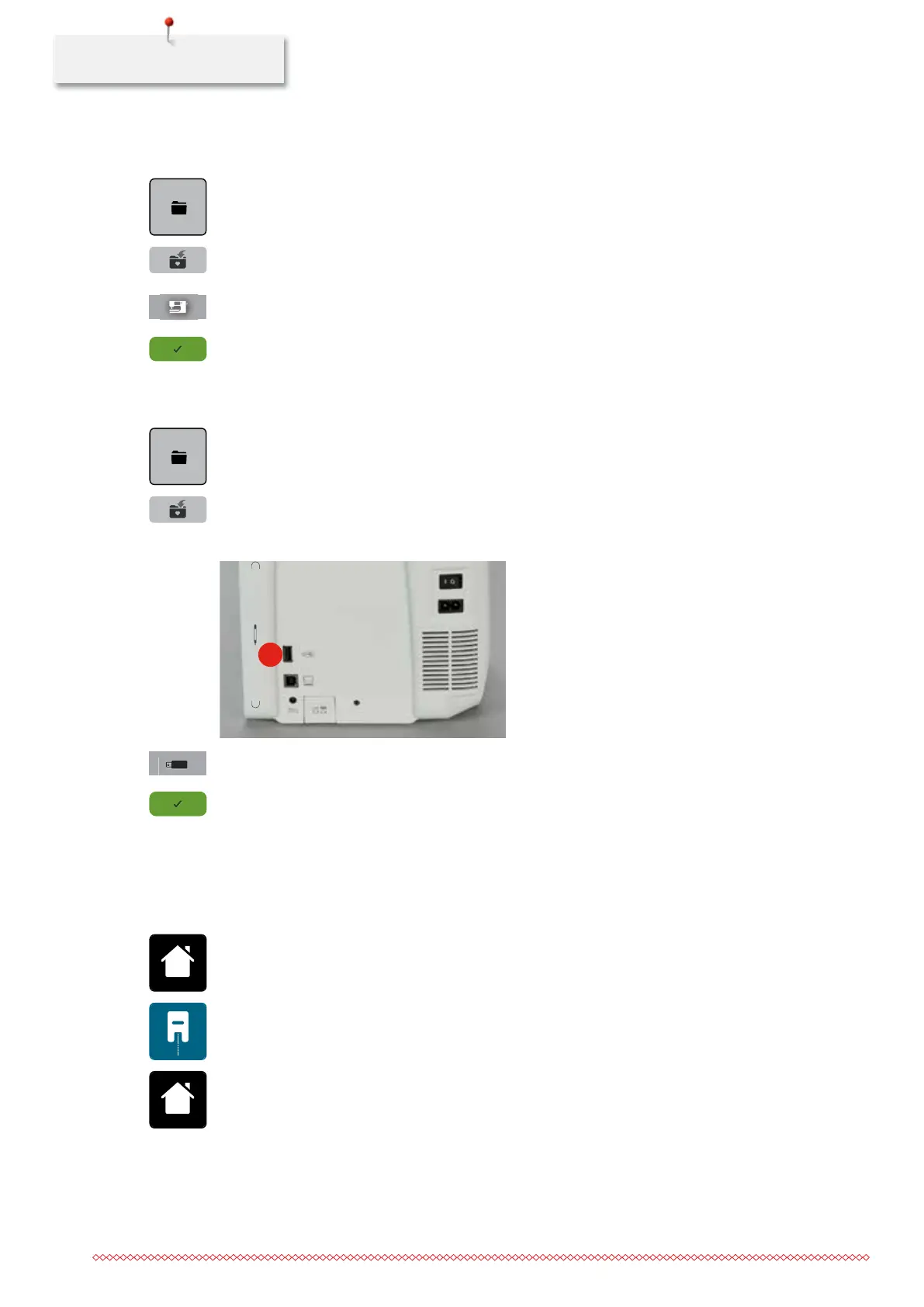
> Insert the BERNINA USB stick into the port (1).
1
> Touch the icon «USB stick».
> Select the embroidery motif which is to be overwritten.
> Touch the icon «Confirm».
Importing stitch patterns
Stitch patterns or stitch pattern combinations can be imported from the Sewing mode to the Embroidery
mode and edited like embroidery motifs. Therefore endless embroidery can be combined quickly and easily
and saved as an embroidery motif in the file «Personal embroidery motifs».
> Touch the icon «Home».
> Touch the icon «Sewing mode».
> Select the stitch pattern.
> Touch the icon «Home».
035964.50.04_2014-08_Manual_B790_EN



 To Next Page