72
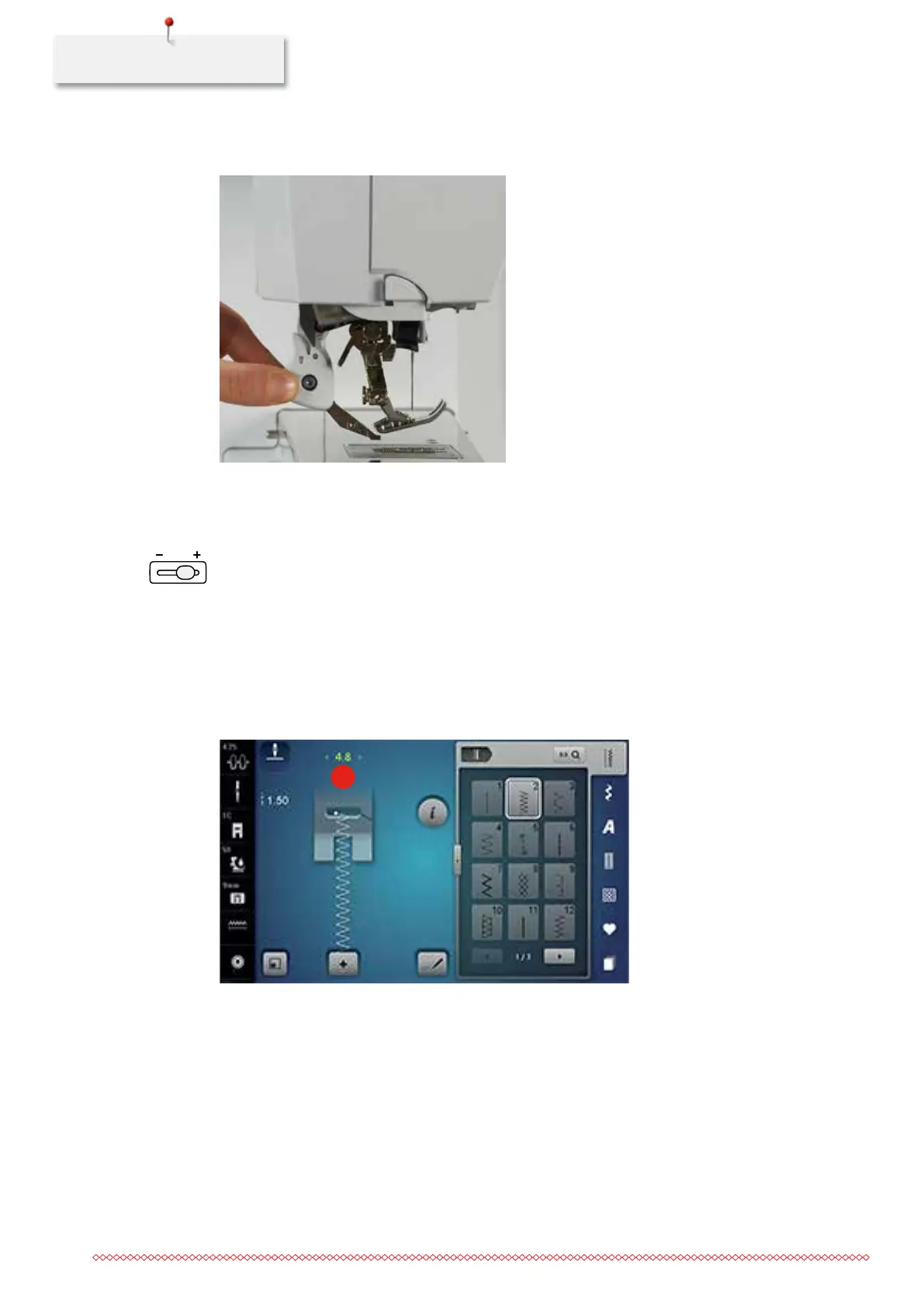
> Hold the dual feed on the holder with two fingers, pull it down, then push backward, slowly letting it
slide upward.
4.3 Sewing speed control
The sewing speed is infinitely variable with the slide.
> Move the slide to the left to reduce the sewing speed.
> Move the slide to the right to increase the sewing speed.
4.4 Editing stitch patterns
Changing the stitch width
> Turn the «Upper Multifunctional knob» to the left to narrow the stitch width.
> Turn the «Upper Multifunctional knob» to the right to widen the stitch width.
> Touch the icon «Stitch width» (1).
1
> Touch the yellow-framed icon to reset the alteration to basic setting.
035964.50.04_2014-08_Manual_B790_EN



 To Next Page