79
Deleting stitch patterns from the personal memory
Prerequisite:
• The stitch pattern is saved in the personal memory.
> Touch the icon «Personal memory».
> Touch the icon «Delete».
> Select the file where the stitch pattern has been saved.
> Select a stitch pattern.
> Touch the icon «Confirm» to delete the stitch pattern.
Canceling alterations
Any alterations of stitch patterns can be reset to basic setting, except for those stitch patterns which have
been saved in the personal memory.
> Touch the icon «clr».
4.7 Combi mode
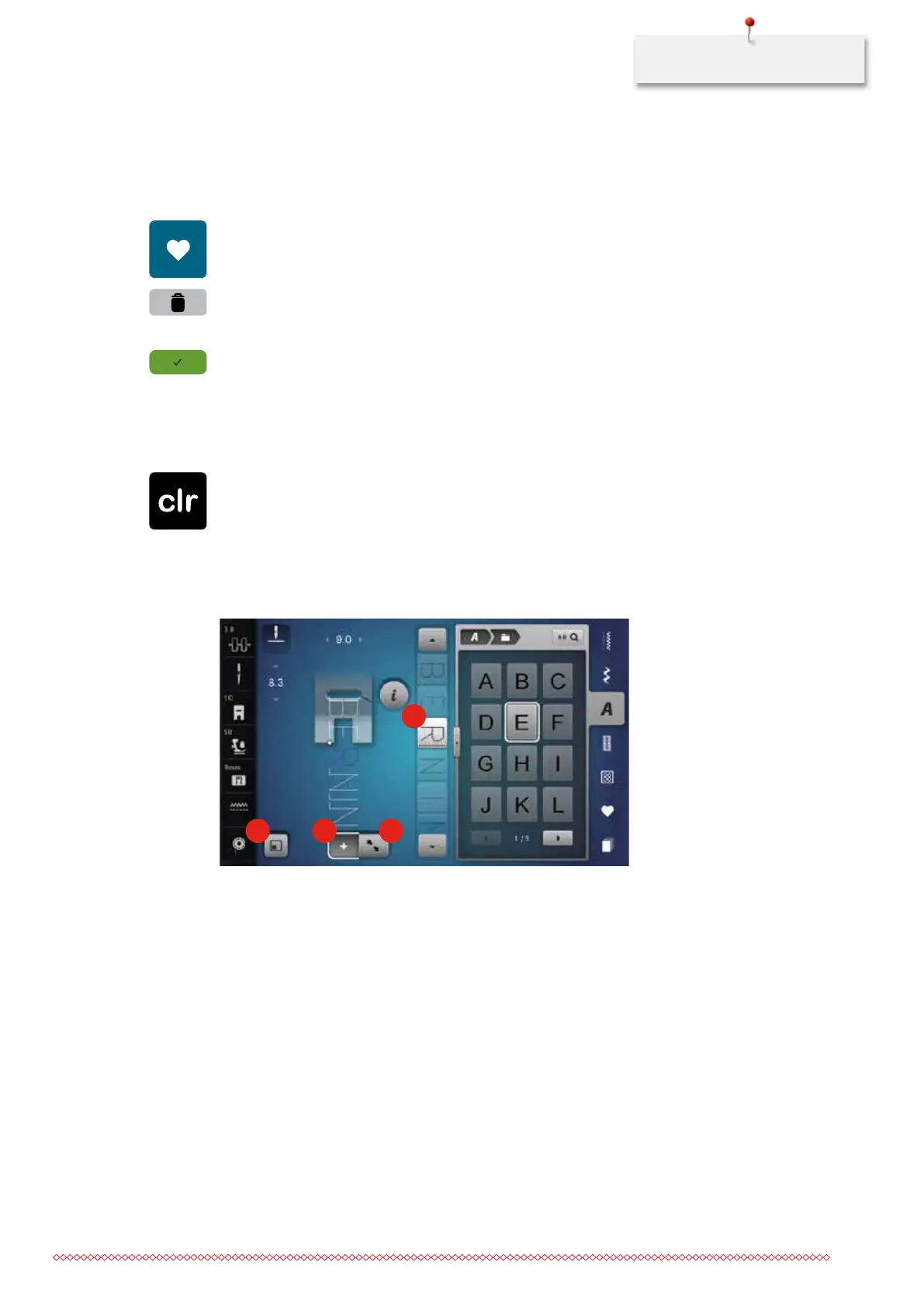
Overview Combi mode
1 2 3
4
1 Matching the stitch pattern size with the display 3 Edit mode/Extended edit mode
2 Combi mode/Single mode 4 Individual stitch pattern within a combination
035964.50.04_2014-08_Manual_B790_EN



 To Next Page