Preparation
40
Changing the presser foot
> Raise the needle.
> Raise the presser foot.
> Switch the machine off and disconnect it from the power supply system.
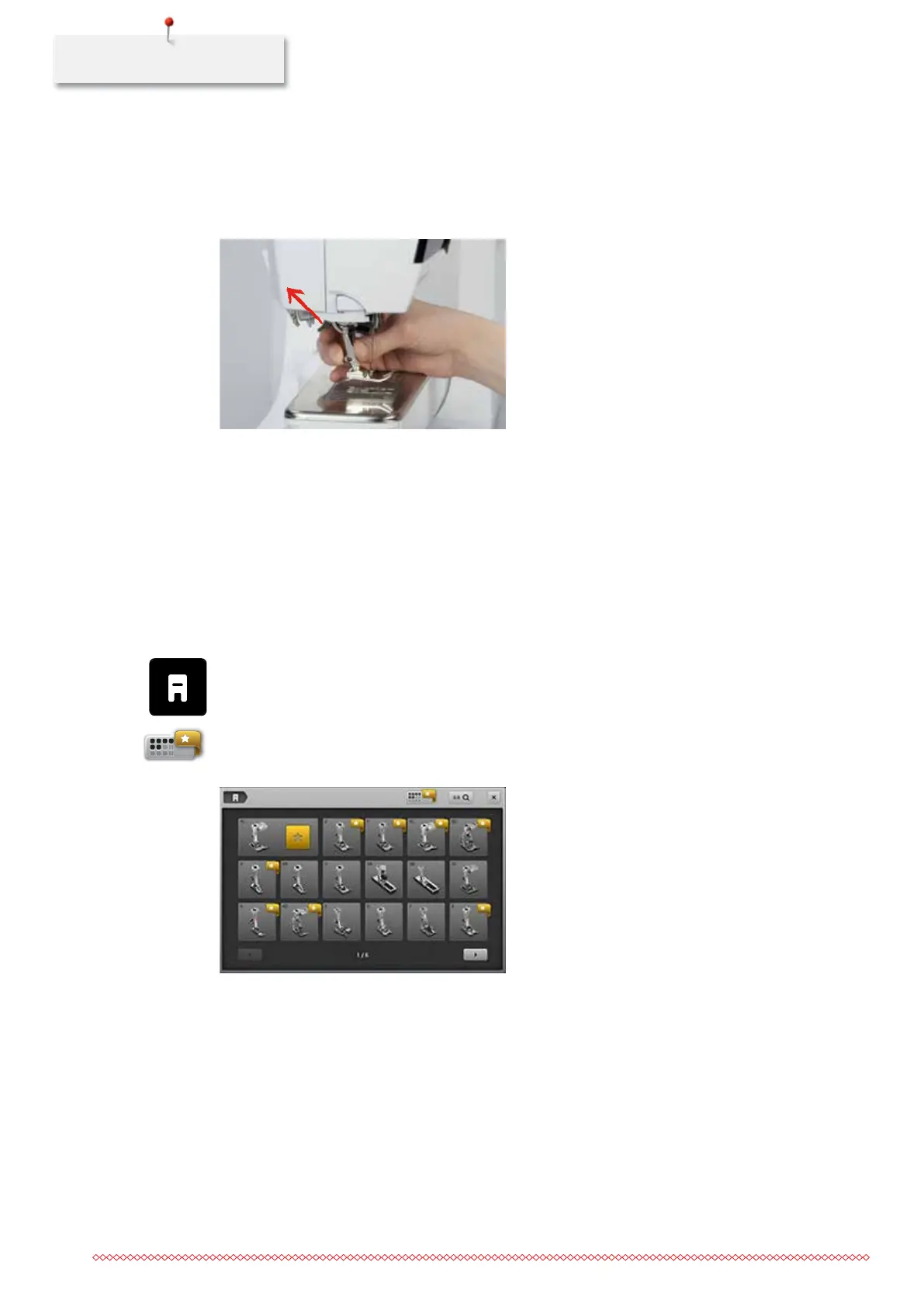
> Push the clamping lever up.
> Remove the presser foot.
> Guide the new presser foot upwards over the cone.
> Press the clamping lever down.
Selecting the presser foot
After the presser foot has been changed, it can be checked whether or not the presser foot is suitable for the
selected stitch pattern. In addition to that, alternative presser feet are displayed which are available for the
currently selected stitch pattern.
> Switch the machine on.
> Choose a stitch pattern.
> Touch the icon «Presser foot indicator/Presser foot selection».
> Touch the icon «Optional presser feet» to display all suitable presser feet for the selected stitch pattern.
> Touch the icon «Scrolling right» to view additional suitable presser foot options.
> Select the attached presser foot.
– When the selected presser foot is suitable, sewing can start.
– When the selected presser foot is not suitable for the wanted stitch pattern, starting the machine is
automatically blocked.
035964.50.04_2014-08_Manual_B790_EN



 To Next Page