86
Relocating several stitch patterns
> Create a stitch pattern combination.
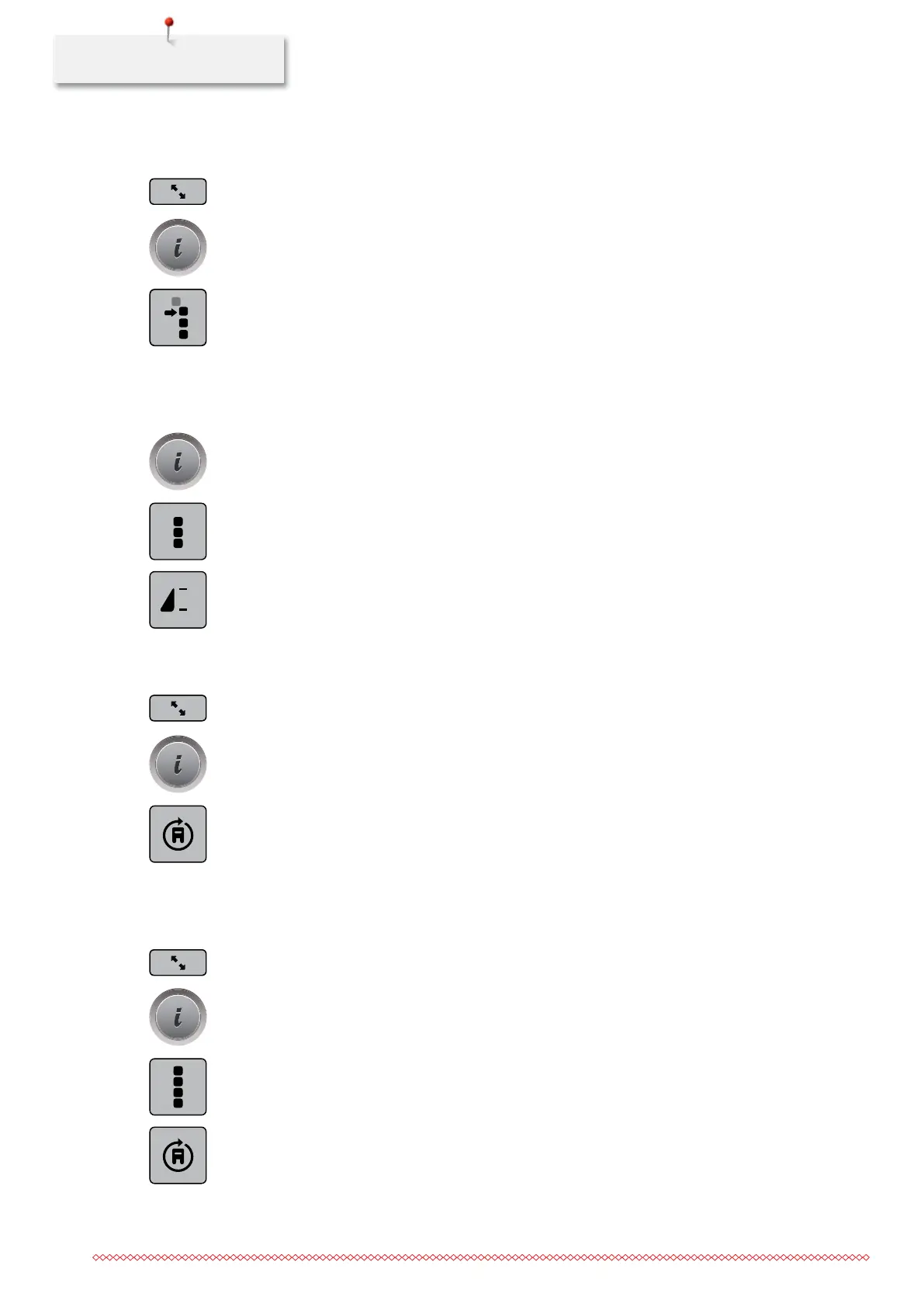
> Touch the icon «Editing mode».
> With the touchscreen pen or the finger select the first stitch pattern.
> Touch the icon «i»-Dialog.
> Touch the icon «Relocating single patterns or sections of a combination».
> Using the touchscreen pen or the finger, move the section of the stitch pattern combination in any
direction.
> Touch the yellow-framed icons to reset the alterations to basic setting.
Programming pattern repeat
> Create a stitch pattern combination.
> Touch the icon «i»-Dialog.
> Touch the icon «Editing the complete combination».
> Touch the icon «Pattern repeat» once to repeat the stitch pattern combination.
> Touch the icon «Pattern repeat» again to repeat the stitch pattern combination up to 9 times.
> Keep the icon «Pattern repeat» pressed to deactivate the pattern repeat.
Changing the sewing direction of a stitch pattern
> Create a stitch pattern combination.
> Touch the icon «Editing mode».
> With the touchscreen pen or the finger select the desired stitch pattern in the stitch pattern combination.
> Touch the icon «i»-Dialog.
> Touch the icon «Changing the sewing direction».
> Turn the «Upper Multifunctional knob» or the «Lower Multifunctional knob» to rotate the stitch pattern
in 0.5°- steps.
> Touch the yellow-framed icon to reset the alteration to basic setting.
Changing the sewing direction of a stitch pattern combination
> Create a stitch pattern combination.
> Touch the icon «Overview combination».
> Touch the icon «i»-Dialog.
> Touch the icon «Editing whole combination».
> Touch the icon «Changing sewing direction».
> Turn the «Upper Multifunctional knob» or the «Lower Multifunctional knob» to rotate the stitch pattern
in 0.5°- steps.
> Touch the yellow-framed icon to reset the alteration to basic setting.
x
035964.50.04_2014-08_Manual_B790_EN



 To Next Page