58
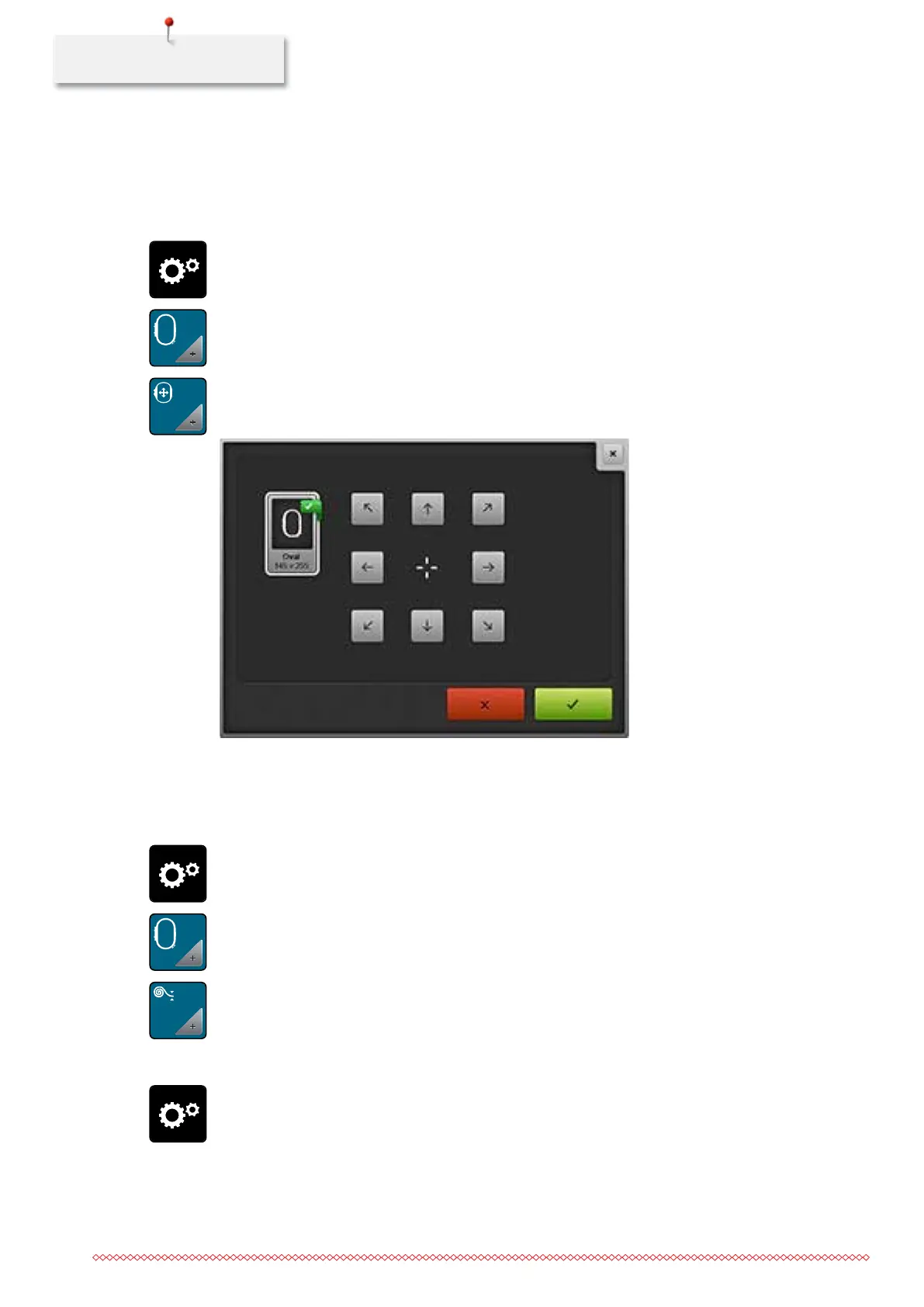
Calibrating the hoop
Prerequisite:
• The embroidery module is connected and the embroidery hoop with the appropriate embroidery
template is attached.
> Touch the icon «Setup Program».
> Touch the icon «Embroidery settings».
> Touch the icon «Calibrating the embroidery hoop».
> Select the desired embroidery hoop and follow the instructions in the display.
> Center the needle via the arrow icons on the display.
Entering the fabric thickness
When the machine is switched off, the alterations are reset to the basic setting 4 mm. If the fabric thickness
is more than 4 mm as for e.g. toweling, it is recommended to select 7.5 mm or 10 mm.
> Touch the icon «Setup Program».
> Touch the icon «Embroidery settings».
> Touch the icon «Selecting the fabric thickness».
> Select fabric thickness.
Deactivating securing stitches
> Touch the icon «Setup Program».
035964.50.04_2014-08_Manual_B790_EN



 To Next Page