161
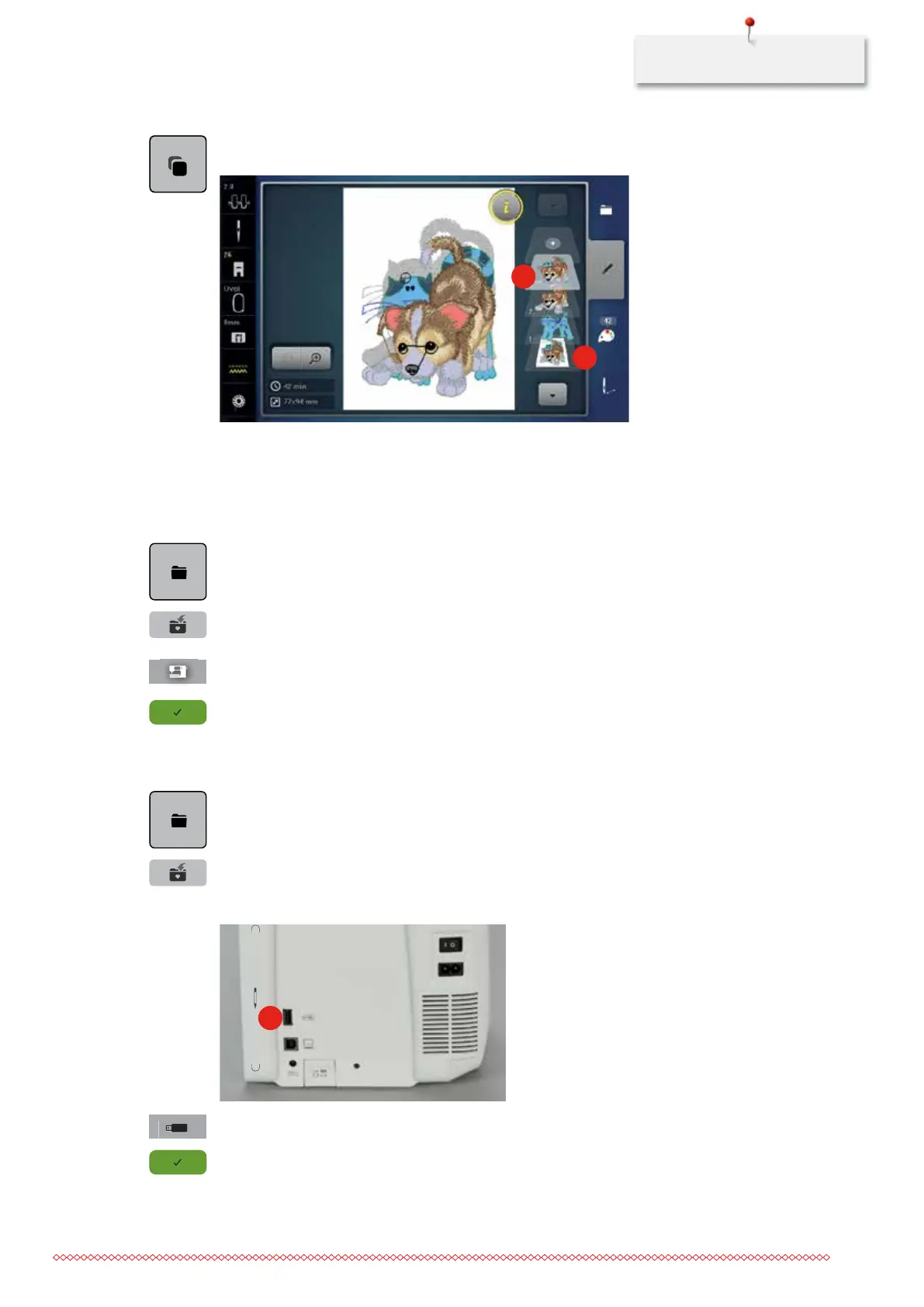
> Touch the icon «Duplicating the embroidery motif».
– The combination is duplicated (2).
1
2
11.10 Administering embroidery motifs
Saving embroidery motifs in the personal memory
> Edit the embroidery motif.
> Touch the icon «Selection».
> Touch the icon «Saving the embroidery motif».
– The embroidery motif to be saved is outlined in yellow.
– The icon «Embroidery machine» is activated.
> Touch the icon «Confirm».
Saving the embroidery motif on the BERNINA USB stick
> Edit the embroidery motif.
> Touch the icon «Selection».
> Touch the icon «Saving the embroidery motif».
– The embroidery motif to be saved is outlined in yellow.
> Insert the BERNINA USB stick into the port (1).
1
> Touch the icon «USB stick».
> Touch the icon «Confirm».
035964.50.04_2014-08_Manual_B790_EN



 To Next Page