156
When of using other types of sewing or embroidery threads, the optimal tension may vary. Therefore it may
be necessary to adjust the upper thread tension according to the sewing or embroidering project as well as
the desired stitch pattern or the embroidery motif individually.
The higher the upper thread tension, the tighter the upper thread which means that the bobbin thread is
pulled up to the top of the fabric. When the upper thread tension is low, the upper thread is less tightened
which means that the bobbin thread is pulled up less.
Alteration of the upper thread tension affect the currently selected stitch pattern or embroidery motif.
Permanent alterations of the upper thread tension for the sewing mode (see page 53) and for the
embroidering mode (see page 57) can be made in the Setup Program.
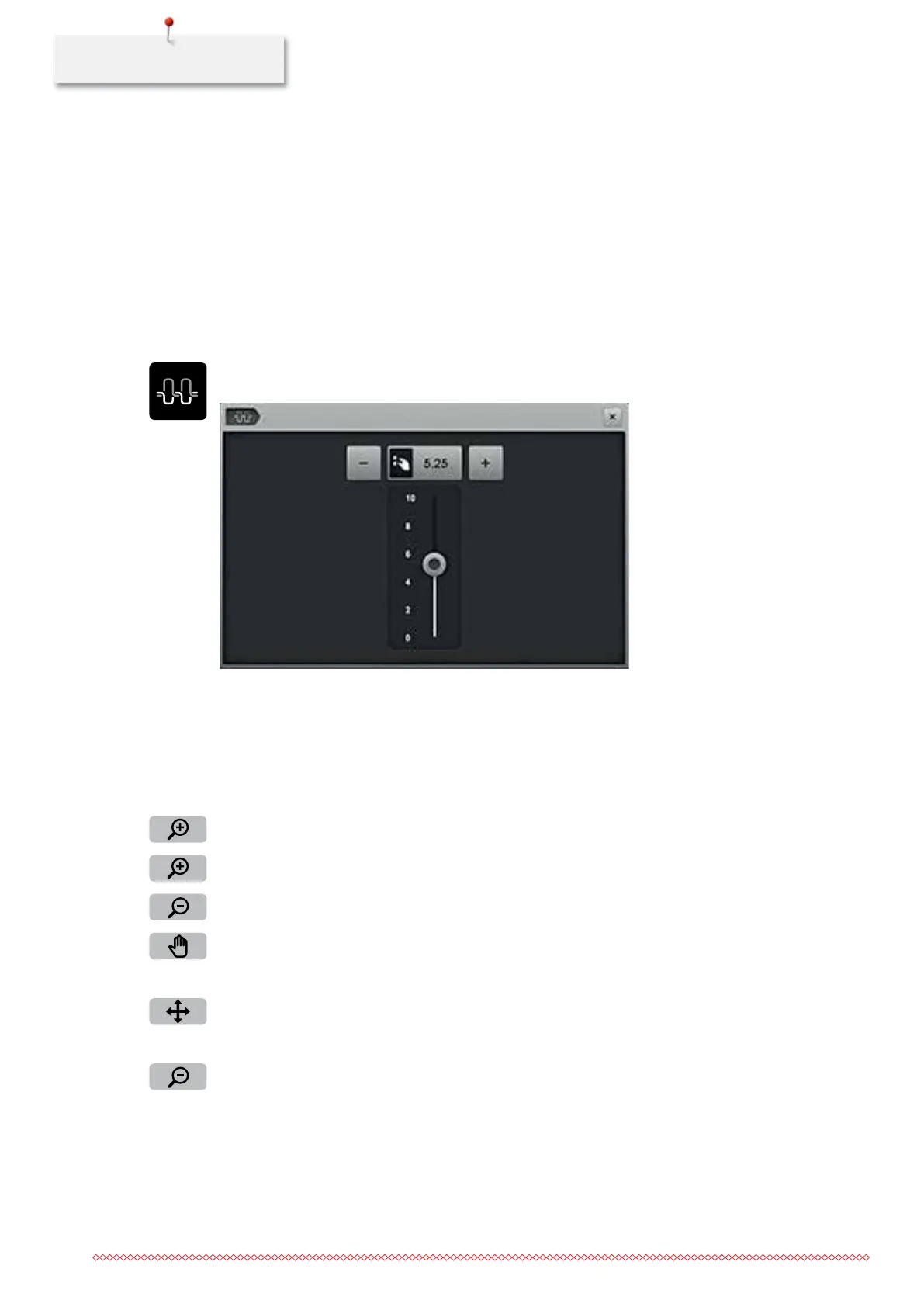
> Touch the icon «Upper thread tension».
> Move the slide using the touchscreen pen or the finger to increase or reduce the upper thread tension.
> Touch the yellow-framed icon to reset the alteration to basic setting.
Altering the view
The view of the embroidery motif can be scaled up and downsized. In addition to that, the view can be
adjusted with or without changing the embroidery position.
> Select an embroidery motif.
> Touch the icon «Zoom in» to edit the view of the embroidery motif.
> Touch the icon «Zoom in» 1 – 4 times to scale up the view of the embroidery motif gradually.
> Touch the icon «Zoom out» 1 – 4 times to minimize the view of the embroidery motif gradually.
> Touch the icon «Relocating the view».
> Alter the view of the embroidery motif using the touchscreen pen or the finger.
– The embroidery position is not altered.
> Touch the icon «Relocating the view of the embroidery motif».
> Relocate the view of the embroidery motif using the touchscreen pen or the finger.
– The embroidery position is altered.
> Touch the icon «Zoom out» to go back to the Edit Mode.
035964.50.04_2014-08_Manual_B790_EN



 To Next Page