57
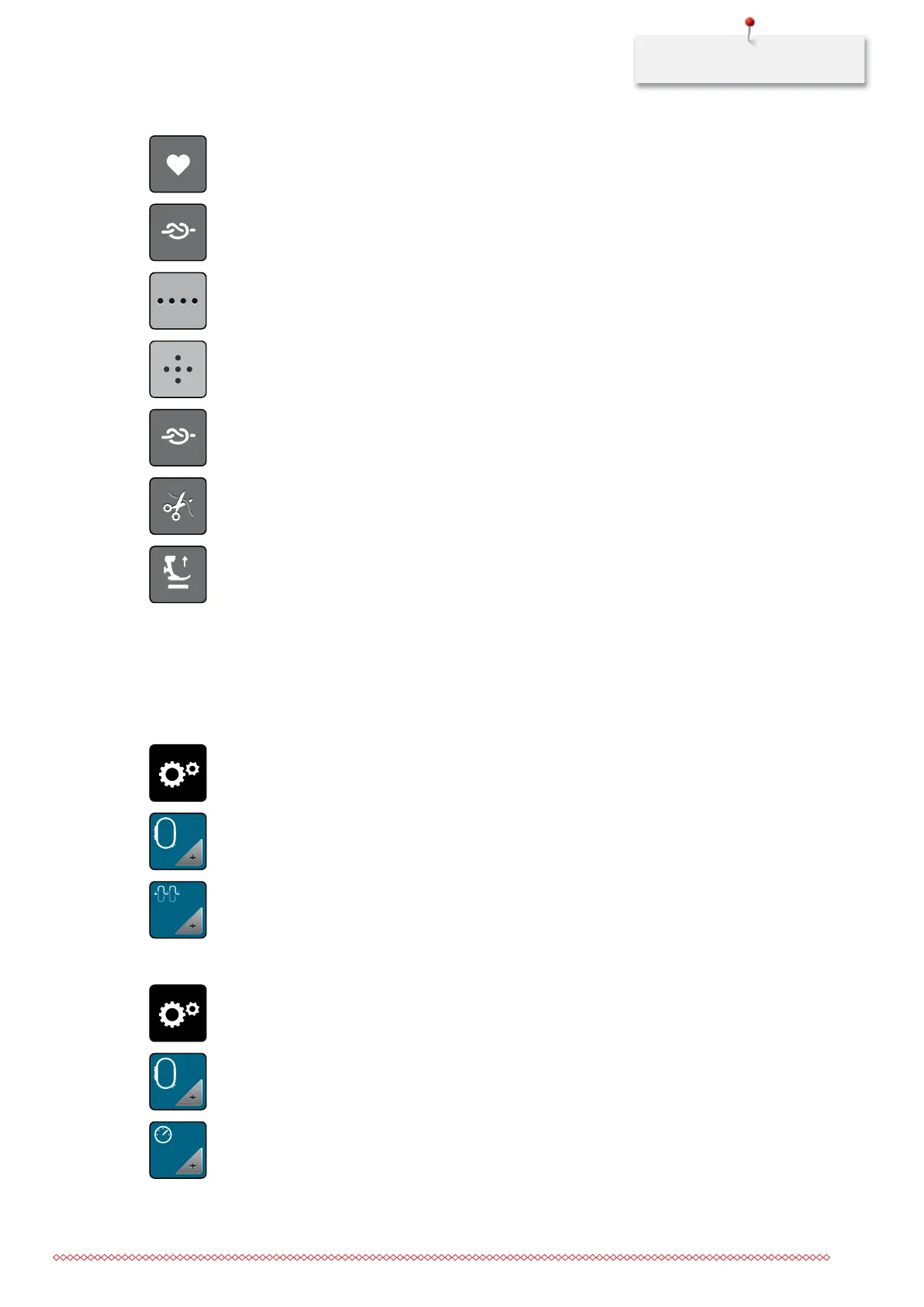
> Touch the icon «Back kick» to program the back kick.
> Touch the icon «Securing» to sew 4 securing stitches in place.
> Touch the icon «Altering the number of securing stitches» to program sequenced securing stitches.
> Touch the icons «-» and «+» to program the number of securing stitches.
> Touch the yellow-framed icon to reset the alteration to basic setting.
> Touch the icon «Securing stitches in place» to ptrogram 4 securing stitches in place.
> Touch the icon «Securing» to deactivate the automatic securing via the back kick.
> Touch the icon «Securing» again to activate the automatic securing via the back kick.
> Touch the icon «Cutting the thread» to deactivate the automatic thread cut.
> Touch the icon «Cutting the thread» again to activate the automatic thread cut.
> Touch the icon «Positioning the presser foot» so that the presser foot remains down via the back kick.
> Touch the icon «Positioning the presser foot» again so that the presser foot remains up via the back kick.
3.2 Embroidery settings
Adjusting the upper thread tension
Alterations of the upper thread tension in the Setup Program affect all stitch patterns. Individual alteration of
the upper thread tension can also be made for currently selected stitches.
> Touch the icon «Setup Program».
> Touch the icon «Embroidery settings».
> Touch the icon «Adjusting the upper thread tension».
> Move the slide using the touchscreen pen or the finger to alter the upper thread tension.
> Touch the yellow-framed icon to reset the alteration to basic setting.
Adjusting the maximum embroidering speed
> Touch the icon «Setup Program».
> Touch the icon «Embroidery settings».
> Touch the icon «Adjusting the maximum embroidering speed».
> Move the slide using the touchscreen pen or the finger to adjust the maximum embroidering speed.
> Touch the yellow-framed icon to reset the alteration to basic setting.
RPM
035964.50.04_2014-08_Manual_B790_EN



 To Next Page