148
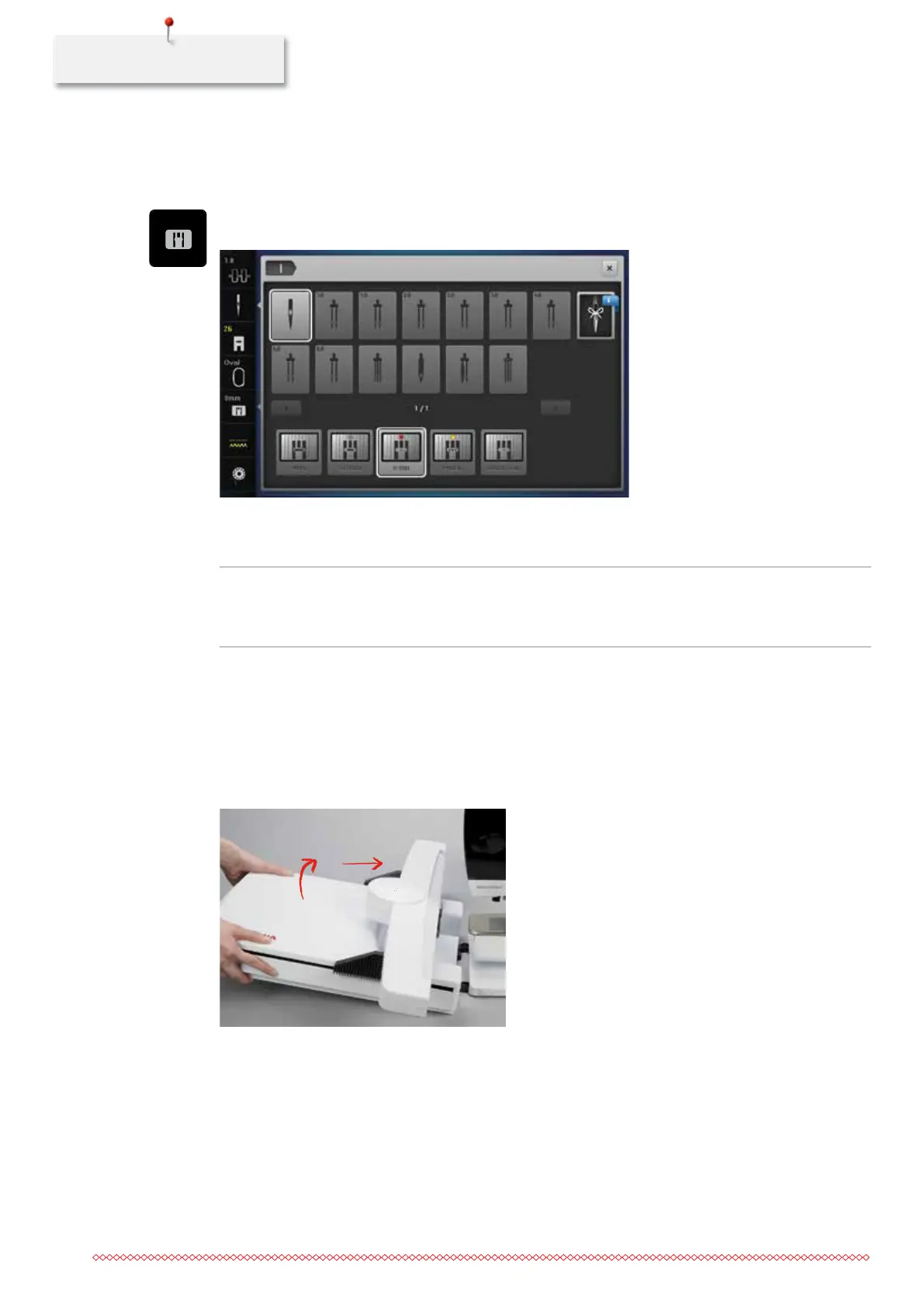
Selecting the stitch plate CutWork/Straight
After having changed the stitch plate, it can be checked whether or not it is suitable to be used in
combination with the selected needle.
> Touch the icon «Stitch plate selection».
> Select the stitch plate CutWork/Straight.
Attaching the Module
NOTICE
Transporting the embroidery module
Damage to the embroidery module connection and machine.
> Remove the embroidery module before transporting the machine.
Prerequisite:
• The slide-on table must not be attached.
> Make sure that the module and the machine are placed on a stable, even surface.
> Make sure that there is enough space around to allow the unimpeded movement of the embroidery arm.
> Lift the embroidery module on the left.
> Carefully slide the module from left to right into the module connection of the machine.
035964.50.04_2014-08_Manual_B790_EN



 To Next Page