EasyManua.ls Logo

Bernina 770 QE - User Manual

Bernina 770 QE
204 pages
Print Icon
To Next Page IconTo Next Page
Loading...
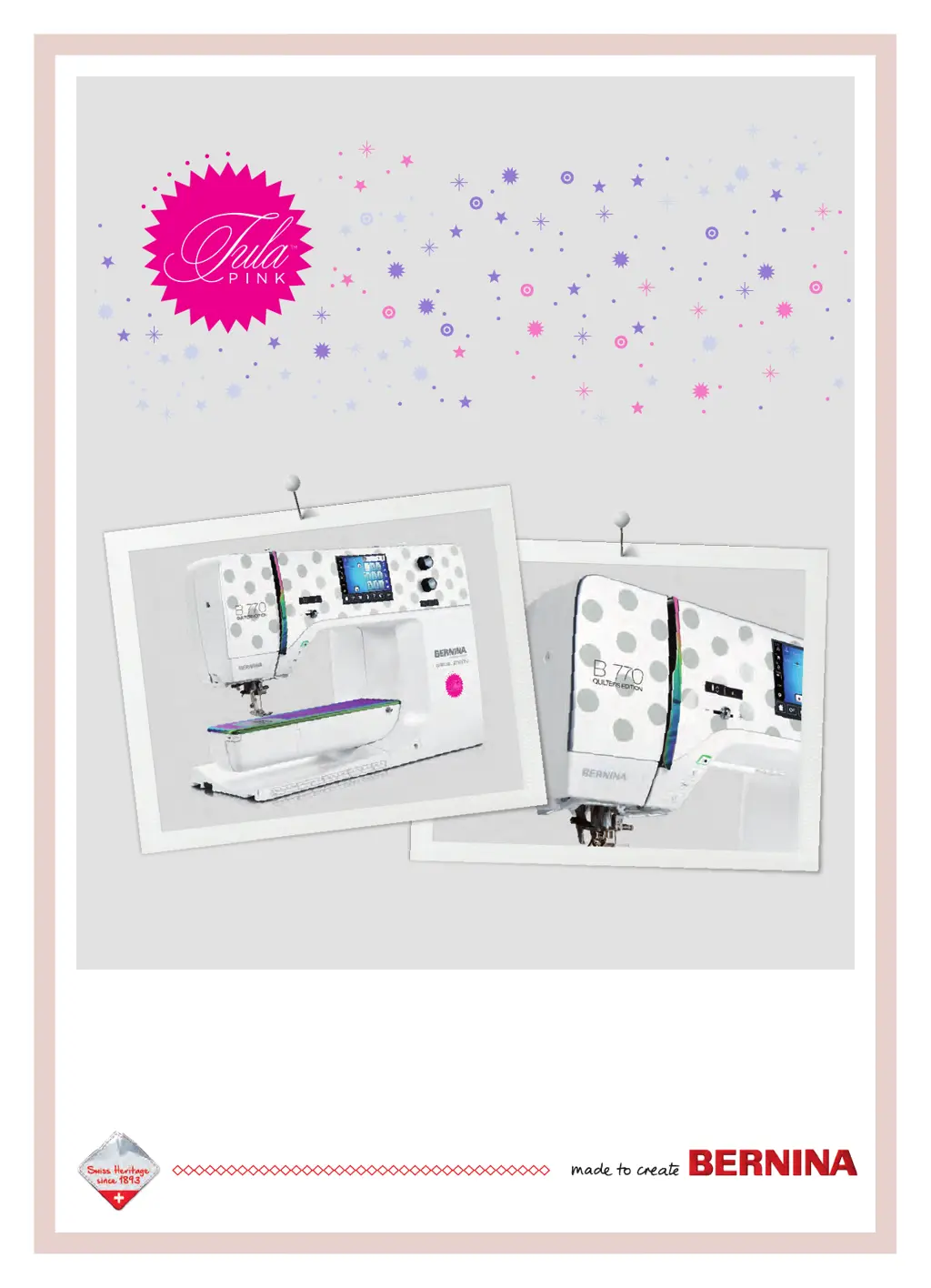
BERNINA 770 QE
SPECIAL EDITION

Table of Contents

Other manuals for Bernina 770 QE

Questions and Answers

  • M
    Meagan AndersonSep 23, 2025
    Why isn't the upper thread indicator reacting on my Bernina 770 QE?
    • O
      Olivia EllisonSep 23, 2025
      If the upper thread indicator on your Bernina Sewing Machine doesn't react, check the Setup Program to ensure it is activated. If it is activated and still not working, the upper thread indicator may be defective; contact a specialized BERNINA dealer.
  • B
    berryericAug 25, 2025
    What to do if my Bernina 770 QE doesn't start?
    • M
      Martin SanfordAug 25, 2025
      If your Bernina sewing machine doesn't start, it could be due to an unfavorable room temperature. Place the machine in a warm room one hour before use. If that doesn't work, the machine may be damaged, and you should contact the specialized BERNINA dealer.
  • T
    Tanya MirandaAug 25, 2025
    Why does my Bernina Sewing Machine have uneven stitches?
    • W
      wgrayAug 26, 2025
      Uneven stitches can occur if the upper thread tension is either too tight or too loose; adjust it accordingly. Other potential causes include a blunt or bent needle (replace it with a new BERNINA quality needle), a poor-quality needle (use a new BERNINA quality needle), poor-quality thread (use quality thread), an incorrect needle/thread combination (match them appropriately), incorrect threading (rethread the machine), pulling the fabric (feed it evenly), or using the incorrect bobbin case (use the supplied bobbin case with triangles).
  • D
    Dylan EdwardsAug 27, 2025
    What to do if my Bernina 770 QE Sewing Machine is skipping stitches?
    • Q
      qlopezAug 27, 2025
      Skipped stitches on your Bernina Sewing Machine may be due to using the incorrect needle; ensure you are using the 130/705H needle system. A blunt or bent needle can also cause this issue, so replace it. Similarly, using a poor-quality needle can lead to skipped stitches, so use a new BERNINA quality needle. Check that the needle is correctly inserted with the flat side to the back, as far up as it will go, and that the screw is tightened. Finally, the incorrect needle point can cause skipped stitches; match the needle point to the texture of the material.
  • A
    Andrew CannonSep 23, 2025
    Why isn't the bobbin thread indicator reacting on my Bernina 770 QE?
    • M
      Michael OrrSep 23, 2025
      If the bobbin thread indicator on your Bernina Sewing Machine doesn't react, check the Setup Program to ensure it is activated. If it is activated and still not working, the bobbin thread indicator may be defective; contact a specialized BERNINA dealer.
  • C
    Charles ReedSep 13, 2025
    Why does the upper thread keep breaking on my Bernina 770 QE Sewing Machine?
    • N
      Nicholas BrewerSep 13, 2025
      Upper thread breaks on a Bernina Sewing Machine can be caused by an incorrect needle/thread combination, so ensure they are properly matched. If the upper thread is too tight, reduce the tension. Also, check if the machine is incorrectly threaded and rethread it if necessary. Using poor quality thread can also cause breakage, so switch to quality thread. If the stitch plate or hook tip is damaged, contact a specialized BERNINA dealer for repairs. Finally, if the thread is caught in the area of the thread take-up lever, remove the screw on the headframe with the angular Torx wrench, pull the headframe slightly forward, flip it upwards, remove the headframe, remove any thread remnants, reattach the headframe, and tighten the screw.
  • W
    Wendy CarterSep 12, 2025
    Why upper thread indicator doesn't react on my Bernina Sewing Machine?
    • S
      Steven Vazquez IIISep 12, 2025
      If the upper thread indicator isn't reacting on your Bernina sewing machine, it could be defective, and you should contact the specialized BERNINA dealer. Alternatively, check the settings in the Setup Program and activate it there.
  • J
    Julie RichardsSep 12, 2025
    Why bobbin thread indicator doesn't react on my Bernina 770 QE Sewing Machine?
    • C
      Christine SmithSep 12, 2025
      If the bobbin thread indicator isn't reacting on your Bernina sewing machine, the bobbin thread indicator may be defective, and you should contact the specialized BERNINA dealer.
  • S
    Sarah BenitezSep 4, 2025
    How to fix error during software update on Bernina 770 QE Sewing Machine?
    • R
      Robert SimpsonSep 4, 2025
      An error during a software update on your Bernina Sewing Machine can occur if the USB stick is not recognized; use a BERNINA USB stick. If the update process is blocked and the hourglass on the display is inactive, remove the USB stick, switch the machine off, and then switch it back on. Follow the instructions on the display, unzip the update data, and save the software update data directly on the data medium, not in a file on the USB stick.
  • M
    Monica PhillipsSep 1, 2025
    What causes error during software update of my Bernina 770 QE?
    • D
      Douglas MasseySep 2, 2025
      An error during a software update on your Bernina sewing machine can occur if the USB stick is not recognized, so use a BERNINA USB stick. If the update process is blocked and the hourglass on the display is inactive, remove the USB stick. Also, ensure that the update data is unzipped.

Summary

Important Safety Instructions

DANGER!

Critical warnings for electrical shock hazards.

WARNING

Warnings about burns, fire, electric shock, and injury.

1 My BERNINA

1.1 Introduction

Overview of the machine's sewing, embroidering, and quilting capabilities.

1.5 Overview Machine

Detailed identification of machine parts and controls.

1.6 Supplied accessories

Listing and purpose of included machine accessories.

1.7 Overview User Interface

Explanation of the machine's display and interactive elements.

1.8 Needle, Thread, Fabric

Guidance on selecting appropriate needles, threads, and fabrics.

2 Sewing preparation

2.1 Accessory box

Instructions for setting up and storing machine accessories.

2.2 Connection and Switching on

Steps for connecting power and initial machine setup.

2.3 Foot control

How to use and adjust the foot pedal for sewing.

2.8 Presser foot

Procedures for changing and adjusting presser feet.

2.10 Needle and stitch plate

Instructions for changing needles and stitch plates.

2.11 Threading

Step-by-step guide for threading the machine.

3 Setup Program

3.1 Sewing settings

Configuration options for sewing parameters and button functions.

3.2 Embroidery settings

Adjustments for embroidery parameters like tension and speed.

3.6 Machine settings

Options for language, display, and basic machine configurations.

Updating the machine Firmware

Guide for updating the machine's internal software.

4 System settings

4.1 Calling up the Tutorial

Accessing guided lessons on machine functions.

4.2 Calling up the Creative Consultant

Using the consultant for project-specific advice.

4.3 Calling up the Help

Accessing context-sensitive help within the interface.

5 Creative sewing

5.1 Overview selection menu sewing

Navigating the menu for selecting stitch patterns.

5.2 BERNINA Dual Feed

Using the integrated Dual Feed system for fabric handling.

5.5 Editing stitch patterns

Modifying parameters of selected stitch patterns.

5.6 Combining stitch patterns

Creating custom stitch combinations.

5.7 Administering stitch patterns

Saving, loading, and managing stitch patterns.

5.9 Height Compensation of uneven layers

Adjusting presser foot for varying fabric thicknesses.

6 Practical stitches

6.1 Overview Practical stitches

Visual catalog of basic stitches and their applications.

6.2 Sewing straight stitch

Instructions for performing straight stitching.

6.4 Sewing in the zipper

Step-by-step guide for inserting zippers.

6.8 Manual darning

Technique for repairing fabric holes and worn areas.

6.11 Finishing edges

Methods for neatening fabric edges.

6.17 Sewing blind hems

Technique for creating invisible hems.

7 Decorative stitches

7.1 Overview Decorative Stitches

Catalog of decorative stitches for embellishment.

7.2 Bobbin-Play

Technique using bobbin thread for textural effects.

7.5 Pintucks

Instructions for creating pintucks for fabric embellishment.

8 Alphabets

8.1 Overview Alphabet

Presentation of available lettering styles and sizes.

8.2 Creating lettering

Steps for entering and customizing text for embroidery.

9 Buttonholes

9.1 Overview Buttonholes

Catalog of different buttonhole types and their uses.

9.5 Cord

How to use cord for decorative buttonholes.

9.10 Sewing a buttonhole automatically

Automated process for creating perfect buttonholes.

10 Quilting

10.1 Overview Quilt Stitches

Catalog of stitches specifically for quilting projects.

10.3 Sewing handlook quilt stitches

Techniques for achieving a hand-sewn quilt look.

10.4 Guiding the quilt work freely

Methods for free-motion quilting and fabric control.

11 BERNINA Stitch Regulator (BSR)

11.1 BSR mode 1

Using BSR for consistent stitch length in free-motion sewing.

11.2 BSR mode 2

Alternative BSR mode with specific start/stop behavior.

11.6 Using the BSR mode

Instructions for operating the BSR function.

11.7 Securing

How to secure stitches at the beginning or end of quilting.

12 My BERNINA Embroidery

12.1 Overview Embroidery module

Identifying parts of the embroidery module.

12.2 Supplied accessories Embroidery module

Listing and purpose of embroidery module accessories.

12.3 Overview User Interface

Navigating the embroidery interface.

12.4 Important Embroidery information

Key considerations for successful embroidery.

13 Embroidering preparation

13.1 Attaching the Module

Steps for connecting the embroidery module.

13.2 Preparing the machine

Machine setup steps before starting embroidery.

13.3 Embroidery foot

Attaching and selecting the correct embroidery foot.

13.4 Needle and stitch plate

Procedures for needle and stitch plate changes for embroidery.

13.5 Embroidery hoop

Selecting and preparing embroidery hoops and stabilizers.

14 Setup Program

14.1 Adjusting the embroidery settings in the Setup Program

Configuring embroidery-specific settings via the Setup Program.

15 Creative embroidering

15.1 Overview embroidering

Introduction to the creative embroidery interface.

15.2 Selecting and changing the embroidery motif

Process for choosing and loading embroidery designs.

15.5 Editing the embroidery motif

Tools for modifying size, position, rotation, and mirroring.

15.6 Creating lettering

Designing custom text for embroidery.

15.7 Changing the colors of the embroidery motif

Modifying thread colors and brands for motifs.

15.8 Embroidering the embroidery motif

Controls for starting and managing embroidery sequences.

15.10 Administering embroidery motifs

Managing embroidery designs in memory and on USB.

16 Embroidery

16.1 Embroidering via the button Start;Stop

Starting and controlling embroidery using the Start/Stop button.

16.2 Increasing the embroidery speed

Adjusting embroidery speed for quality or efficiency.

16.3 Adjusting the upper thread tension

Fine-tuning upper thread tension for optimal embroidery.

16.4 Embroidering via the foot control

Using the foot pedal for embroidery control.

17 Attachment

17.1 Maintencance and cleaning

Procedures for routine cleaning and upkeep of the machine.

17.2 Troubleshooting

Common issues and their solutions for machine operation.

17.3 Error messages

Explanations and solutions for on-screen error indicators.

17.4 Storage and disposal

Guidelines for storing and responsibly disposing of the machine.

17.5 Technical data

Specifications and technical details of the sewing machine.

18 Overview stitch patterns

18.1 Overview Stitch patterns

Visual catalog of all available sewing stitch patterns.

18.2 Overview Embroidery motifs

Catalog of available embroidery designs.

Bernina 770 QE Specifications

General IconGeneral
Stitch Width9 mm
Sewing Speed1000 stitches per minute
Color Touch ScreenYes
Automatic Thread CutterYes
Adjustable Presser Foot PressureYes
Embroidery Module CompatibilityYes
USB InterfaceYes
Stitch Length6 mm
Buttonholes13
Bernina Free Hand System (FHS)Yes
Bobbin Winding While SewingYes
Start/Stop ButtonYes
Slide Speed ControlYes
Needle Stop Up/DownYes
Pattern Begin/EndYes
TypeComputerized
Needle Positions11
LCD ScreenColor Touch Screen
Sewing Space to the Right of the Needle254 mm
Weight12 kg
Dimensions522 mm x 214 mm x 358 mm

Related product manuals