Creative sewing
82
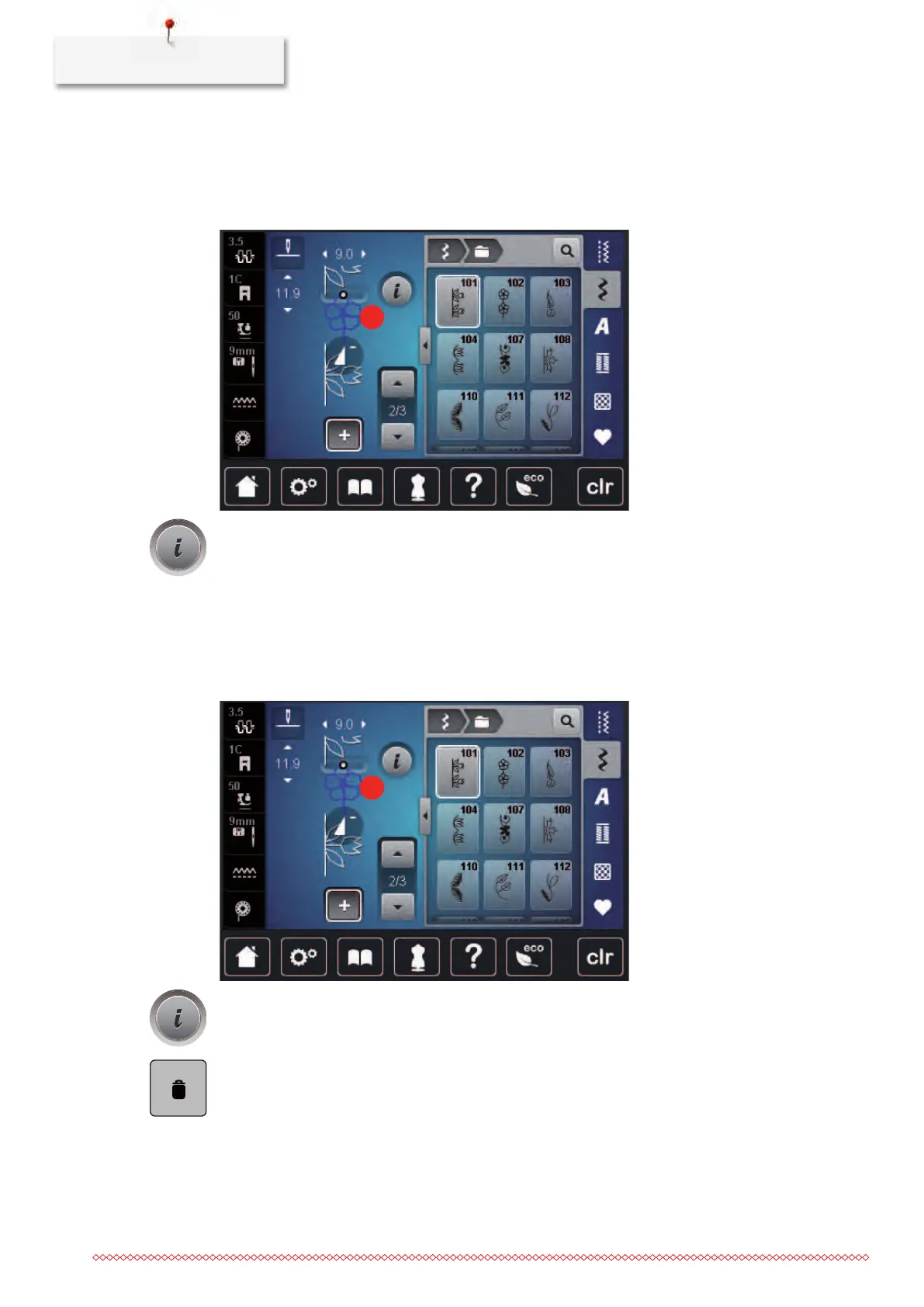
Editing a single stitch pattern
> Create a stitch pattern combination.
> With the touchscreen pen/finger touch the desired position (1) within the stitch pattern combination to
select a single stitch pattern.
> Touch the icon «i»-Dialog to edit the single stitch pattern.
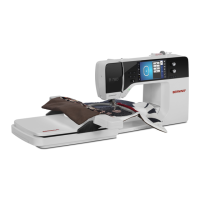
Deleting a single stitch pattern
> Create a stitch pattern combination.
> With the touchscreen pen/finger touch the desired position (1) within the stitch pattern combination to
select a single stitch pattern.
> Touch the icon «i»-Dialog.
> Touch the icon «Delete» to delete the individual stitch pattern
or



 To Next Page