Embroidering preparation
142
13.2 Preparing the machine
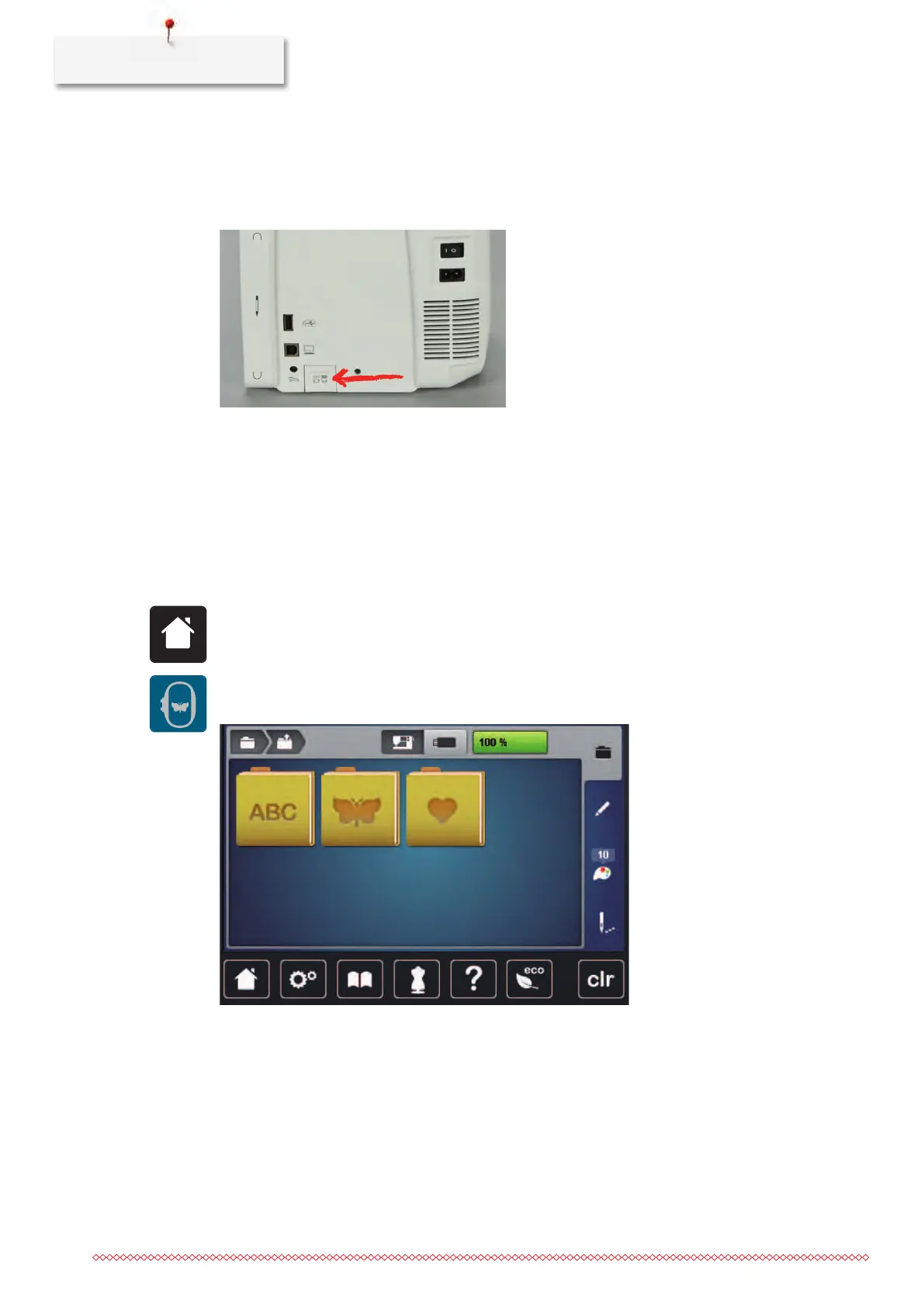
Lowering the feed dog
> Push the button «Feed dog up/down» to lower the feed dog.
> Attach the stitch plate CutWork/Straight (see page145).
> Insert the needle (see page144).
> Attaching the embroidery foot (see page143).
Selecting an embroidery motif
All embroidery motifs can either be embroidered as-is or edited using the various functions offered by the
embroidery machine. All embroidery motifs can be found in the attachment of this instruction manual. In
addition to that, embroidery motifs can be loaded from the personal memory or from the BERNINA USB stick
(optional accessory).
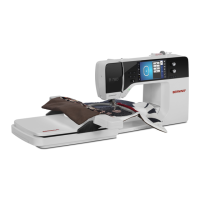
> Touch the icon «Home».
> Touch the icon «Embroidery mode».
> Select an alphabet, embroidery motif or a personal embroidery motif from a file.



 To Next Page