Embroidering preparation
146
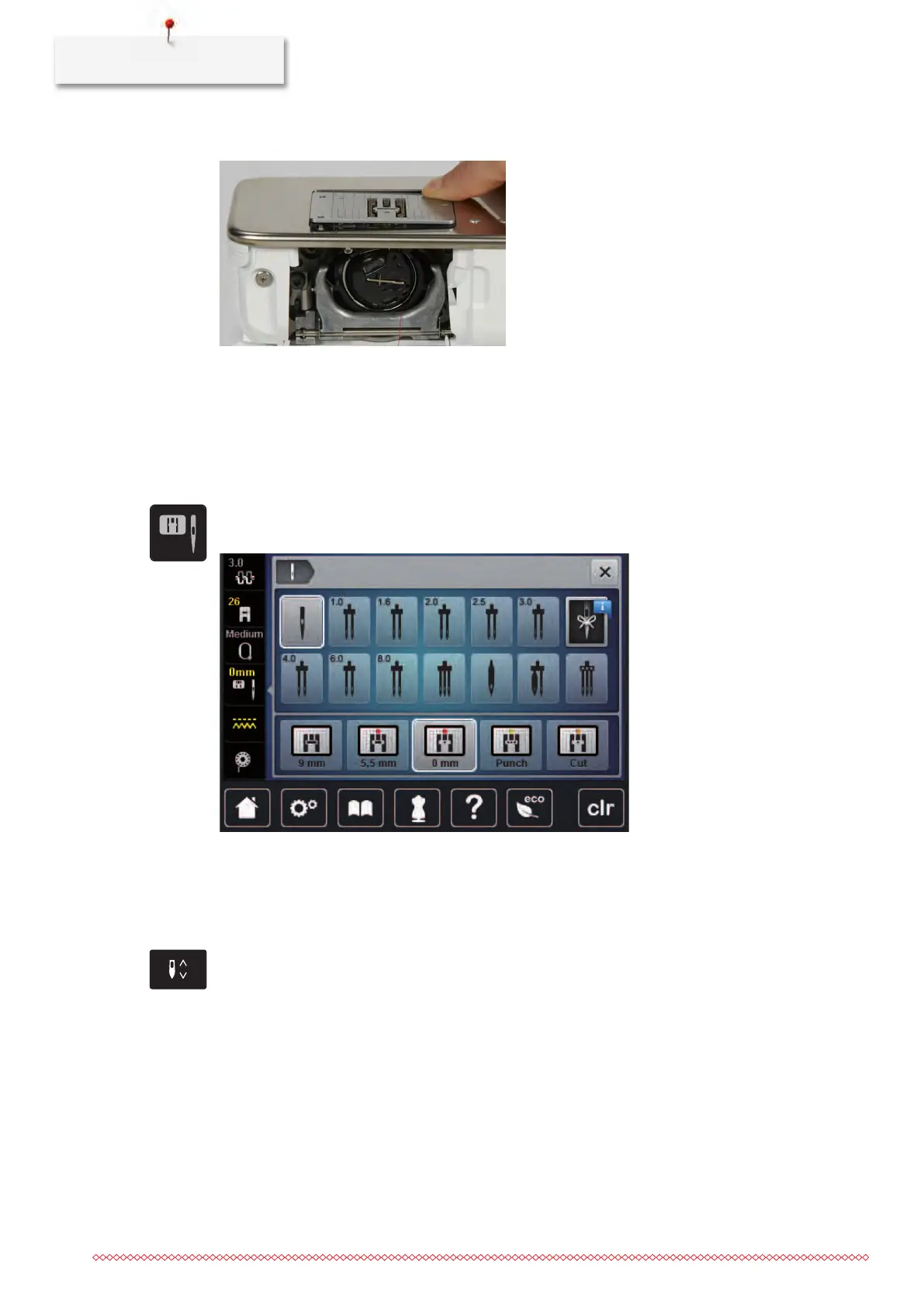
> Press the stitch plate down at the mark back right until it flips up.
> Remove the stitch plate.
> Place the openings of the stitch plate (CutWork/Straight, supplied accessory) above the corresponding
guide pins and press down until it clicks into place.
Selecting the stitch plate in the User Interface
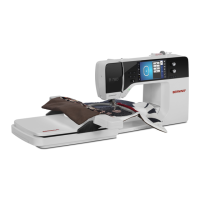
After having changed the stitch plate, it can be checked whether or not it is suitable to be used in
combination with the selected needle.
> Touch the icon «Stitch plate/Needle selection».
> Select the stitch plate CutWork/Straight.
Thread-up command
The machine must be ready for embroidery to bring up the bobbin thread.The bobbin thread can be brought
up in one step for a manual knotting. If no securing stitches are wanted, it is recommended to deactivate the
securing stitches in the Setup.
> Hold the upper thread.
> Press the button «Needle up/down».
– The bobbin thread is brought up automatically.



 To Next Page