Setup Program
58
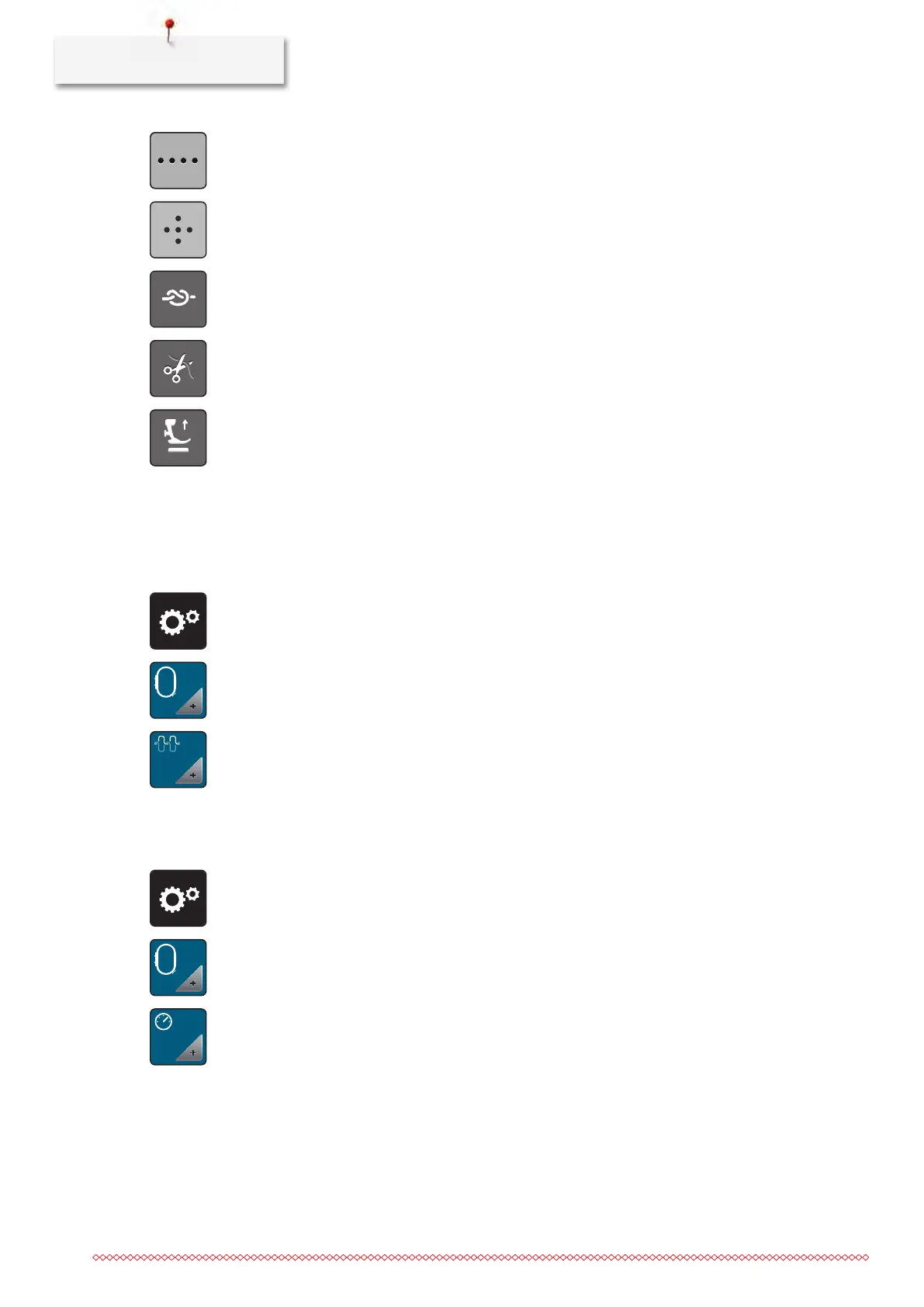
> To program securing stitches in close succession, touch the icon «Alter the number of securing stitches».
> To program the number of securing stitches, touch the icons «-» or «+».
> To reset any alterations to default setting, touch the yellow-framed icon.
> To program 4 securing stitches in place, touch the icon «Securing stitches in place».
> To deactivate the automatic securing via the back kick, touch the icon «Securing».
> To activate the automatic securing via the back kick, touch the icon «Securing» again.
> To deactivate the automatic thread cut, touch the icon «Thread cut».
> Touch the icon «Thread cut» again to activate the thread cut via the back kick.
> Touch the icon «Position the presser foot» so that the presser foot remains down via the back kick.
> Touch the icon «Position the presser foot» again so that the presser foot remains up via the back kick.
3.2
Embroidery settings
Adjusting the upper thread tension
Alterations of the upper thread tension in the Setup Program affect all embroidery motifs.
> Touch the icon «Setup Program».
> Touch the icon «Embroidery settings».
> Touch the icon «Alter the upper thread tension».
> Move the slide using the touchscreen pen/finger or touch the icons «+» or «-» to alter the upper thread
tension.
Adjusting the maximum embroidering speed
By using this function, the maximum speed can be reduced.
> Touch the icon «Setup Program».
> Touch the icon «Embroidery settings».
> Touch the icon «Alter the maximum speed».
> Move the slide using the touchscreen pen/finger or touch the icons «+» or «-» to alter the maximum
speed.



 To Next Page