Setup Program
55
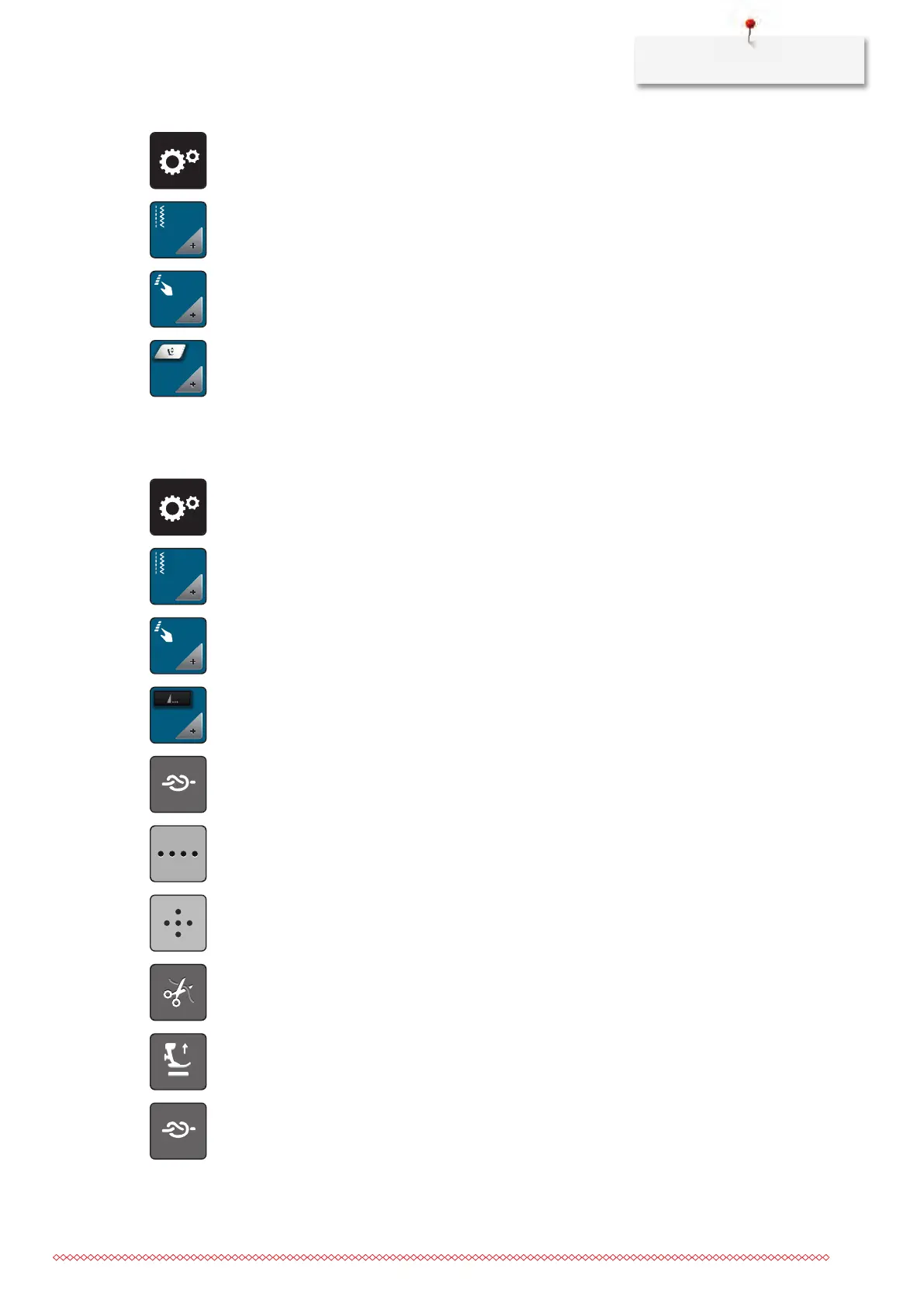
> Touch the icon «Setup Program».
> Touch the icon «Sewing settings».
> Touch the icon «Program buttons and icons».
> Touch the icon «Program the hovering position of the presser foot».
> To adjust the distance between the fabric and the presser foot, turn the «Upper Multifunction knob» or
the «Lower Multifunction knob» or touch the irons «-» or «+».
Programming the button «Pattern end»
The presser foot can be positioned, the thread cut and the automatic securing can be programmed.
> Touch the icon «Setup Program».
> Touch the icon «Sewing settings».
> Touch the icon «Program buttons and icons».
> Touch the icon «Program pattern end».
> Touch the icon «Secure» to sew 4 securing stitches in place.
> Touch the icon «Alter the number of securing stitches» to program subsequent securing stitches.
> Touch the icons «-» or «+» to program the number of securing stitches in close succession.
> Touch the icon «Securing stitches in place» to program 4 securing stitches in place.
> Touch the icon «Thread cut» to deactivate the automatic thread cut after securing.
> Touch the icon «Thread cut» again to activate the automatic thread cut after securing.
> Touch the icon «Position the presser foot» so that the presser foot remains down after securing.
> Touch the icon «Position the presser foot» again so that the presser foot remains up after securing.
> Touch the icon «Secure» to deactive the automatic securing.
> Touch the icon «Secure» again to active the automatic securing.



 To Next Page