Creative sewing
73
5 Creative sewing
5.1
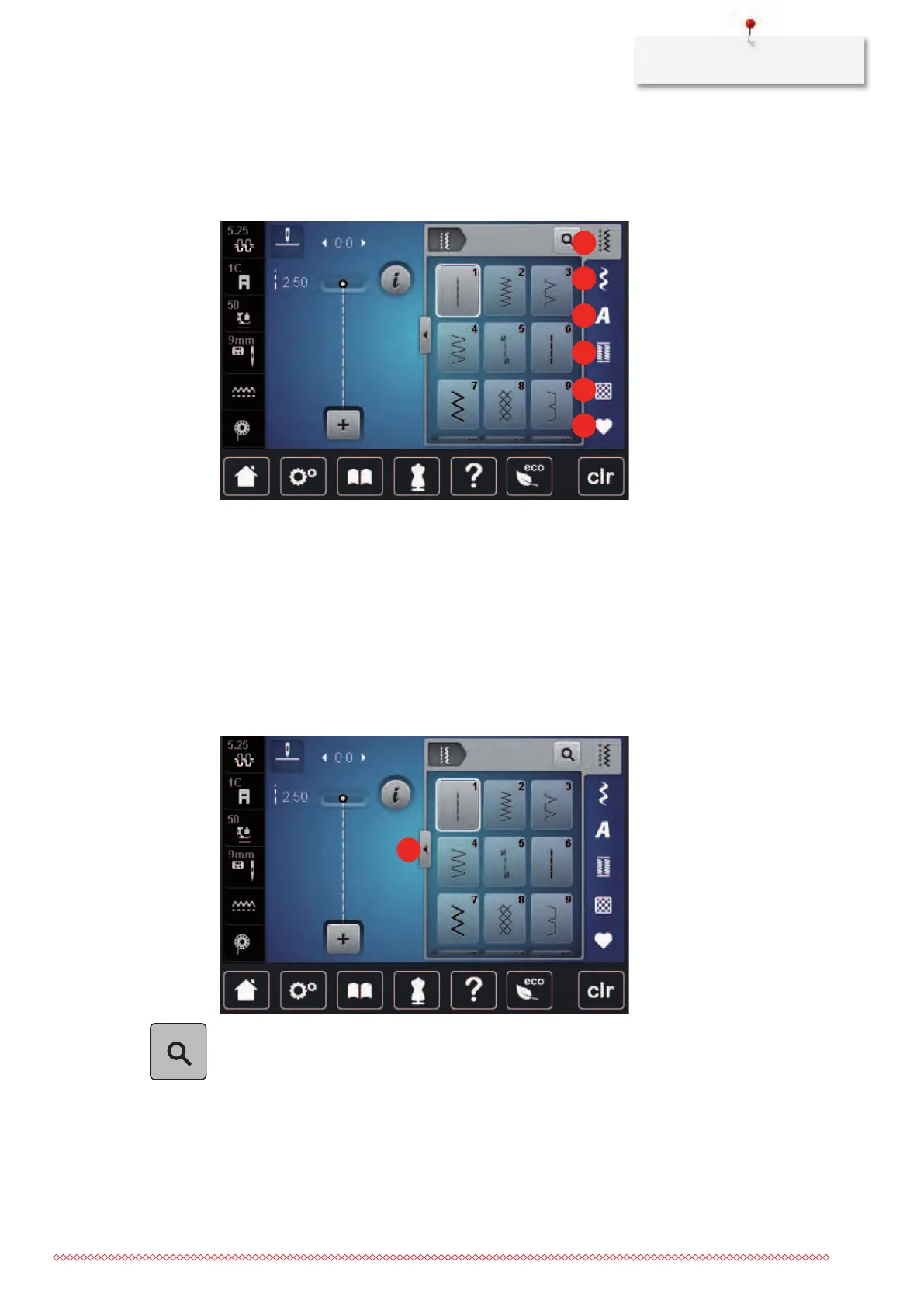
Overview selection menu sewing
1 Practical stitches 4 Buttonholes
2 Decorative stitches 5 Quilt stitches
3 Alphabets 6 Personal Memory
Selecting a stitch pattern
> Select a stitch pattern, alphabet or buttonhole.
> With the touchscreen pen/finger scroll up within the range of the practical stitches, alphabets or
buttonholes to have more stitch patterns displayed.
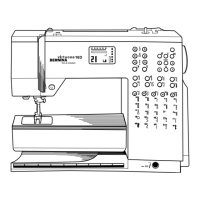
> Touch the icon «Display all the stitch patterns» (1) to scale up the view.
> Touch the icon «Display all the stitch patterns» (1) again to downsize the stitch pattern view.
> Touch the icon «Stitch pattern number entry» to select the stitch pattern via entering the stitch number.



 To Next Page