Creative embroidering
167
Checking the movability of the free arm
Please note: With tiny fabric tubes, deactivate the thread away in the Setup Program if necessary.
> Open the embroidery motif on the machine and edit as desired.
> Mark the embroidery motif position and the size on the fabric in a suitable way.
> Select the embroidery hoop as small as possible.
> Hoop or stick the fabric along with the appropriate stabilizer in the embroidery hoop, depending on the
stabilizer.
> Pull the fabric tube carefully over the free arm of the machine and attach the embroidery hoop at the
clutch of the embroidery module.
> If necessary, reposition the embroidery motif.
> Previously check whether the embroidery hoop can be moved forwards and backwards according to the
embroidery motif size.
> Touch the icon «Check embroidery motif size».
> After the successful check of the embroidery motif size, start the embroidery process.
15.10
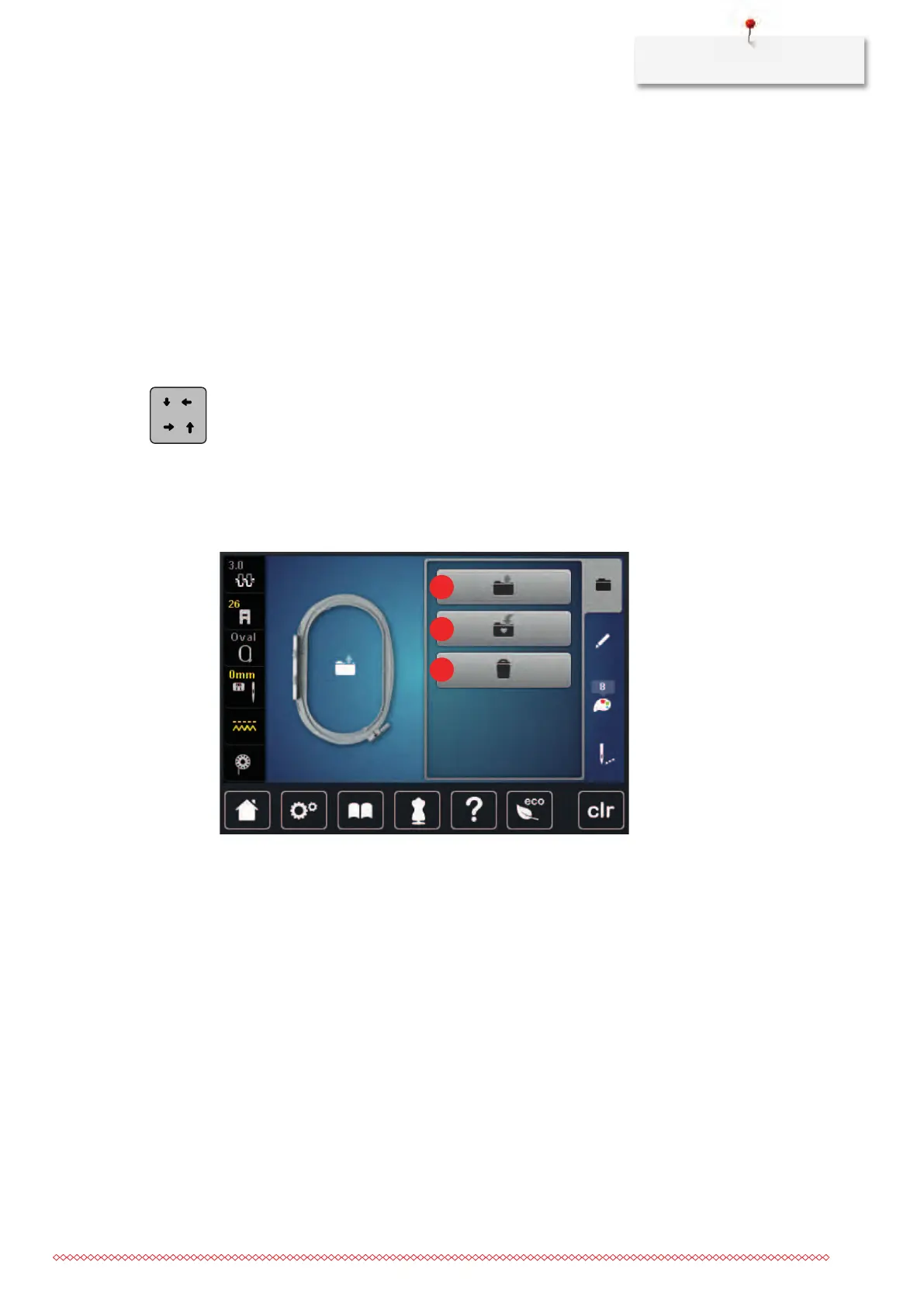
Administering embroidery motifs
Administering embroidery motifs
1 Loading the embroidery motif 3 Deleting
2 Saving the embroidery motif



 To Next Page