Preparation
41
Adjusting the presser foot pressure
With thick fabrics it is recommended to reduce the presser foot pressure. The advantage is that the
presser foot is slightly lifted so that the fabric can be moved more easily.
> Touch the icon «Presser foot pressure».
> Move the slide with the touchscreen pen or the finger to adjust the presser foot pressure.
> Touch the yellow-framed icon to reset the alterations to basic setting.
2.7 Adjusting the feed dog
> Touch the icon «Feed dog up/down»t o raise or lower the feed dog according to the animation.
2.8 Checking the filling level of the bobbin thread
The remaining bobbin thread is indicated on the display.
> Touch the icon «Filling level of bobbin thread».
> Thread the bobbin thread according to the animation.
2.9 Needle and stitch plate
Adjusting the needle position up/down
> Press the button «Needle up/down» to lower the needle.
> Press the button «Needle up/down» again to raise the needle.
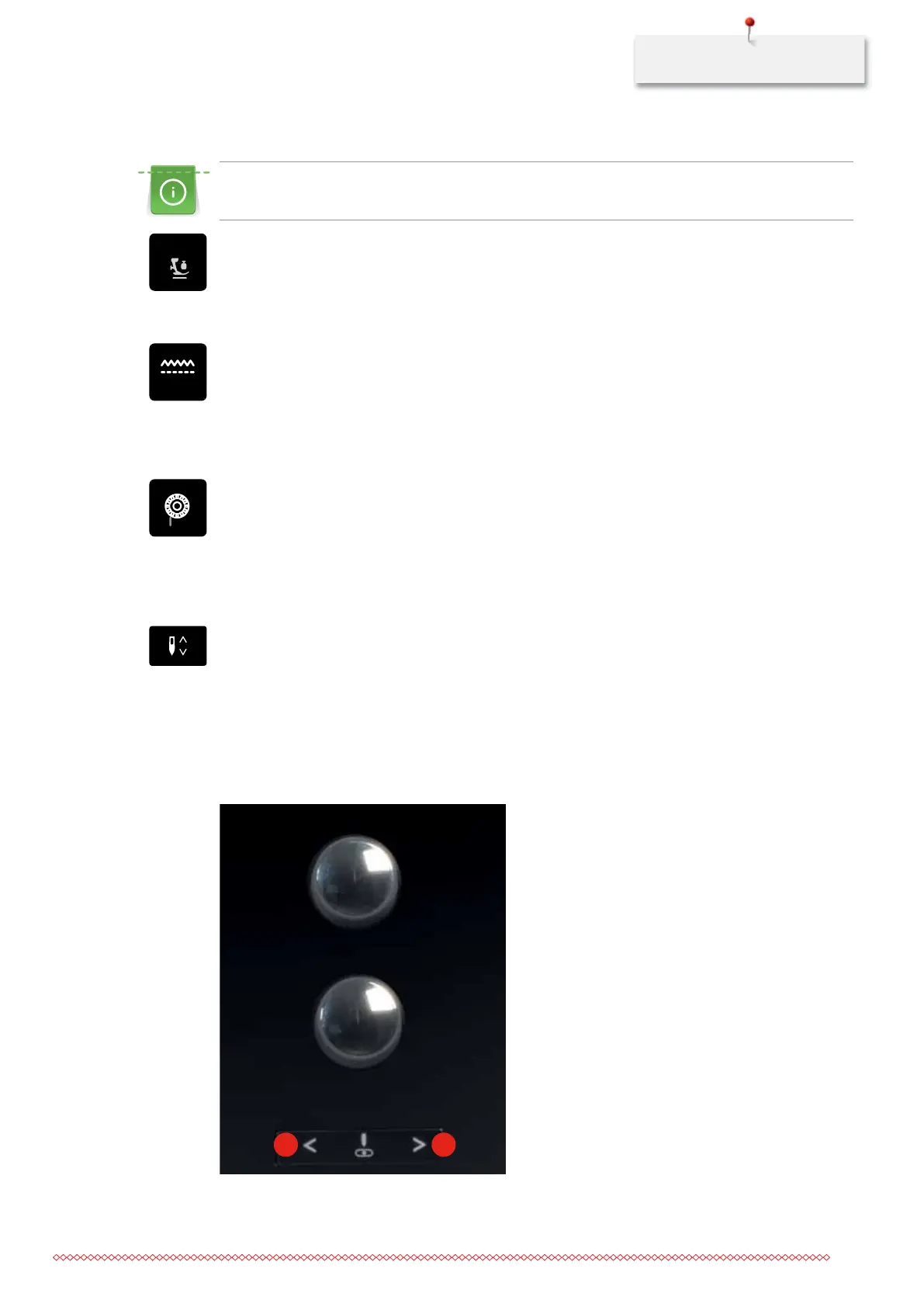
Adjusting the needle position left/right
There is a total of 11 needle positions. The needle position is indicated by the needle position number in the
display.
> Press the button «Needle left» (1) to move the needle to the left.
> Press the button «Needle right» (2) to move the needle to the right.
1 2
035964.50.04_2014-08_Manual_B790_EN



 To Next Page