84
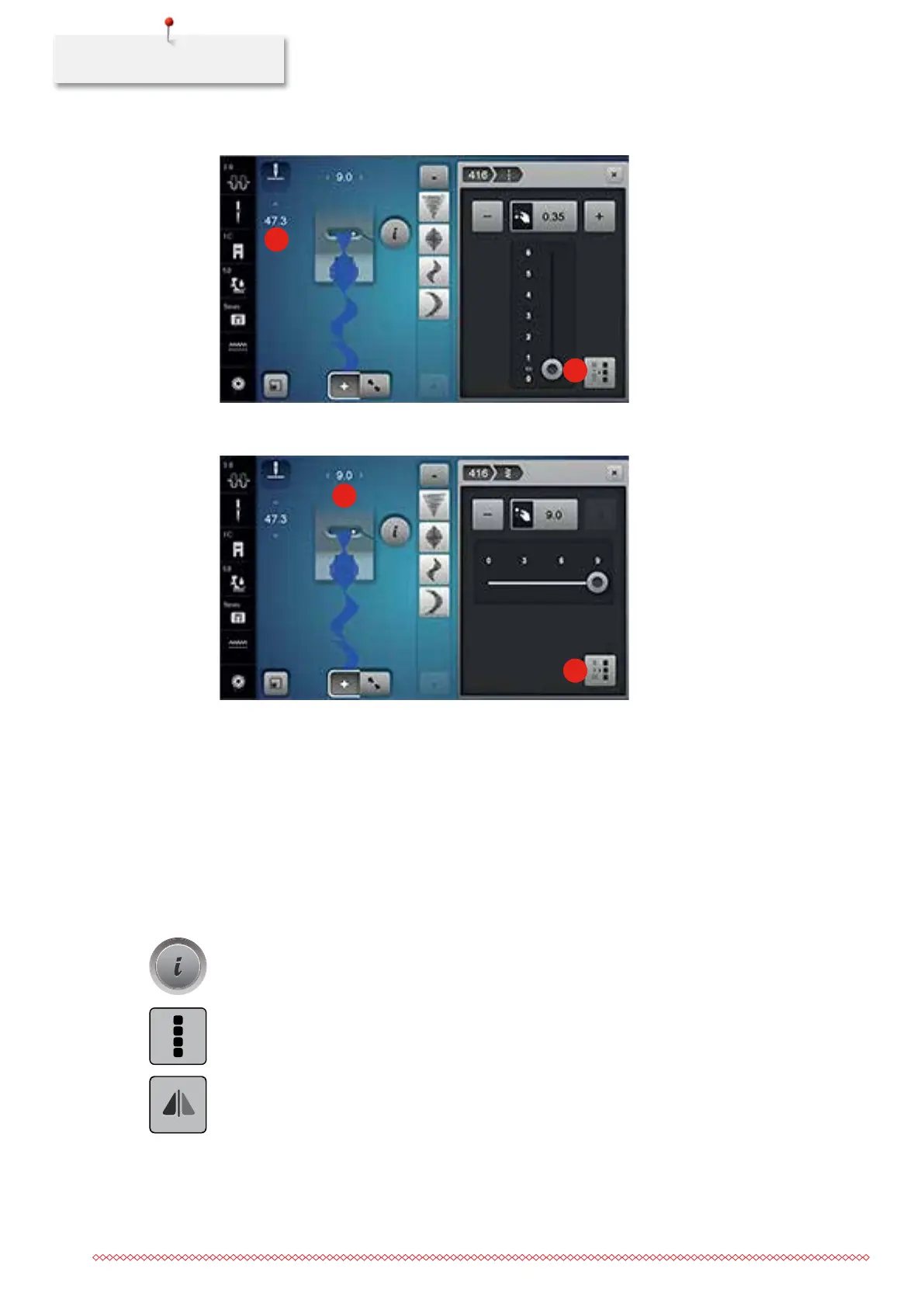
> Touch the icon «Adjusting the length within a combination» (2).
1
2
> Touch the icon «Stitch width of the current stitch pattern» (3).
> Touch the icon «Adjusting the width within a combination» (4).
3
4
> Turn the «Upper Multifunctional knob» to the left to reduce the width of the stitch pattern combination
proportionally.
> Turn the «Upper Multifunctional knob» to the right to enlarge the width of the stitch pattern
combination proportionally.
> Turn the «Lower Multifunctional knob» to the left to reduce the length of the stitch pattern combination
proportionally.
> Turn the «Lower Multifunctional knob» to the right to enlarge the length of the stitch pattern
combination proportionally.
Mirroring a stitch pattern combination
> Create a stitch pattern combination.
> Touch the icon «i»-Dialog.
> Touch the icon «Editing the whole combination».
> Touch the icon «Mirror image left/right» to mirror the whole stitch pattern combination from the left to
the right.
> Touch the icon «Mirror image left/right» again to reset the alterations to basic setting.
035964.50.04_2014-08_Manual_B790_EN



 To Next Page