Preparation
35
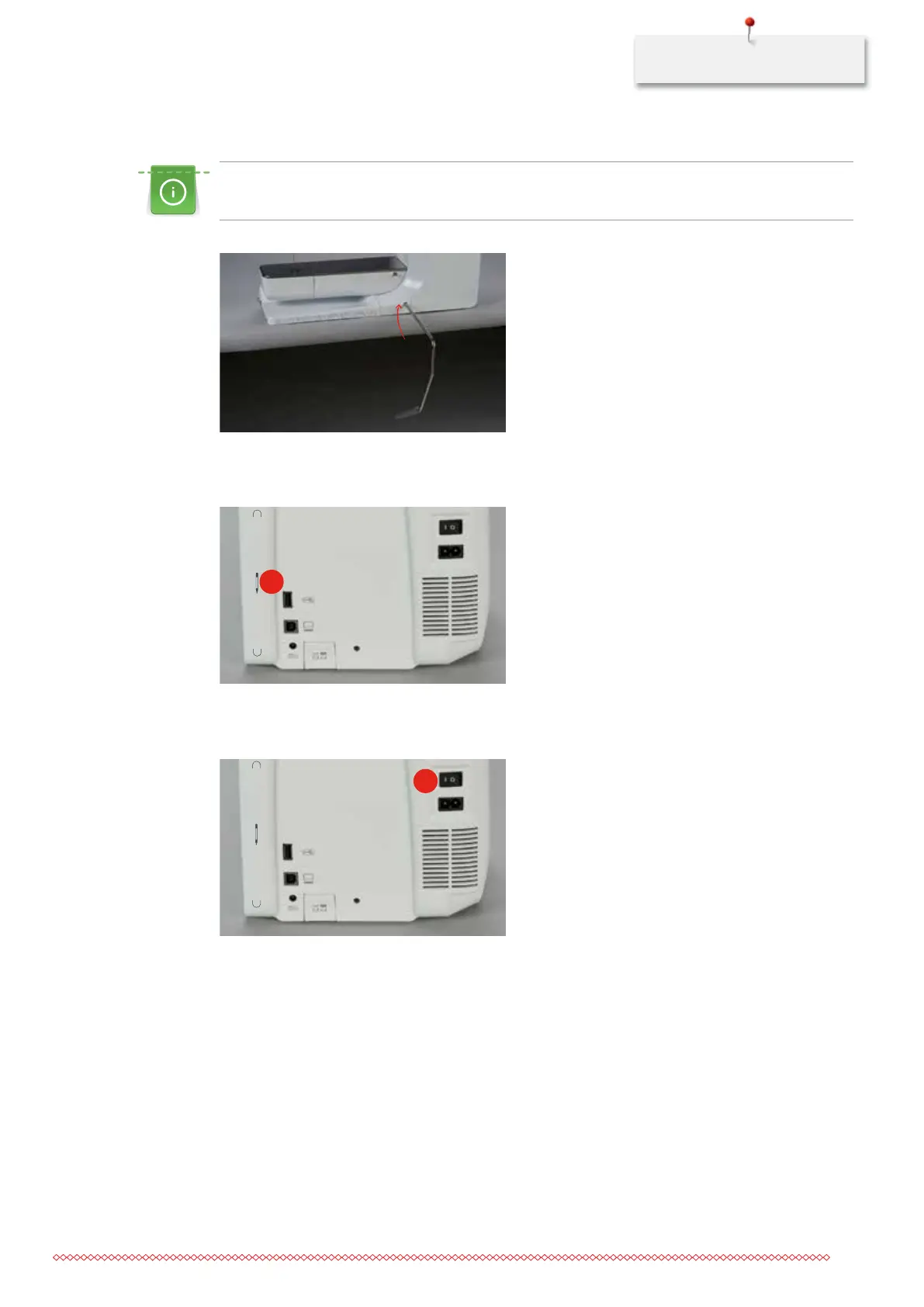
Attaching the lever of the Free Hand System
The lateral position of the lever can be adjusted by your local BERNINA Dealer required.
> Insert the FHS lever into the opening at the front side of the machine.
Fixing the touchscreen pen
> Store the touchscreen pen at the magnet holder (1).
1
Switching the machine on
> Switch the main power switch to (1) «I».
1
2.3 Foot control
Sewing speed control
With the foot control the sewing speed can be adjusted steplessly.
> Press the foot control down carefully to start the machine.
> To sew faster, press the foot control harder.
035964.50.04_2014-08_Manual_B790_EN



 To Next Page