157
Relocating the embroidery motif
> Select an embroidery motif.
> Touch the icon «i»-Dialog.
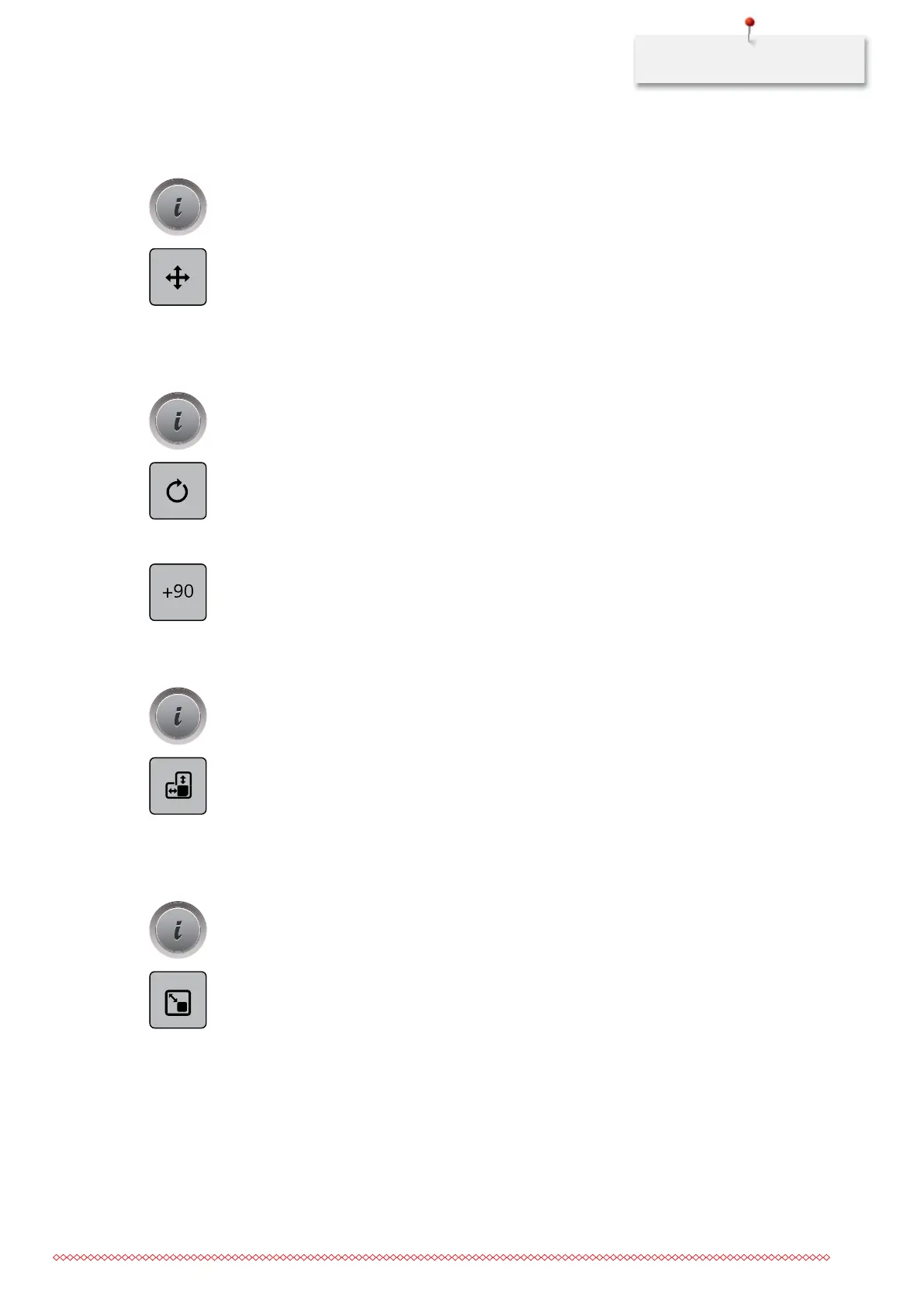
> Touch the icon «Relocating the embroidery motif».
> Turn the «Upper Multifunctional knob» to move the embroidery motif horizontally.
> Turn the «Lower Multifunctional knob» to move the embroidery motif vertically.
> Touch the yellow-framed icon to reset the alteration to basic setting.
Rotating the embroidery motif
> Select an embroidery motif.
> Touch the icon «i»-Dialog.
> Touch the icon «Rotating the embroidery motif».
> Turn the «Upper Multifunctional knob» or the «Lower Multifunctional knob» to the right to rotate the
embroidery motif clockwise.
> Turn the «Upper Multifunctional knob» or the «Lower Multifunctional knob» to the left to rotate the
embroidery motif counter-clockwise.
> Touch the icon «Rotating the embroidery motif +90°» to rotate the embroidery motif in 90°-steps.
> Touch the yellow-framed icon to reset the alteration to basic setting.
Altering the size
> Select an embroidery motif.
> Touch the icon «i»-Dialog.
> Touch the icon «Altering the embroidery motif in height/width».
> Turn the «Upper Multifunctional knob» to alter the embroidery motif horizontally.
> Turn the «Lower Multifunctional knob» to alter the embroidery motif vertically.
> Touch the yellow-framed icon to reset the alteration to basic setting.
Altering the size proportionally
> Select an embroidery motif.
> Touch the icon «i»-Dialog.
> Touch the icon «Altering the embroidery motif proportionally».
> Turn the «Upper Multifunctional knob» or the «Lower Multifunctional knob» to the right to increase the
size of the embroidery motif proportionally.
> Turn the «Upper Multifunctional knob» or the «Lower Multifunctional knob» to the left to decrease the
size of the embroidery motif proportionally.
> Touch the yellow-framed icon to reset the alteration to basic setting.
035964.50.04_2014-08_Manual_B790_EN



 To Next Page