28
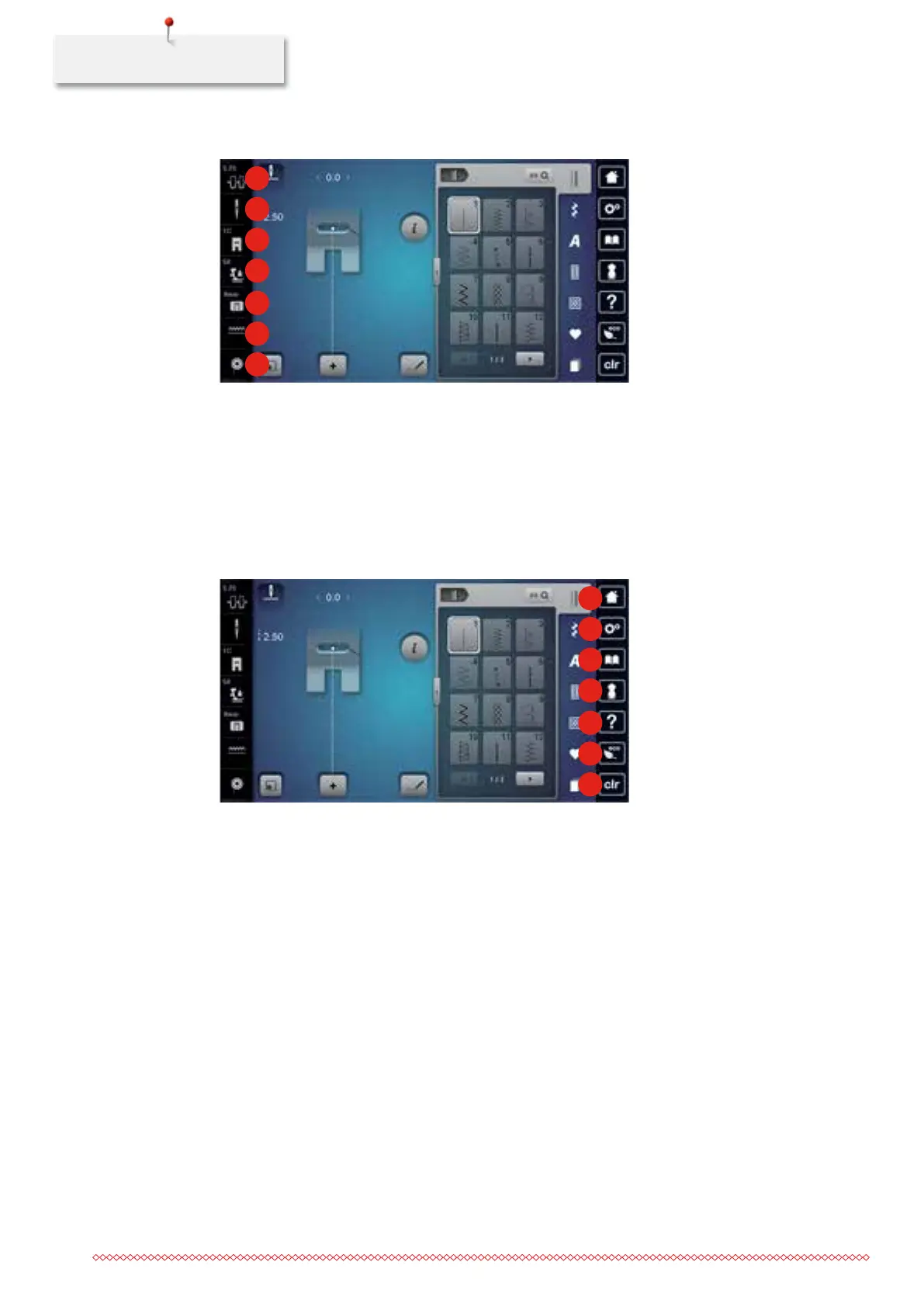
1.6 Overview Selection Menu on the left (External Functions/Views)
1
2
3
4
5
6
7
1 Upper thread tension 5 Stitch plate selection
2 Needle selection 6 Feed dog up/down
3 Presser foot indicator/Presser foot selection 7 Filling level of bobbin thread
4 Presser foot pressure
1.7 Overview Selection Menu on the right (System settings)
1
2
3
4
5
6
7
1 Home 5 Help
2 Setup Program 6 eco mode
3 Tutorial 7 Back to basic setting
4 Creative Consultant
035964.50.04_2014-08_Manual_B790_EN



 To Next Page