62
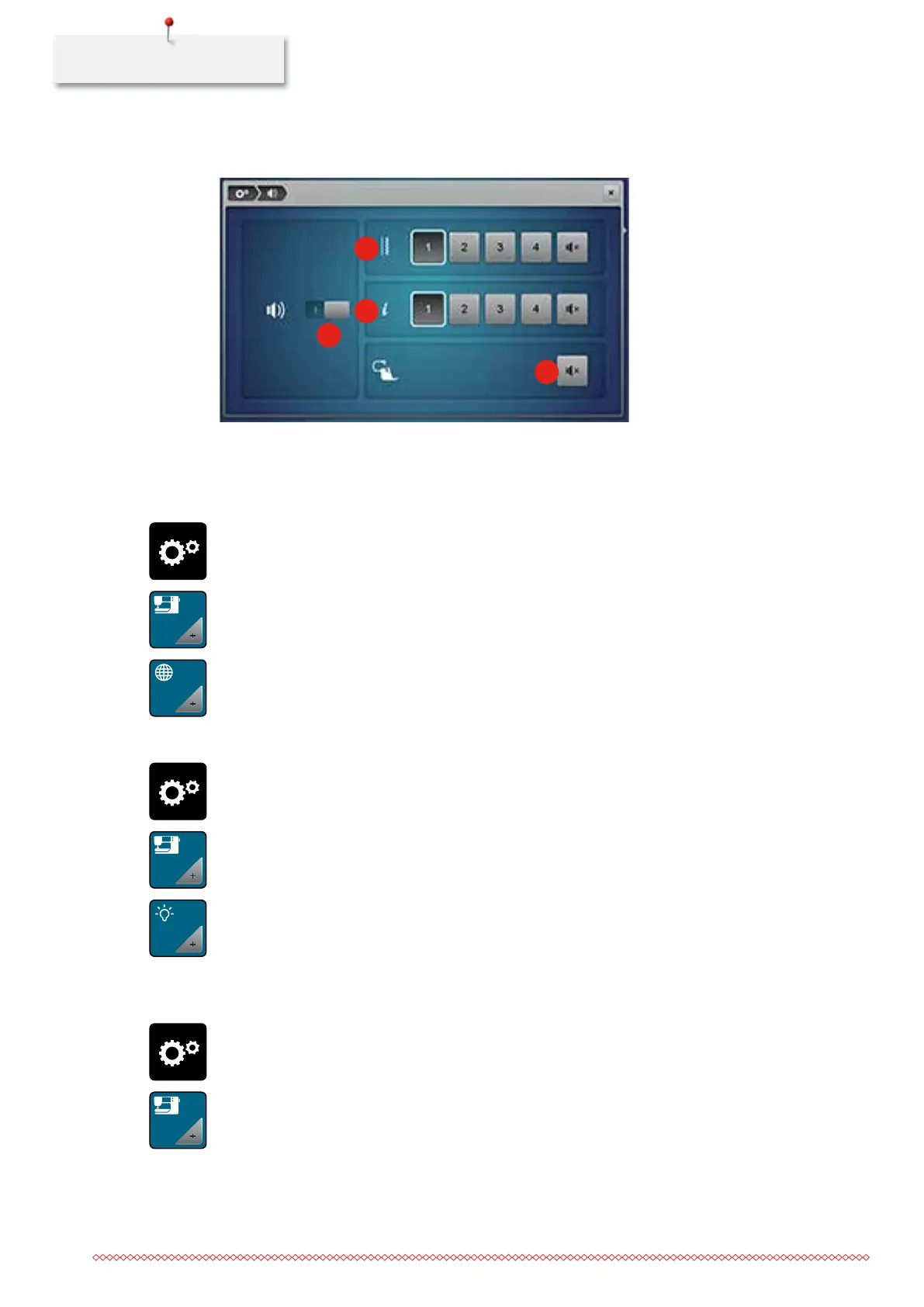
> In the section (4) touch the icon «Loudspeaker» again to activate the signal when using the BSR modes.
1
2
3
4
3.6 Machine settings
Selecting a language
> Touch the icon «Setup Program».
> Touch the icon «Machine settings».
> Touch the icon «Language selection».
> Select a language.
Adjusting the brightness of the display
> Touch the icon «Setup Program».
> Touch the icon «Machine settings».
> Touch the icon «Display settings».
> Move the slide in the upper portion of the display using the touchscreen pen or the finger to alter the
brightness of the display.
> Touch the yellow-framed icon to reset the alteration to basic setting.
Adjusting the sewing light
> Touch the icon «Setup Program».
> Touch the icon «Machine settings».
035964.50.04_2014-08_Manual_B790_EN



 To Next Page