154
Activating the grid
When the center of the hoop and the grid are displayed, the embroidery motif can be positioned more
exactly.
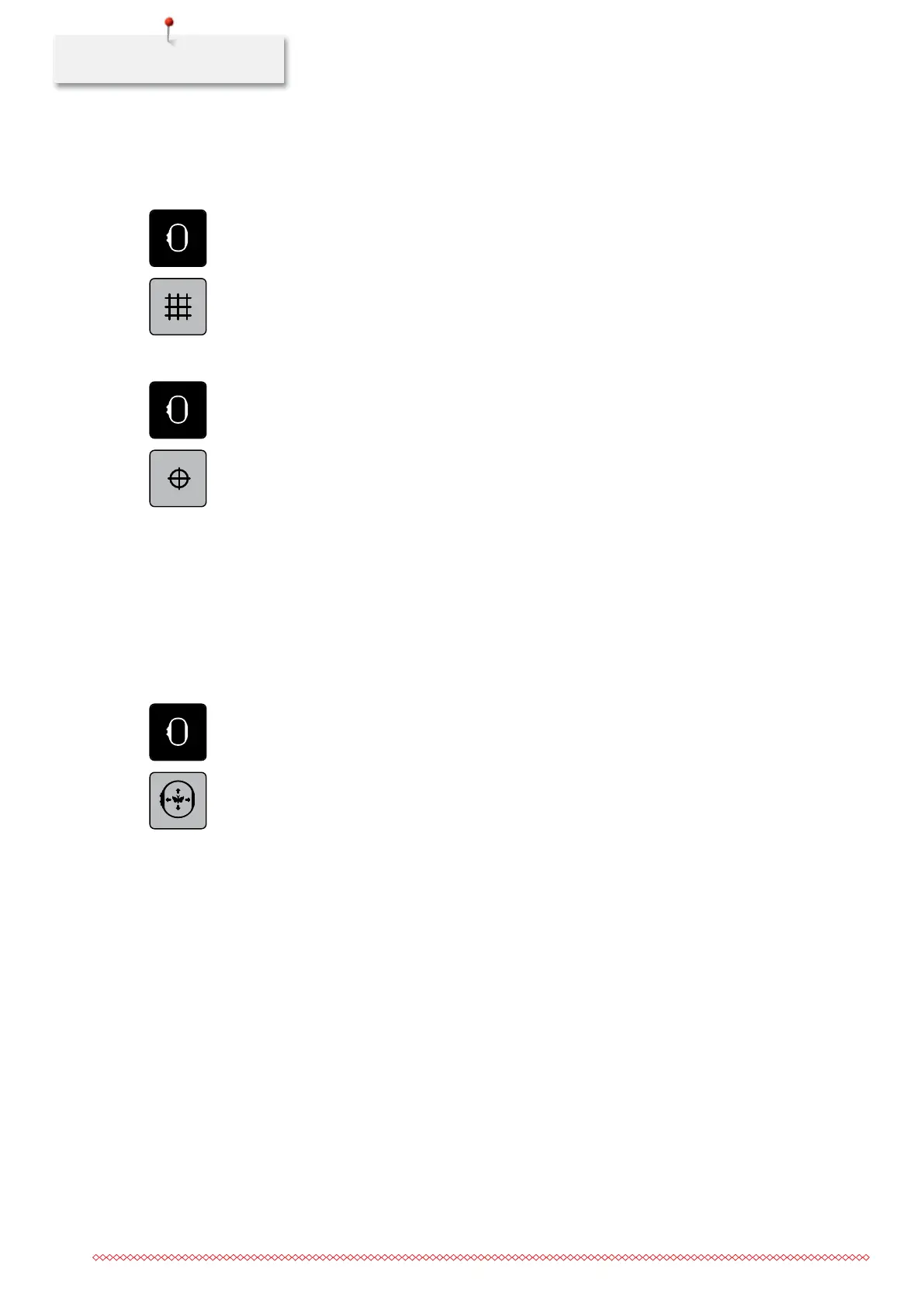
> Touch the icon «Hoop display/Hoop selection».
> Touch the icon «Grid on/off» to display the center of the hoop on the display.
> Touch the icon «Grid on/off» again to display the grid.
> Touch the icon «Grid on/off» again so that the center of the hoop and the grid disappear.
Locating the center of the embroidery motif
> Touch the icon «Hoop display/Hoop selection».
> Touch the icon «Center of the embroidery motif» to position the hoop so that the needle is placed
exactly over the center of the embroidery motif.
> Touch the icon «Center of the embroidery motif» again to position the hoop so that the needle is placed
exactly over the motif start.
Relocating the hoop
The hoop is moved automatically to a new position when the embroidery motif is repositioned. That's why
the icon «Virtual positioning» is automatically activated and outlined in yellow, as soon as the hoop is
attached. If no hoop is attached, the icon «Virtual positioning» cannot be selected.
Prerequisite:
• The hoop is attached.
> Touch the icon «Hoop display/Hoop selection».
> Touch the icon «Virtual positioning» to deactivate the automatic movement of the hoop when having
repositioned the embroidery motif.
> Touch the icon «Virtual positioning» again to activate the automatic movement of the hoop when having
repositioned the embroidery motif.
035964.50.04_2014-08_Manual_B790_EN



 To Next Page