83
Relocating a single stitch pattern
The connecting stitches between the stitch patterns are added automatically.
> Create a stitch pattern combination.
> Touch the icon «Editing mode».
> With the touchscreen pen or the finger touch the desired position within the stitch pattern combination.
> Touch the icon «i»-Dialog.
> Touch the icon «Relocating the stitch pattern».
> Move the stitch pattern with the touchscreen pen or the finger.
> Touch the yellow-framed icons to reset the alterations to basic setting.
Adding a single stitch pattern
The new stitch pattern is always added after the selected stitch pattern.
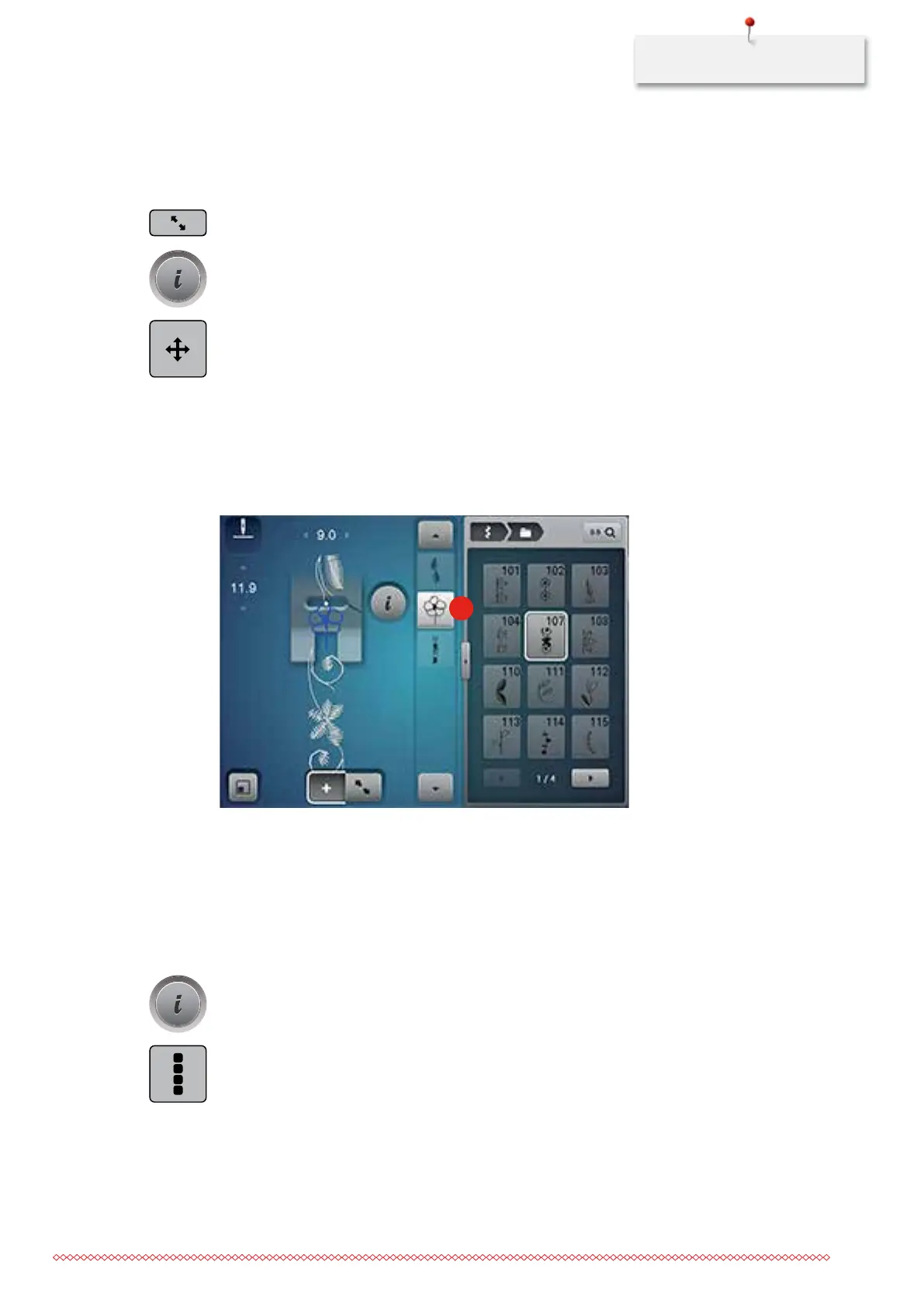
> Create a stitch pattern combination.
> With the touchscreen pen or the finger touch the desired position (1) within the stitch pattern
combination to select a single stitch pattern.
1
> Select a new stitch pattern.
Aligning the stitch length and width
The length and width of all the stitch patterns in a stitch pattern combination can be aligned with the
longest and the widest stitch pattern. Moreover the length and the width of a stitch pattern combination can
be enlarged or reduced proportionally.
> Create a stitch pattern combination.
> Touch the icon «i»-Dialog.
> Touch the icon «Editing the whole combination».
> Touch the icon «Stitch length of the current stitch pattern» (1).
035964.50.04_2014-08_Manual_B790_EN



 To Next Page