82
Editing a single stitch pattern
> Create a stitch pattern combination.
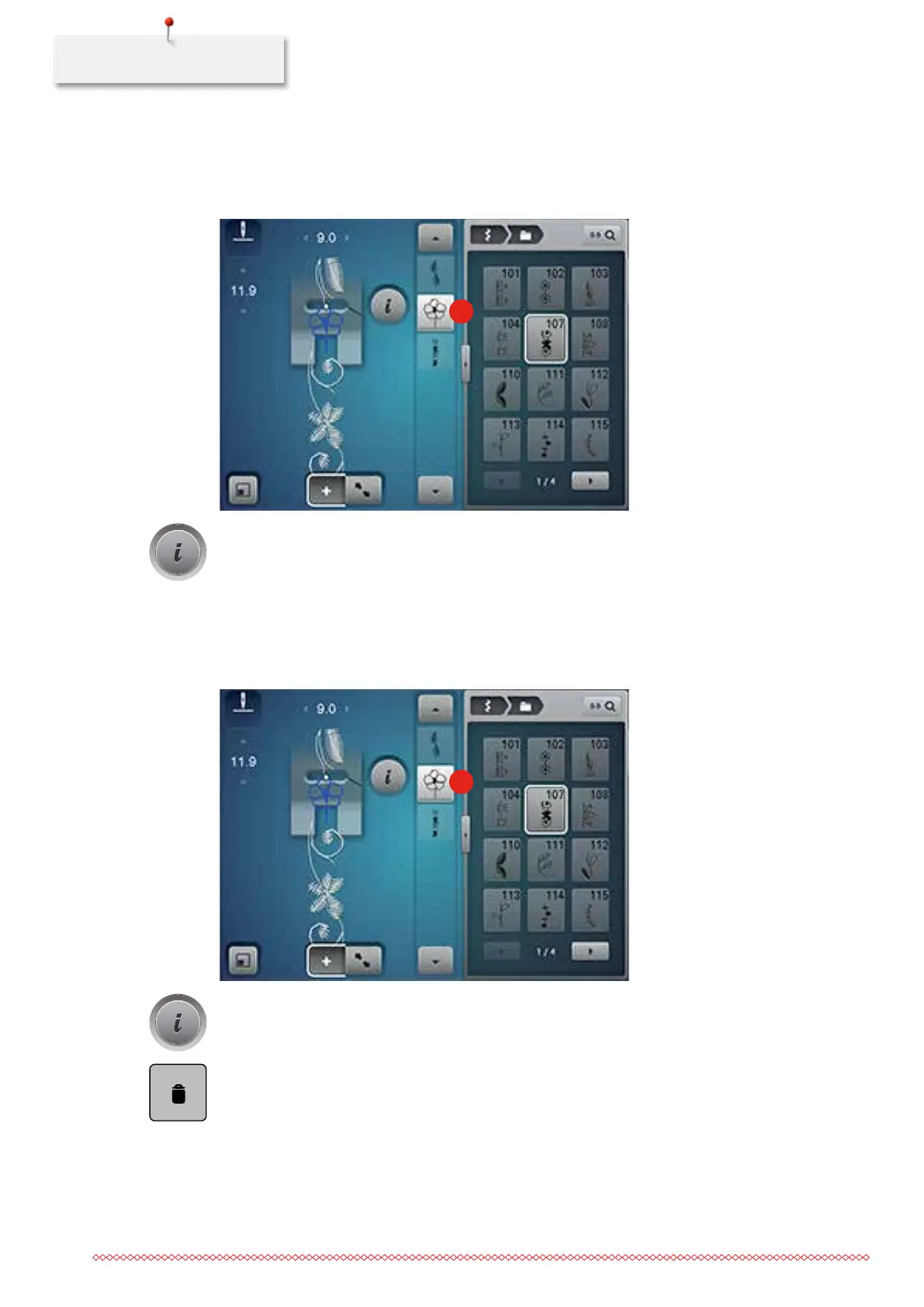
> With the touchscreen pen or the finger touch the desired position (1) within the stitch pattern
combination to select a single stitch pattern.
1
> Touch the icon «i»-Dialog to edit the single stitch pattern.
Deleting a single stitch pattern
> Create a stitch pattern combination.
> With the touchscreen pen or the finger touch the desired position (1) within the stitch pattern
combination to select a single stitch pattern.
1
> Touch the icon «i»-Dialog.
> Touch the icon «Delete» or select the desired stitch pattern with the touchscreen pen or the finger, keep
pressed and move it to the right.
035964.50.04_2014-08_Manual_B790_EN



 To Next Page