152
> Lower the feed dog (1).
1
> Attach the stitch plate CutWork/Straight (see page 148).
> Insert the needle (see page 146).
> Attach the Embroidery foot No. 26 (see page 145).
> Touch the icon «Home».
> Touch the icon «Embroidery mode».
> Select an alphabet, embroidery motif, stitch pattern or a personal embroidery motif from a file.
11.7 Embroidery hoop
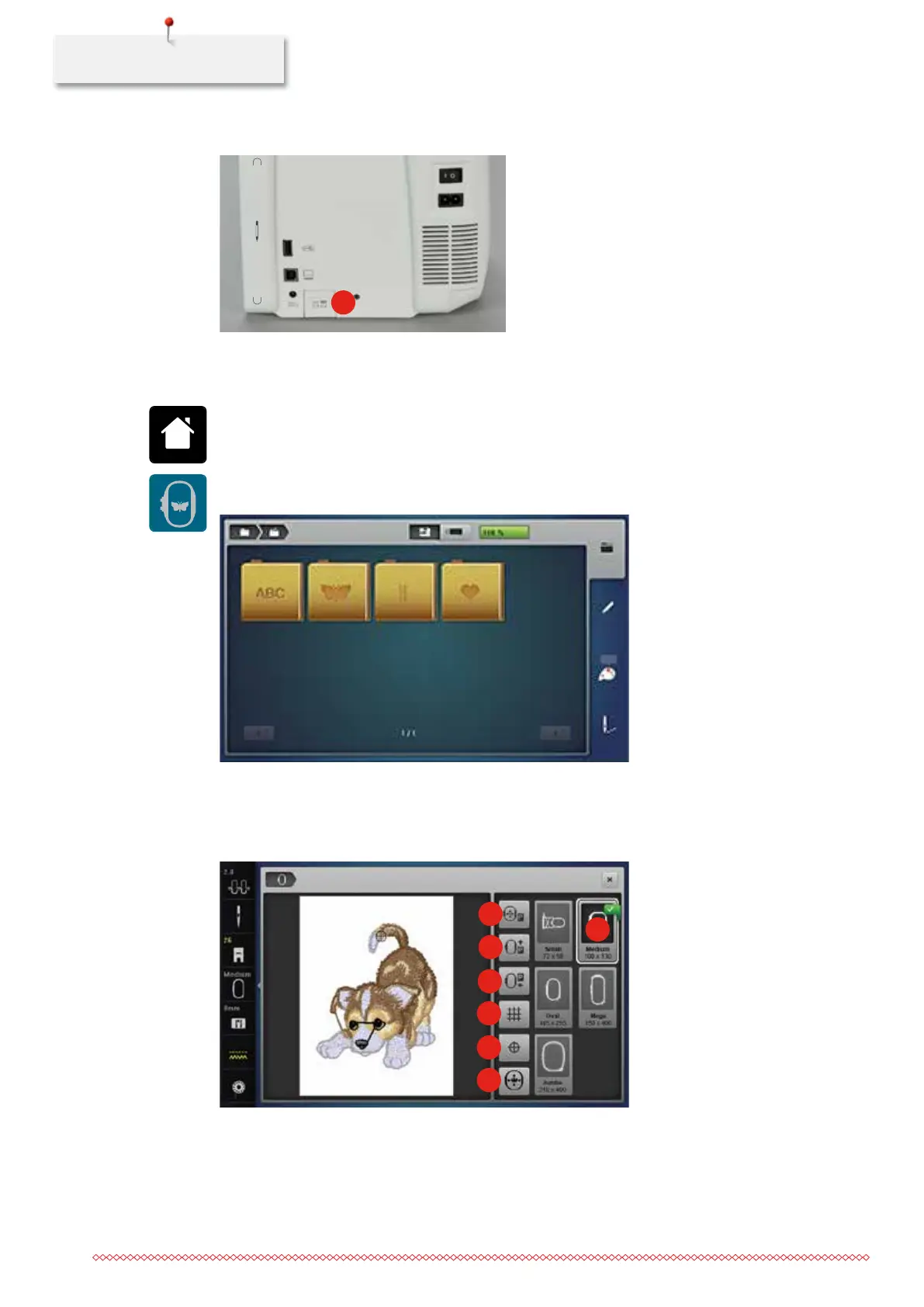
Overview Embroidery hoop selection
1
2
3
4
5
6
7
1 Moving the hoop to the left 5 Motif center
2 Moving the hoop to the back 6 Virtual positioning
3 Moving the module for the sewing mode 7 Hoop selection
4 Grid on/off
035964.50.04_2014-08_Manual_B790_EN



 To Next Page